




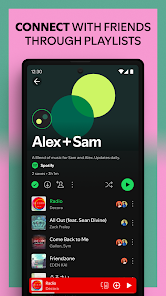
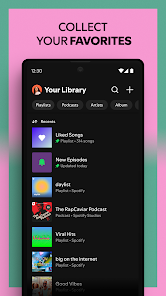
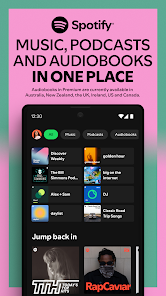
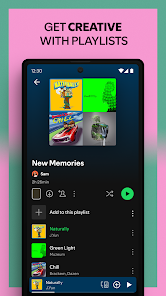


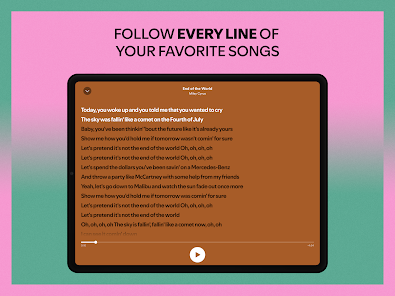

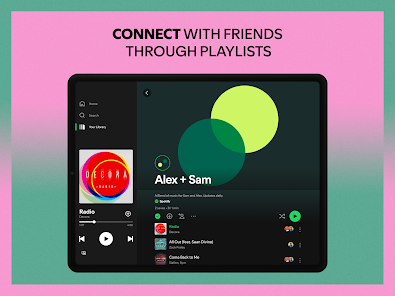
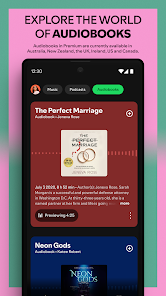

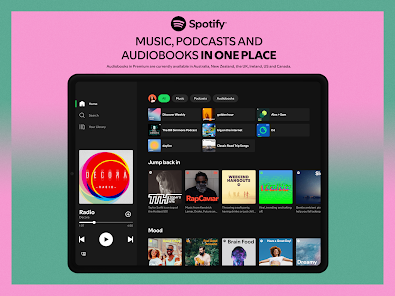
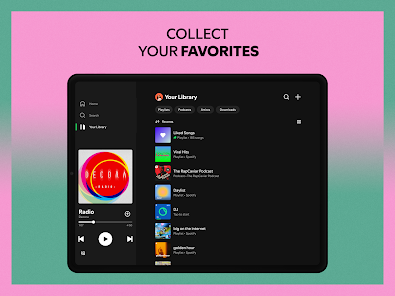

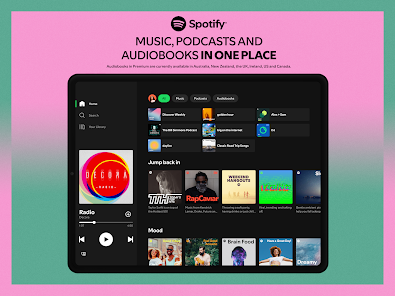
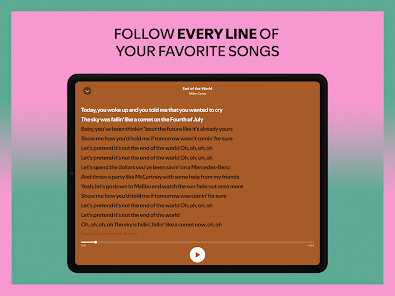

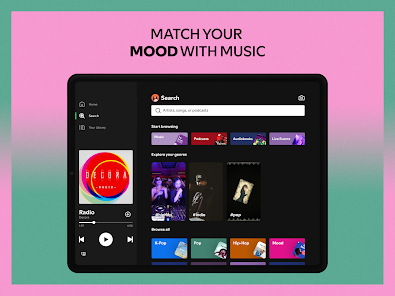
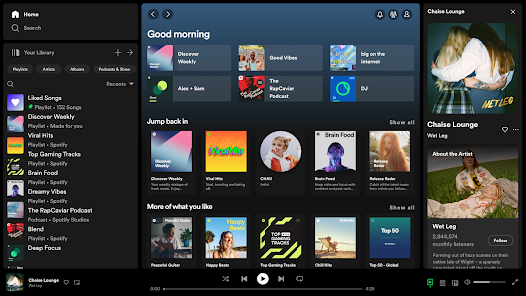
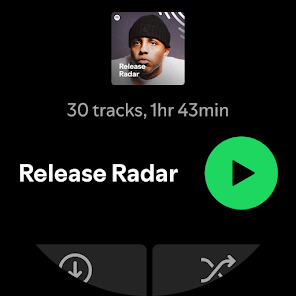
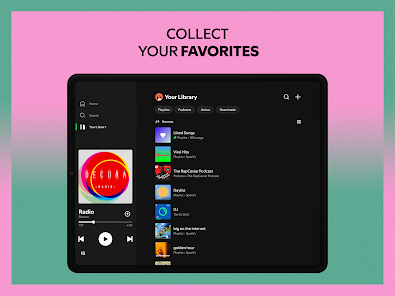
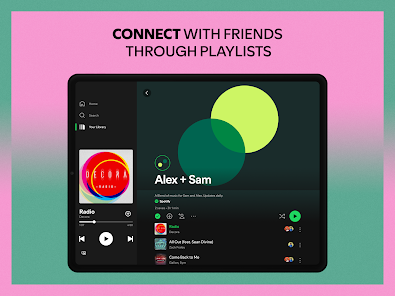

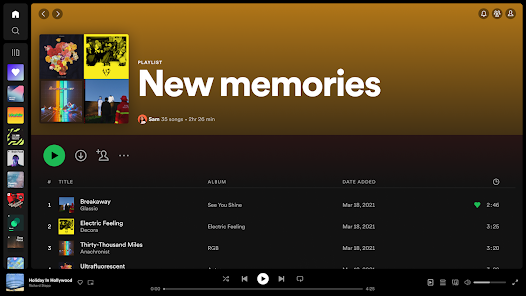
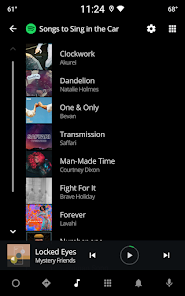
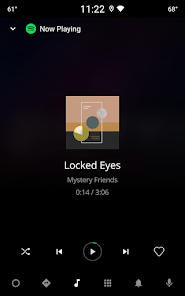
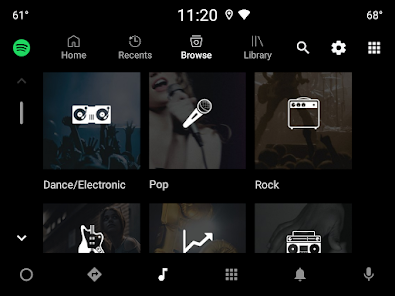
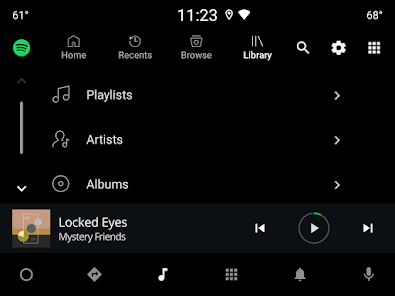
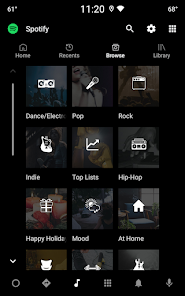
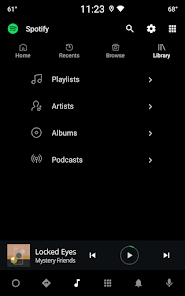
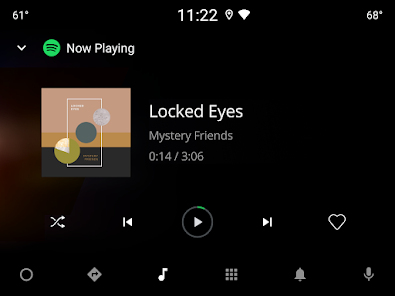
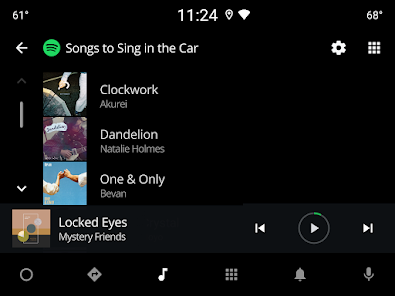
Spotify: Music and Podcasts offers a vast library of over 70 million tracks, allowing users to explore a diverse range of music genres and styles. The app provides personalized playlists, such as Discover Weekly and Release Radar, which curate music based on individual listening habits. Users can also create and share their own playlists, making it easy to compile favorite songs or discover new ones through friends' recommendations.
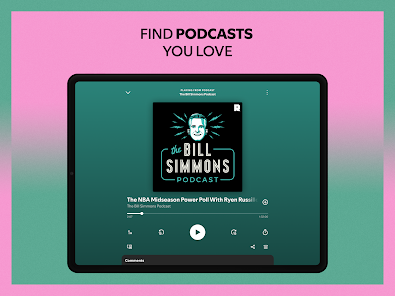
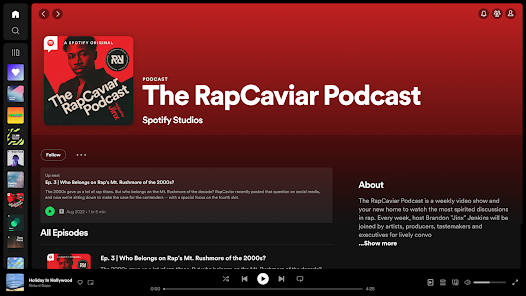
In addition to music, Spotify features a wide array of podcasts covering various topics, from true crime to comedy. The app's user-friendly interface allows for easy navigation, enabling users to search for specific songs, artists, or podcasts effortlessly. Spotify also offers offline listening, allowing users to download their favorite tracks and enjoy them without an internet connection. Furthermore, the app supports cross-platform functionality, meaning users can seamlessly switch between devices while maintaining their playlists and listening history.
With its social sharing capabilities, users can connect with friends and see what they are listening to in real-time, enhancing the overall music discovery experience. Spotify also provides high-quality audio streaming options, ensuring that users enjoy their music in the best possible quality.
To get started with Spotify: Music and Podcasts, first, download the app from the App Store or Google Play Store, or access it via a web browser. After installation, create an account using your email address or connect through social media platforms like Facebook. Once registered, you can choose between a free version with ads or a premium subscription that offers an ad-free experience and additional features.
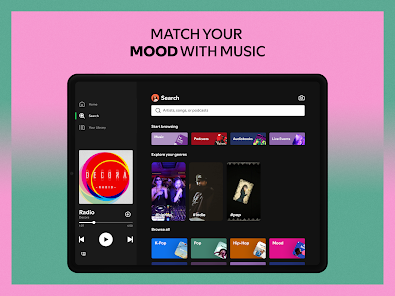
After setting up your account, explore the app's interface to discover music and podcasts. Use the search bar to find specific artists, albums, or podcast titles. You can browse curated playlists, charts, and recommendations tailored to your listening preferences. To create your own playlists, simply select songs and add them to a new or existing playlist. For offline listening, download your favorite tracks by toggling the download option in the playlist settings.
Engage with the community by following friends and sharing your playlists. You can also explore Spotify's social features, such as collaborative playlists, where multiple users can contribute songs. Regularly check the "Home" tab for personalized recommendations and updates on new releases, ensuring you stay connected to the latest music trends.
Spotify: Music and Podcasts comes with several advantages that make it a popular choice among music lovers. One of the main pros is its extensive library, which includes millions of songs and a wide variety of podcasts, catering to diverse tastes. The personalized playlists and recommendations enhance the user experience, making it easy to discover new music. Additionally, the app's user-friendly interface and cross-platform compatibility allow for seamless access across devices, whether on a smartphone, tablet, or desktop.
However, there are some drawbacks to consider. The free version of Spotify includes ads, which can interrupt the listening experience. Moreover, the offline listening feature is only available to premium subscribers, limiting access for free users. Some users may also find that the app's algorithm occasionally suggests music that doesn't align with their preferences. Lastly, while Spotify offers high-quality audio streaming, the best sound quality is reserved for premium users, which may deter those who prefer a free option.
In summary, while Spotify: Music and Podcasts provides a rich and engaging platform for music and podcast enthusiasts, potential users should weigh the pros and cons to determine if it meets their needs and preferences.

 Vast library of songs and podcasts available anytime. Personalized playlists tailored to your listening habits. Discover new artists and genres easily with recommendations. Offline listening allows music access without internet. User-friendly interface enhances your overall experience.
 Limited offline listening options for free users Ad-supported version interrupts music with ads Music catalog may lack some popular titles Algorithmic recommendations can feel repetitive
  Google Play
  App Store
 Yes, Spotify: Music and Podcasts collects personal data, including user preferences and listening habits, to enhance the user experience and provide personalized recommendations. Users can review and manage their data privacy settings within the app.
Yes, Spotify: Music and Podcasts offers a free version with ads and limited features, as well as a free trial for its premium subscription that allows users to experience the full range of features without ads.
While Spotify: Music and Podcasts primarily requires an internet connection for streaming, users can download songs and podcasts for offline listening with a premium subscription.
You can contact Spotify support through their official website, where you can access help articles, submit a support request, or use community forums to share feedback and ask questions.
You can manage or cancel your Spotify: Music and Podcasts subscription through your account settings on the Spotify app or website, where you can follow the prompts to make changes to your subscription.
You can reach Spotify customer service through their official website, in the app, or via social media. Look for the "Help" section for more options.
Go to the Spotify login page, click "Forgot your password?" and follow the instructions to reset it via email.
If you have a Spotify Premium code, log in, go to "Account," and select "Redeem." Enter the code to activate your subscription.
Open the Spotify app or website, click "Log In," and enter your email or username and password.
Yes, Spotify offers a chat support option on their website under the "Help" section for immediate assistance.



















