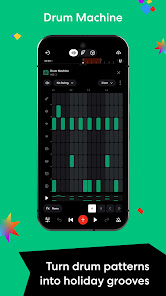
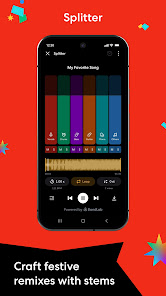
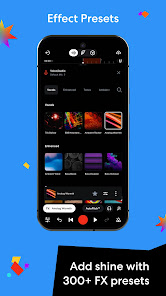
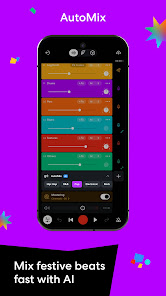
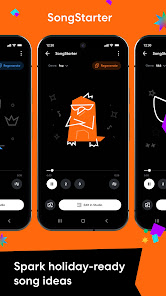
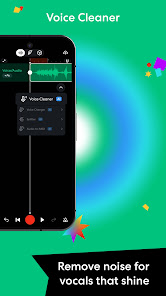
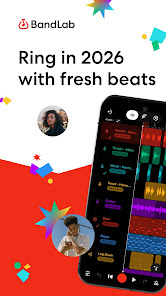
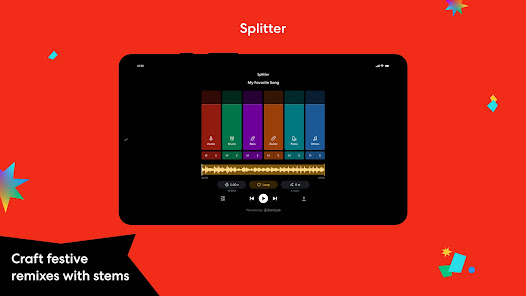
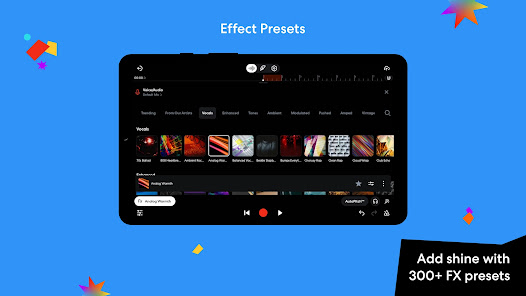
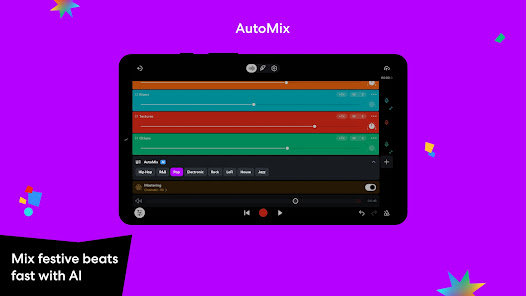
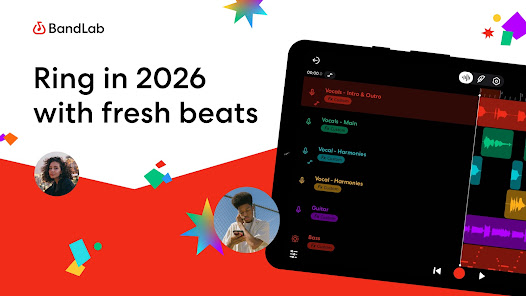
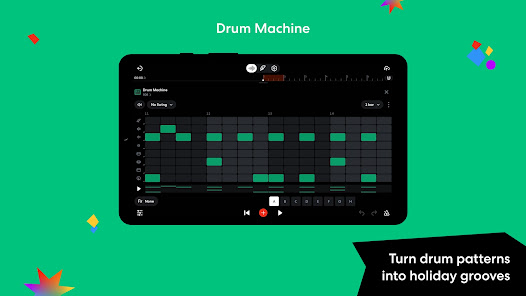
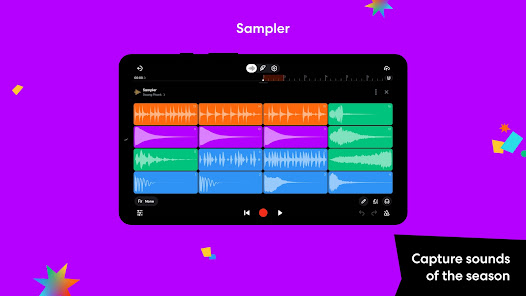
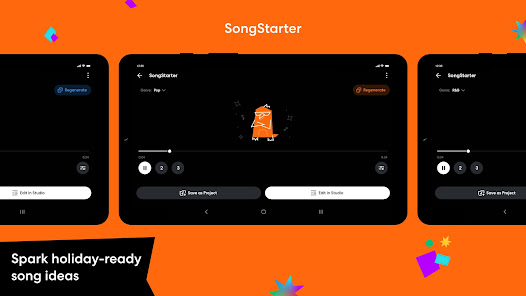
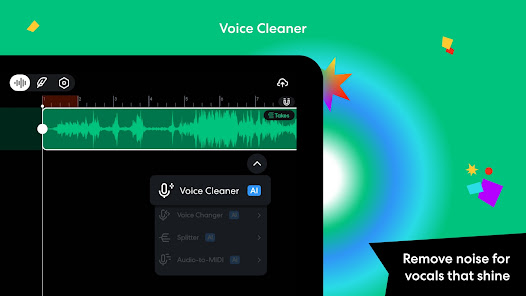
BandLab is a music creation and sharing app that allows users to create, share, and collaborate on musical projects. It's been called 'the Spotify for Music” and it has quickly become one of the most popular music apps on the market. In this blog post, we will explore the basics of BandLab and what makes it such a powerful tool for music lovers everywhere. We'll also explore some of the features that make it an ideal platform for collaborative music making. So if you're in need of a new music creation platform, be sure to check out BandLab!
Features BandLab is a music creation and management app for iOS and Android devices. It offers users the ability to create and manage their music collections, share music with others, and more. BandLab also offers a variety of user-generated content including songs, albums, tracks, and remixes. Additionally, BandLab offers a community aspect where users can connect with others who are also interested in music creation or management. How to use Bandlab Mobile App To use the Bandlab mobile app, follow these steps: Download the Bandlab app from the App Store or Google Play, depending on your device. Open the app and sign in with your Bandlab account. If you don't have a Bandlab account, you can create one for free. Once you're signed in, you'll be taken to the Bandlab dashboard, which is the main hub for managing your projects and collaborating with other musicians. From the dashboard, you can access a range of features and tools to create, edit, and share your music. Some of the key features and tools available in Bandlab include: DAW: Use the DAW (digital audio workstation) to create and edit your music, using a range of virtual instruments, effects, and plugins. Social features: Use the social features to share your music with other musicians and music fans, and to collaborate with other musicians on projects. Music library: Use the music library to store and organize your music, and to access your music from any device. Mastering: Use the mastering tools to polish and finalize your tracks, and to make them ready for release. To access a specific feature or tool, simply tap on the relevant tab in the menu at the bottom of the screen. From there, you can use the various tools and features to create, edit, and share your music. Overall, Bandlab is a powerful and comprehensive tool for creating, editing, and sharing music. By following the steps outlined above, you can use Bandlab to create and collaborate on music projects, and to share your music with other musicians and music fans. Does it cost to use Bandlab? The Bandlab mobile app is free to download and use. You can download the app from the App Store or Google Play, and once you have it installed on your device, you can sign up for a free Bandlab account and start using the app. Bandlab offers a range of features and tools for creating, editing, and sharing music, and all of these features are available for free. You can use the app to create and edit music using the built-in DAW (digital audio workstation), and you can share your music with other musicians and music fans using the app's social features. Overall, it does not cost anything to use the Bandlab mobile app. The app is free to download and use, and it offers a range of features and tools for creating, editing, and sharing music. Whether you're a professional musician or a music enthusiast, you can use Bandlab to create and share your music with the world. Pros & Cons Pros: Can be used to create, manage, and share music with friends Has a wide variety of content to offer users Can be used for free or for a fee Cons: Many users have complained about the app's interface being difficult to use Some users have reported that the app does not always play music as expected

 User-friendly interface for easy music creation Collaborative features for real-time teamwork Extensive library of loops and samples available Cloud storage for access anytime, anywhere Cross-platform compatibility for seamless use
 Limited advanced editing features for professionals Audio quality may not match paid software Requires stable internet for optimal use Collaboration can be challenging with large teams
 Yes, BandLab collects certain personal data to enhance user experience and provide services, but it adheres to privacy policies designed to protect user information.
BandLab offers a completely free version that provides access to many of its features without any time limits, allowing users to create and share music without a subscription.
While BandLab offers some offline capabilities, an internet connection is generally required for full access to its features, including collaboration and saving projects to the cloud.
You can contact BandLab support or send feedback through the help section of the app or website, where you can find support articles and a contact form for inquiries.
You can manage or cancel your BandLab subscription through your account settings within the app or website, where you can find options for subscription management.
You can reach BandLab customer service through their support page on the app or website, where you can submit a request or find FAQs.
If you registered with an email, check your inbox for a verification email from BandLab and follow the link to activate your account.
BandLab does not provide a direct customer number; support is primarily through their online help center.
Open the BandLab app, tap 'Log In', and enter your email and password associated with your account.











 Google Play
  App Store