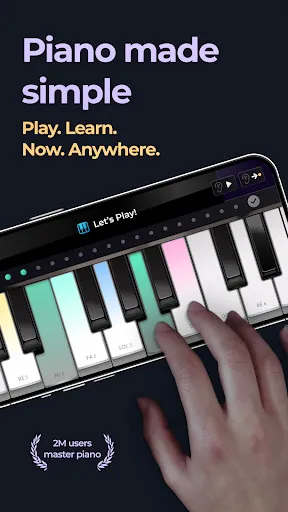
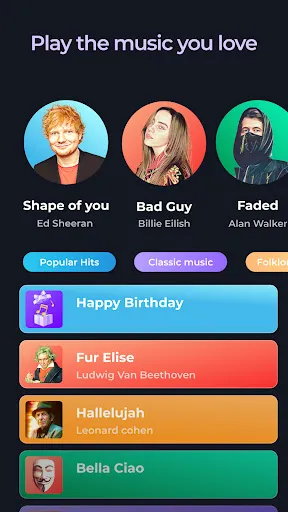
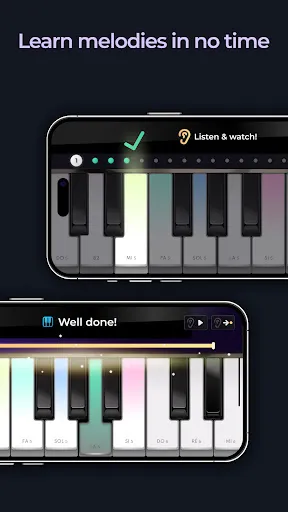
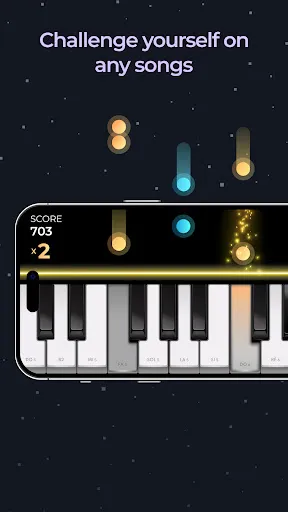

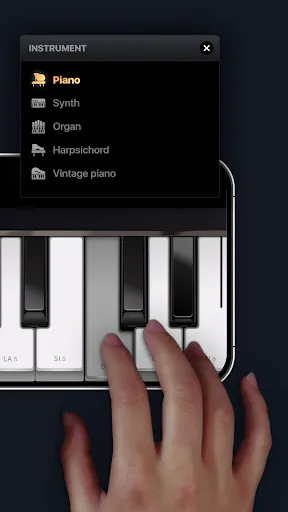
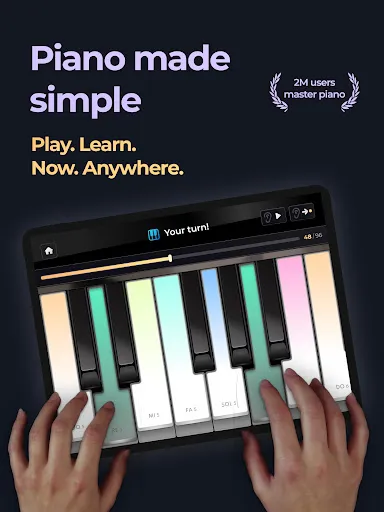
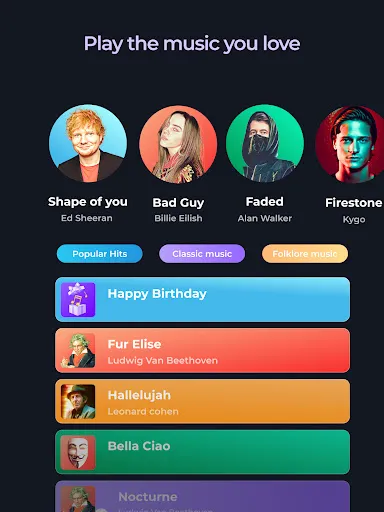
The Piano - Music & Songs Games offers a range of engaging features designed to enhance the musical experience for users. One of its standout elements is the extensive library of songs, which includes both classic and contemporary pieces, allowing players to practice and enjoy music from various genres. The app also provides a user-friendly interface that makes navigation seamless, catering to both beginners and experienced pianists. Another notable feature is the interactive learning mode, where users can follow along with on-screen notes that guide them through the songs. This mode is particularly beneficial for those who are learning to play the piano, as it helps develop reading skills and timing. Furthermore, the game incorporates challenging levels and achievements that keep users motivated to improve their skills while enjoying the process. Additionally, the app offers customizable settings that allow players to adjust the difficulty level and tempo, making it accessible for users of all skill levels. The social aspect is also highlighted, as players can compete with friends or share their progress on social media, fostering a sense of community among music enthusiasts. Using the Piano - Music & Songs Games is straightforward and enjoyable. To get started, users need to download the app from their preferred app store and create an account. Once logged in, players are greeted with a well-organized menu that showcases the song library, tutorials, and various game modes. Users can browse through the catalog of songs and select their preferred tunes to play. After choosing a song, players can opt for the learning mode or dive straight into gameplay. The learning mode breaks down the song into manageable sections, allowing users to practice at their own pace. In the gameplay mode, users are prompted to hit the notes in time with the music, enhancing their rhythm and coordination skills. Customization is a key element of the app; players can adjust the difficulty settings based on their skill level. Additionally, the app provides feedback on performance, allowing users to track their progress over time. Engaging with the community features, such as sharing scores and competing with friends, adds an extra layer of motivation to the learning experience. Like any app, Piano - Music & Songs Games has its pros and cons. On the positive side, the app boasts an extensive library of songs that caters to diverse musical tastes. Its interactive learning mode is particularly beneficial for beginners, providing a structured way to learn how to play the piano. The user-friendly interface and customizable difficulty settings make it accessible for users at various skill levels. Another advantage is the social interaction aspect, allowing users to engage with friends and share their progress, which can be motivating. The game also includes features that track performance and offer feedback, helping players identify areas for improvement.Features of Piano - Music & Songs Games
How to Use Piano - Music & Songs Games
Pros & Cons of Piano - Music & Songs Games

 Enhances musical skills through engaging gameplay and fun challenges Promotes cognitive development by improving memory and concentration Encourages creativity by allowing players to compose and explore songs Provides a stress-relieving escape with enjoyable musical experiences Fosters social interaction by enabling multiplayer modes and sharing achievements
 Limited music selection may not cater to diverse tastes Gameplay can overshadow actual music learning High reliance on screen time may hinder physical interaction
  Google Play
  App Store
 Yes, users can submit suggestions or feedback through the app's support section or via the official website, where the development team welcomes user input.
Yes, the app may collect personal data as outlined in its privacy policy, primarily for user account management and improving the app experience.
Yes, Piano - music & songs games allows users to download songs for offline play, enabling practice without an internet connection.
You can cancel your subscription through your device's app store settings, following the subscription management process specific to iOS or Android.
Subscription costs can vary based on the plan you choose, typically ranging from monthly to yearly options, with discounts for longer commitments.
Customer numbers cannot be changed. For further inquiries, please reach out to customer service for guidance.
Simply launch the app, enter your registered email and password, and click 'Log In' to access your account.
To update your information, log in to your account, go to settings, and edit your profile details as needed. If you need help, contact customer service.
After signing up, check your email for an activation link. Click the link to activate your account and start playing!
You can reach our customer service via the support section in the app or by emailing us directly at support