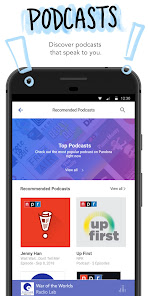
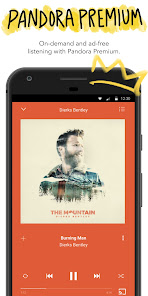
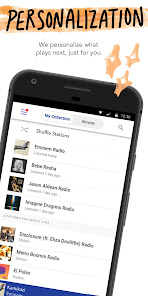
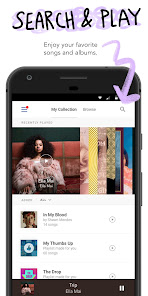
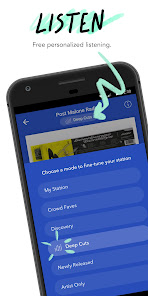
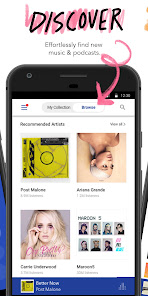
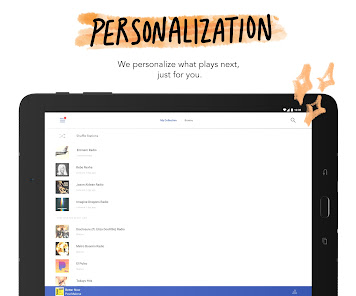
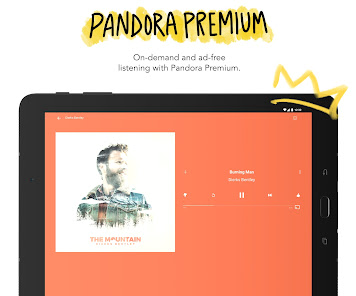
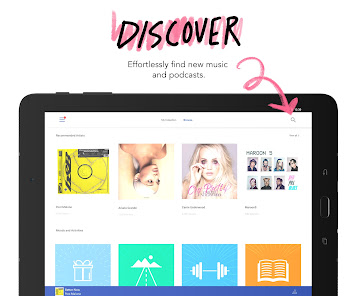
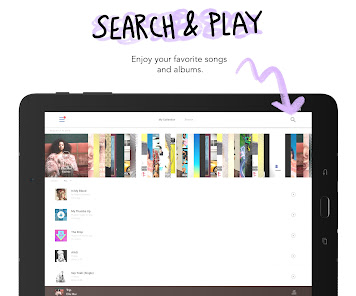
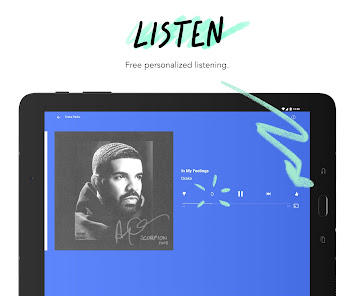
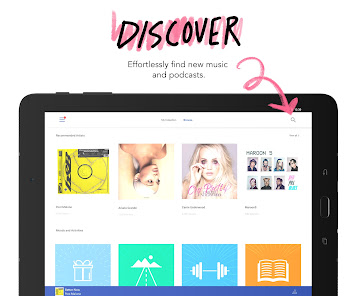
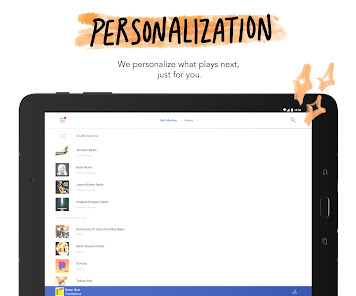
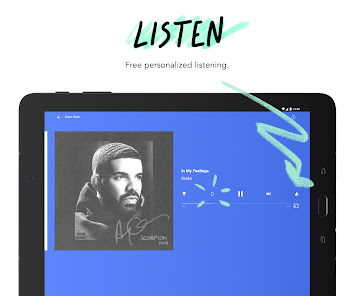


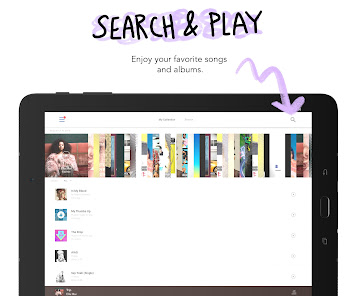
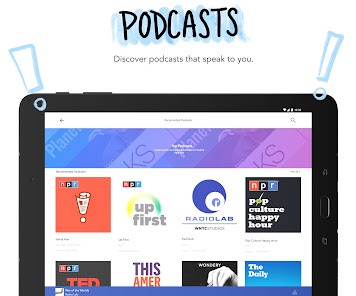
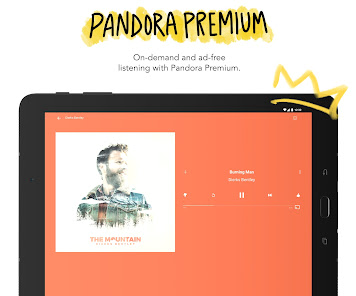
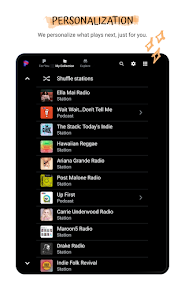
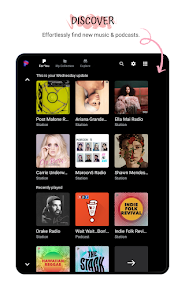
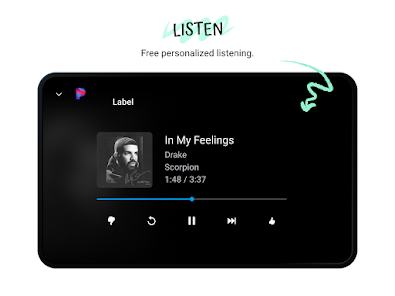
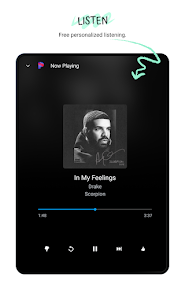
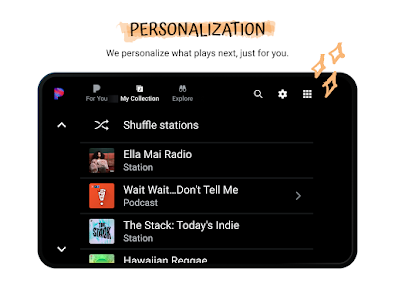
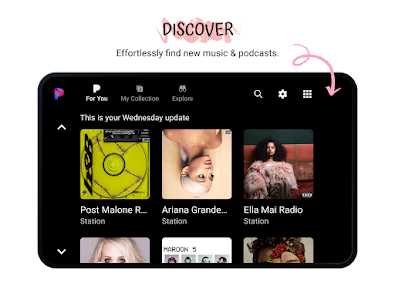
Pandora is a music streaming and personalized radio service that is available as a website and mobile app. The app allows users to create custom radio stations based on their favorite songs, artists, or genres, and then listens to their listening habits to provide personalized recommendations for new music to try. Pandora is available on a variety of platforms, including iOS, Android, and Windows, and offers a free version with ads as well as a paid subscription option that provides additional features and removes ads.
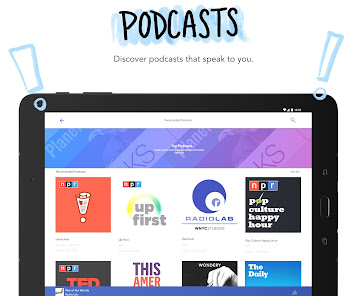
Pandora - Music & Podcasts App is a streaming music service that allows users to create personalized radio stations. It offers a wide variety of music genres, including pop, rock, country, hip-hop, jazz, classical, and more. It also offers podcasts, news, and other audio content. The app is available for both iOS and Android devices. It is free to download and use, but there are also subscription options available for those who want to access more features. The app allows users to create personalized radio stations based on their favorite artists, songs, or genres. It also offers a variety of curated stations, which are based on popular music trends. Users can also search for specific songs or artists and create stations based on their search results. Additionally, users can save their favorite stations and access them quickly and easily. Pandora - Music & Podcasts App also offers a variety of features to enhance the listening experience. Users can customize their stations by giving them a thumbs up or thumbs down to songs they like or dislike. This helps the app learn the user's preferences and tailor the station to their tastes. Additionally, users can skip songs they don't like and add songs to their stations. The app also offers a variety of sound effects and other audio enhancements. Pandora - Music & Podcasts App also offers a variety of subscription options. These include ad-free listening, unlimited skips, and higher-quality audio. Subscribers also get access to exclusive content, such as live performances and interviews with artists. Using Pandora - Music & Podcasts App is easy and intuitive. To get started, users can download the app from the App Store or Google Play Store. Once the app is installed, users can create an account and start listening. To create a personalized radio station, users can search for their favorite artists, songs, or genres. They can also browse the curated stations or create a station based on their search results. Once a station is created, users can customize it by giving songs a thumbs up or thumbs down. This helps the app learn the user's preferences and tailor the station to their tastes. Additionally, users can skip songs they don't like and add songs to their stations. The app also offers a variety of sound effects and other audio enhancements. For those who want to access more features, Pandora - Music & Podcasts App offers a variety of subscription options. These include ad-free listening, unlimited skips, and higher-quality audio. Subscribers also get access to exclusive content, such as live performances and interviews with artists. Pandora - Music & Podcasts App is a great streaming music service that offers a wide variety of music genres, podcasts, and other audio content. It is easy to use and offers a variety of features to enhance the listening experience. Additionally, it offers subscription options for those who want to access more features. One of the main advantages of Pandora - Music & Podcasts App is that it is free to download and use. This makes it accessible to a wide range of users. Additionally, it offers a variety of features to customize the listening experience, such as giving songs a thumbs up or thumbs down and adding songs to stations. It also offers a variety of subscription options for those who want to access more features. One of the main drawbacks of Pandora - Music & Podcasts App is that it is only available in certain countries. Additionally, the free version of the app is ad-supported, which can be annoying for some users. Additionally, the subscription options can be expensive for some users.Features of Pandora - Music & Podcasts App
How to Use Pandora - Music & Podcasts App
Pros & Cons of Pandora - Music & Podcasts App

 Personalized music recommendations tailored to your taste Extensive library of songs and podcasts available User-friendly interface for effortless navigation Offline listening mode for uninterrupted enjoyment Ad-free experience with premium subscription options
 Limited song selection for premium users only Ads disrupt listening experience for free users No offline listening without a premium subscription Lack of personalized playlists compared to competitors
  Google Play
  App Store
 Yes, Pandora - Music & Podcasts collects personal data to enhance user experience, provide personalized recommendations, and improve its services, in accordance with its privacy policy.
Yes, Pandora - Music & Podcasts offers a free version with ads, as well as a free trial for its premium subscription that allows users to explore additional features without commitment.
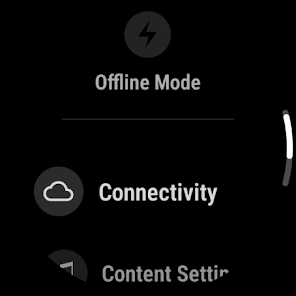
Yes, Pandora - Music & Podcasts requires an internet connection to stream music and podcasts. However, users with a premium subscription can download content for offline listening.
To contact support or send feedback for Pandora - Music & Podcasts, you can visit the Help Center on their website or use the support feature within the app to submit inquiries or feedback directly.
You can manage or cancel your Pandora - Music & Podcasts subscription through the app or website by accessing your account settings and following the prompts for subscription management.
You can contact Pandora customer service through the Help Center on their website or by using the app's support feature.
To activate your account, check your email for the activation link sent by Pandora when you registered, and follow the instructions provided.
Open the Pandora app, tap "Log In," and enter your email and password associated with your account.
Pandora does not provide a direct customer service number; support is primarily available through their website and app.