

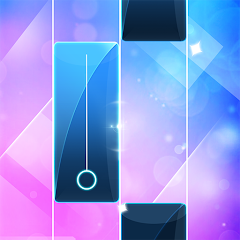











🎶Do you enjoy classic piano songs? Are you a fan of piano games? Do you like to challenge your finger speed?
Unleash your musical talent with Piano Game: Classic Music Song!
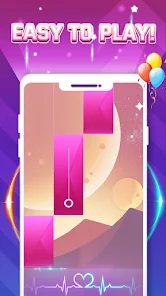
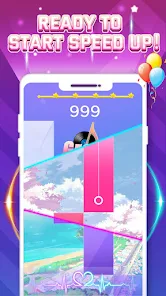
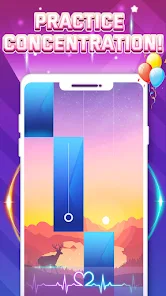
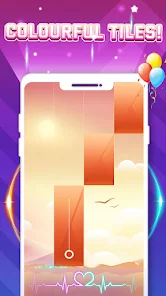
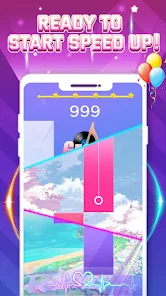
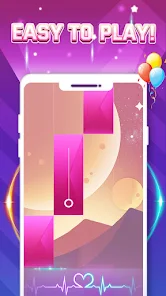
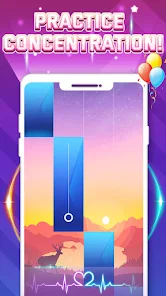
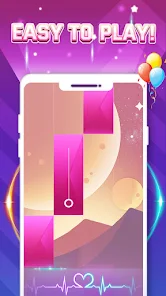
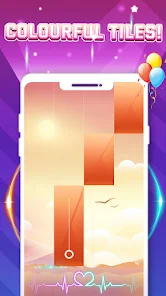
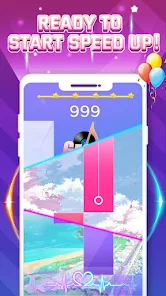
Tap the tiles in the beautiful classical piano music melody. You can feel the thrill and excitement in the ever-accelerating rhythm. It has a minimal picture and perfect sound quality. You can feel the charm of the piano melody here!
Whether you are a piano lover or a beginner, everyone can become a piano master, suitable for the whole family to play and challenge themselves!
How To Play
💖 Tap the tiles continuously to follow the music melody
💖Get more stars in the game to unlock more new songs.
💖Challenge a piano piece every day
Game Features
🎵No Wi-Fi required
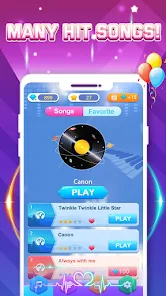
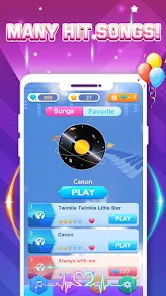
🎵More than 100 high-quality piano songs
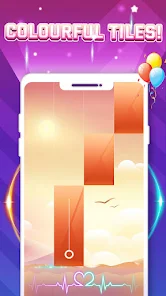
🎵Unique theme design
🥰Come and try this game now. Play your favorite songs and become a piano master while enjoying the music!

 Enjoy a vast selection of classic music songs to play. Improve your piano skills through engaging gameplay and practice. Experience stunning graphics that enhance your musical journey. Challenge yourself with various difficulty levels tailored for all players. Share your progress and compete with friends for added fun.
 Limited song variety may lead to repetitive gameplay. Controls can be frustrating for beginners. Ads interrupt the gaming experience frequently.
  Google Play
  App Store
 Yes, users can submit suggestions or feedback through the app's support section or official website to help improve the game.
The app may collect certain user data for functionality and improvement purposes, but it adheres to privacy policies to protect your information.
Yes, Piano Game: Classic Music Song can be played offline, allowing users to enjoy the game without an internet connection.
You can cancel your subscription through your device's app store settings, where you can manage your subscriptions.
Subscription costs for Piano Game: Classic Music Song vary, typically offering monthly and yearly plans, which may include premium features and an ad-free experience.
Yes, you can change your login information in the account settings under "Change Password."
To activate your account, check your email for the activation link and click on it to complete the process.
You can reach our customer service via the support section in the app or by emailing support
If you encounter technical issues while logging in, try restarting the app or reinstalling it. If problems persist, contact customer service.
If you have multiple accounts, log in using the email associated with the desired account.



















