



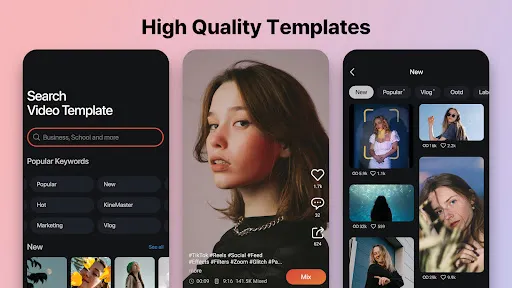
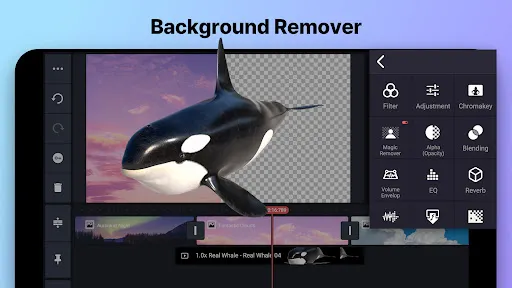
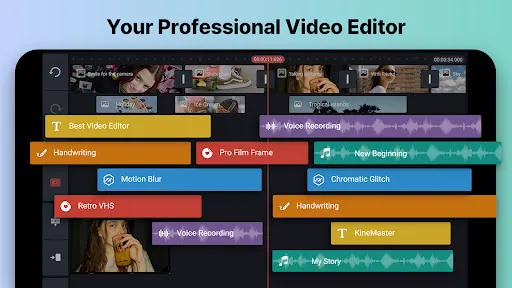
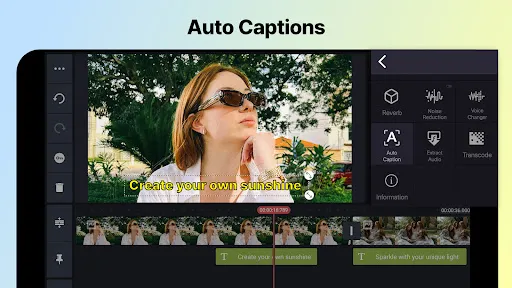
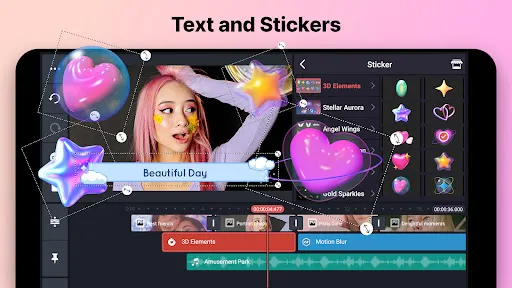
KineMaster is a powerful mobile video editing app that allows users to create professional-quality videos on their Android or iOS devices. The app has a wide range of features, including the ability to add text, music, and effects to your videos. KineMaster is a great tool for anyone who wants to create high-quality videos on their mobile device. In this blog post, we will explore some of the app's features and how you can use them to create stunning videos.
Features and Functions KineMaster is a powerful video editing tool for Android that enables you to create professional-looking videos with a few taps. The app comes with a variety of features and functions that allow you to edit your videos the way you want. How to Use KineMaster Mobile App KineMaster is a mobile app that allows users to create and edit videos on the go. The app is available for both iOS and Android devices. Pros & Cons There are a lot of video editing apps out there, but KineMaster is one of the most popular and well-known. Here are some pros and cons to help you decide if KineMaster is the right app for you. About the Developer KineMaster is a mobile app developed by KineMaster Corporation. The app allows users to create and edit videos on their mobile devices.
Some of the main features of KineMaster include:
-Trim and split video clips: Trim and split video clips to remove unwanted parts or create separate videos from one larger clip.
-Add text, images, and voiceovers: Add text, images, and voiceovers to your video to make it more engaging.
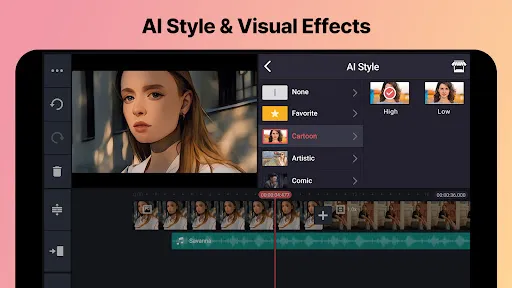
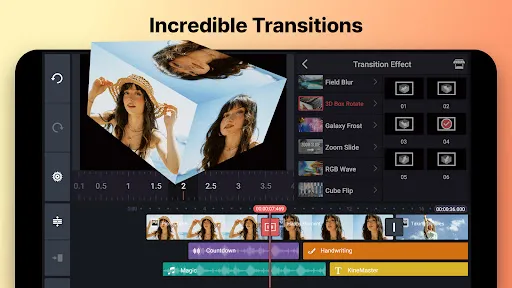
-Apply transitions and effects: Apply transitions and effects to your video to make it more visually appealing.
-Share your videos: Share your videos with others through social media or email.
Using KineMaster is simple and user-friendly. Here are some tips on how to get the most out of the app:
1. Choose your video format. KineMaster offers two video formats: landscape and portrait. Landscape is ideal for videos that are meant to be watched on a larger screen, such as a television or computer monitor. Portrait is best for videos that will be watched on a smaller screen, such as a smartphone or tablet.
2. Select your aspect ratio. KineMaster offers three aspect ratios: 16:9, 4:3, and 1:1. 16:9 is the standard widescreen format, while 4:3 is the standard TV format. 1:1 is best for square videos that will be viewed on social media platforms such as Instagram or Snapchat.
3. Choose your resolution. KineMaster offers four resolutions: 1080p, 720p, 480p, and 360p. 1080p is the highest quality resolution and is best suited for videos that will be viewed on a large screen; 720p and 480p are lower resolutions that are better suited for smaller screens such as smartphones or tablets; 360p is the lowest resolution but can be used for shorter videos or when file size needs to be kept to a minimum.
PROS:
-simple interface that is easy to use
-a variety of features including trimming, cropping, adding text, and more
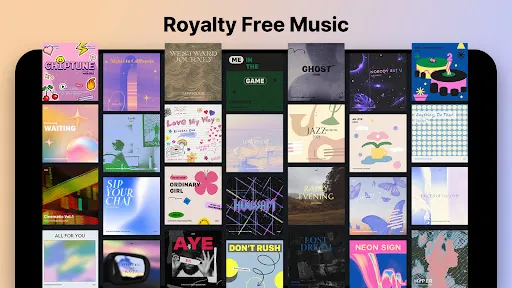
-can add music or other audio tracks
-export videos in HD quality
CONS:
-a subscription is required to unlock all features and export videos in HD quality
-some users have reported crashes and bugs
KineMaster Corporation was founded in 2013 by Kim Sung-wook and Park Kyung-ho. The company is headquartered in Seoul, South Korea.
Kim Sung-wook is the CEO of KineMaster Corporation. He has over 10 years of experience in the media and technology industries.
Park Kyung-ho is the CTO of KineMaster Corporation. He has over 20 years of experience in the software industry.

 User-friendly interface makes editing intuitive for all skill levels. Extensive library of effects and transitions enhances creativity. Supports multiple layers for advanced editing flexibility. High-quality exports ensure professional-looking videos. Regular updates introduce new features and improvements consistently.
 Limited export options can restrict video quality and format choices. Frequent ads can disrupt the editing experience and annoy users. Subscription costs may be prohibitive for casual users or beginners.
  Google Play
  App Store
 Yes, users can submit suggestions or feedback through the app's support section or directly via their official website to help improve the app's features and functionality.
KineMaster may collect certain personal data to enhance user experience, but it is important to review their privacy policy for specific details on data collection and usage.
Yes, KineMaster-Video Editor&Maker supports offline use, allowing users to edit their videos without needing an internet connection. However, some features may require online access.
Users can cancel their KineMaster subscription through their app store account settings, either on Google Play Store for Android devices or the App Store for iOS devices.
The subscription cost for KineMaster varies by region and plan, but it typically offers monthly and yearly options at competitive prices. Users can check the app for the most accurate pricing information.
Unfortunately, customer numbers are unique and cannot be changed. If you have concerns, please reach out to customer service for assistance.
Yes, you can log in on multiple devices using the same account, but ensure you log out from devices if you encounter issues.
You can contact customer service through the app's support section or visit our website for more options.
To activate your account, simply follow the link sent to your email during registration and complete the process as instructed.
Use the "Forgot Password" link on the login page to reset your password and regain access to your account.























