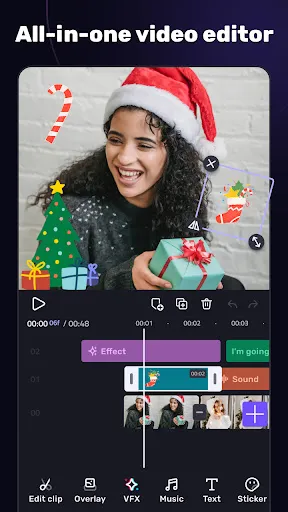
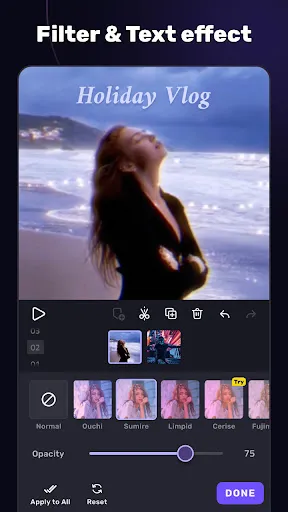
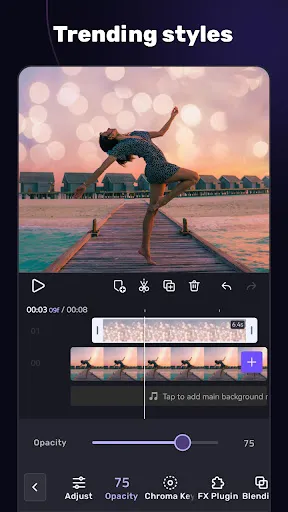
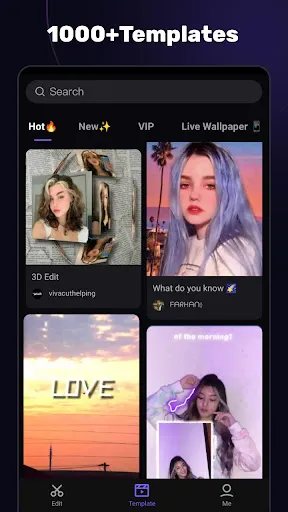
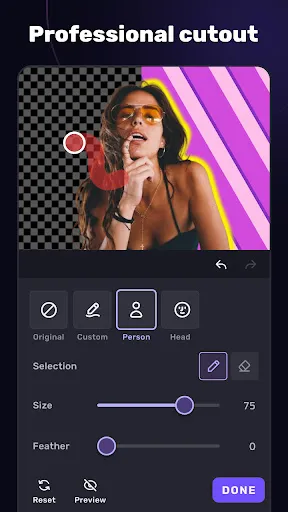
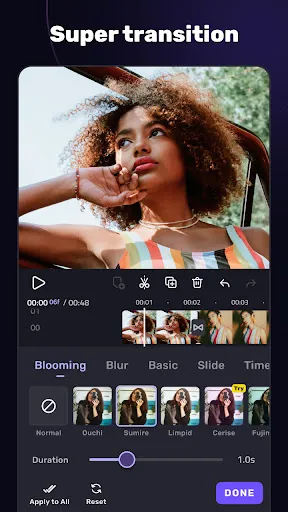
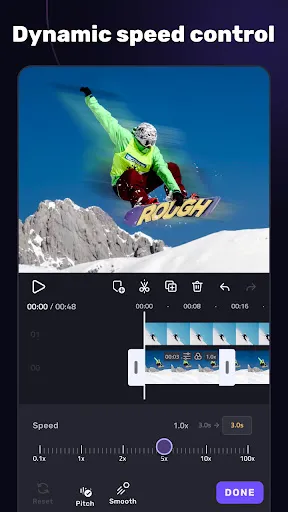
VivaCut is a versatile video editing application designed for both beginners and professionals. One of its standout features is the multi-layer timeline, which allows users to easily manage and edit multiple video and audio tracks simultaneously. This feature is particularly useful for creating complex projects, as it enables seamless layering of video clips, images, and sound. Another significant feature is the range of visual effects and filters available. Users can enhance their videos with a variety of artistic filters, transitions, and special effects to create a polished final product. The app also includes text overlays and stickers, making it easy to add personalized elements to any video. Additionally, VivaCut supports high-definition video export, ensuring that users can save their projects in impressive quality. The app also offers various aspect ratios, catering to different platforms such as Instagram, YouTube, and TikTok. Overall, VivaCut combines powerful editing tools with a user-friendly interface, making it accessible to all creators. Getting started with VivaCut is straightforward. After downloading the app, users can create a new project by selecting the "New Project" option. From there, they can import video clips, images, and audio files from their device. The intuitive interface allows for easy navigation, enabling users to drag and drop their media onto the timeline. Once the media is in place, users can trim, split, or adjust the duration of clips to fit their vision. The app's editing tools, such as adding transitions and filters, can be accessed through the toolbar. Users can also incorporate text overlays and effects by selecting the corresponding options from the menu. When the editing is complete, users can preview their project to ensure everything looks perfect. Finally, the app allows for easy export of the finished video in various resolutions and formats. Users can share their creations directly to social media platforms or save them to their device for later use. VivaCut comes with several advantages that make it a popular choice among video editors. One of its main pros is the multi-layer editing feature, which provides a professional-grade editing experience. This allows users to create detailed and complex projects with ease. Additionally, the app's extensive library of effects, transitions, and filters enhances creativity, enabling users to produce visually stunning videos. Another advantage is its user-friendly interface, which is designed to cater to both novice and experienced editors. This accessibility encourages more people to try their hand at video editing without feeling overwhelmed. Furthermore, the high-definition export option ensures that videos maintain quality across different platforms.Features of Video Editor APP - VivaCut
How to Use Video Editor APP - VivaCut?
Pros & Cons of Video Editor APP - VivaCut

 Intuitive interface makes editing easy for beginners and pros alike. Powerful tools for advanced video editing and effects creation. Supports multiple video layers for creative storytelling and seamless transitions. High-quality export options ensure your videos look stunning on any platform. Regular updates introduce new features and enhancements to improve user experience.
 Limited exporting options restrict video quality and formats available. The app may lag on older devices, affecting editing efficiency. Features are often locked behind a paywall, limiting free functionality.
  Google Play
  App Store
 Yes, users can submit suggestions or feedback to Video Editor APP - VivaCut through the app’s support section or its official website, helping the developers improve the app.
Video Editor APP - VivaCut may collect some personal data as per its privacy policy, primarily to enhance user experience and for app functionality.
Yes, Video Editor APP - VivaCut allows users to edit videos offline, providing flexibility for editing without needing an internet connection.
To cancel your subscription to Video Editor APP - VivaCut, you can go to your device's settings, find the subscriptions section, and follow the prompts to cancel.
The cost of a subscription to Video Editor APP - VivaCut varies based on the plan chosen, typically offering monthly and yearly options with different pricing structures.
Yes, you can change your log in email in the account settings. Make sure to verify the new email for security!
Yes, you can update your customer number in the account settings under your profile. Just follow the prompts!
You can reach our customer service via the support section in the app or through our official website. We’re here to help!
To activate your account, click the activation link sent to your email after registration. Check your spam folder if you don’t see it!
If you're having trouble logging in, please contact our customer service through the app for assistance. We’re ready to help!