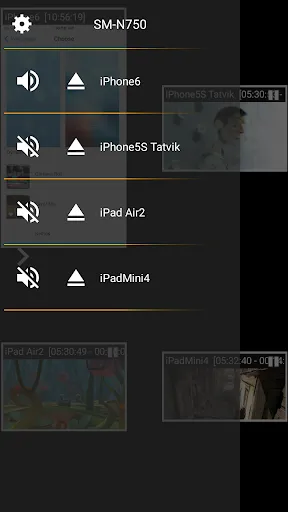
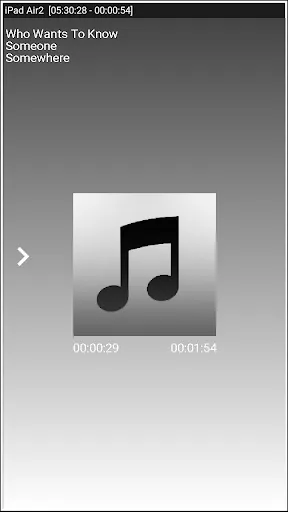
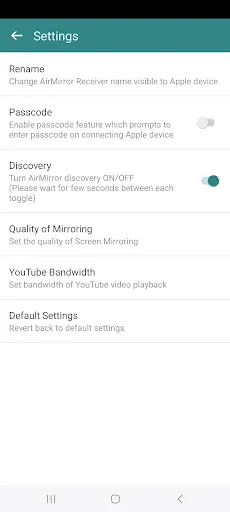
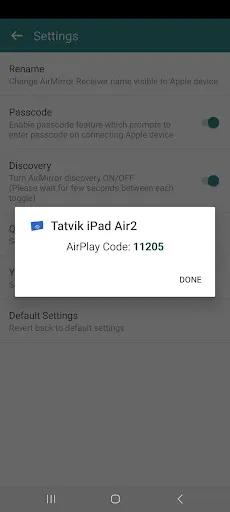

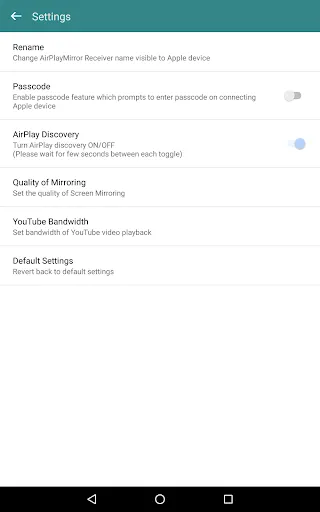
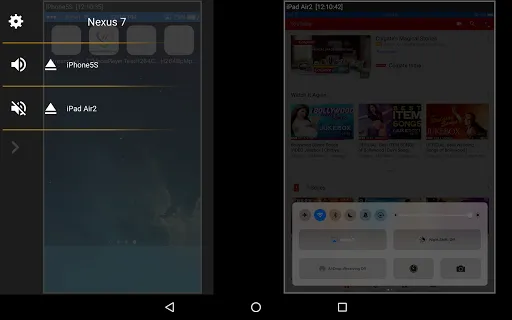
"AirMirror: AirPlay Receiver" is a versatile application designed to enhance your media streaming experience. One of its standout features is the ability to mirror your iOS devices to larger screens, allowing users to enjoy videos, photos, and presentations on a bigger display. This functionality is particularly useful for sharing content during meetings or family gatherings.
Another notable feature is its support for multiple formats, enabling seamless playback of various media types. The app also boasts a user-friendly interface, making it easy for users of all ages to navigate and utilize its capabilities. Additionally, "AirMirror" supports high-definition streaming, ensuring that the quality of the mirrored content remains sharp and clear.
Furthermore, the app allows for real-time interaction, meaning users can control playback directly from their iOS devices. This feature enhances the overall user experience, making it more engaging and interactive. Lastly, "AirMirror" is compatible with a wide range of devices, ensuring that users can connect effortlessly to different screens without compatibility issues.
Using "AirMirror: AirPlay Receiver" is a straightforward process that can be completed in just a few steps. First, ensure that both your iOS device and the receiving device (such as a smart TV or computer) are connected to the same Wi-Fi network. This is crucial for the app to function correctly.
Next, download and install the "AirMirror" app on your receiving device. Once installed, open the app and follow the on-screen instructions to set it up. After the setup is complete, go to your iOS device and swipe down from the top-right corner to access the Control Center. Tap on the "Screen Mirroring" option, and you should see the name of your receiving device listed.
Select the device, and your iOS screen will begin mirroring to the larger display. You can now enjoy your media, whether it’s videos, games, or presentations, on a bigger screen. To stop mirroring, simply return to the Control Center and tap "Stop Mirroring." This easy-to-follow process makes "AirMirror" an accessible tool for anyone looking to enhance their viewing experience.
Like any application, "AirMirror: AirPlay Receiver" comes with its own set of advantages and disadvantages. One of the primary pros is its ease of use; the app is designed with a user-friendly interface that allows even those with minimal technical knowledge to navigate it effortlessly. Additionally, the high-definition streaming capability ensures that users enjoy a quality viewing experience, making it ideal for presentations and media sharing.
Another significant advantage is its compatibility with a wide range of devices, which means users can connect to various screens without worrying about compatibility issues. However, there are some cons to consider. Some users have reported occasional lag during streaming, which can be frustrating, especially when trying to watch fast-paced content. Furthermore, the app may require a stable Wi-Fi connection to function optimally, which could be a limitation in areas with poor connectivity.
Lastly, while the app is generally reliable, some features may be limited in the free version, prompting users to consider upgrading for a more comprehensive experience. Overall, "AirMirror" offers a solid solution for media streaming, but potential users should weigh these pros and cons before deciding to download it.

 Seamlessly stream content from your Apple devices to larger screens. Enjoy high-quality audio and video playback without lag. Easily mirror your device's screen for presentations or entertainment. Compatible with multiple devices for versatile usage. User-friendly interface makes setup and navigation a breeze.
 Limited compatibility with non-iOS devices may restrict user options. Performance can lag, affecting streaming quality and user experience. Frequent ads disrupt seamless usage and may annoy users.
  Google Play
  App Store
 Yes, users are encouraged to submit suggestions or feedback through the app's support section, ensuring that their input is considered for future updates.
Yes, AirMirror: AirPlay Receiver may collect certain personal data to enhance user experience, but it is committed to protecting user privacy and complying with data regulations.
No, AirMirror: AirPlay Receiver requires an active internet connection to function, as it relies on streaming protocols for mirroring and media playback.
You can cancel your subscription through the app store where you purchased it, either via the settings on your device or through your account management options.
The subscription cost for AirMirror: AirPlay Receiver varies based on the plan selected, typically offering monthly and yearly options at competitive prices.
Yes, you can activate your account using the email link provided during registration, no customer number is needed.
Absolutely! If you're having trouble activating your account, reach out to customer service for step-by-step assistance.
You can contact customer service via the support section on our website or by emailing support
You can contact customer service by using the chat option in the app or emailing support
To log in, open the app, enter your credentials, and tap the login button. Ensure your email and password are correct.