
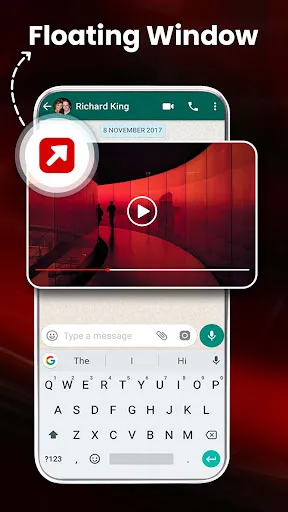
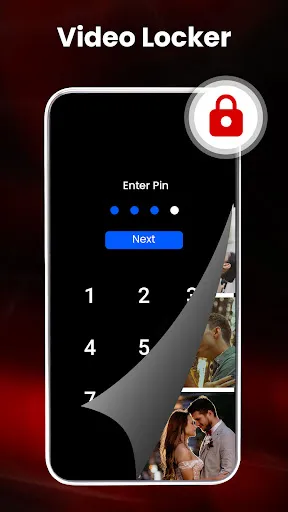

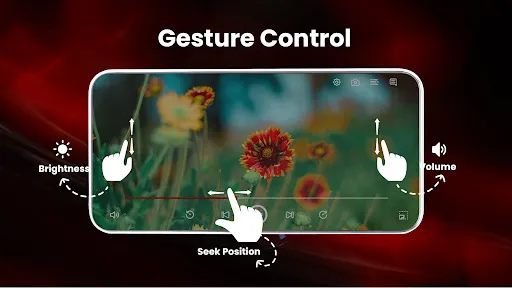
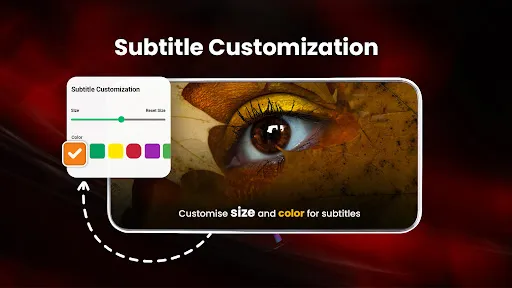
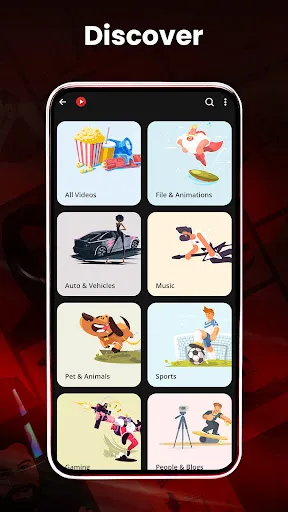
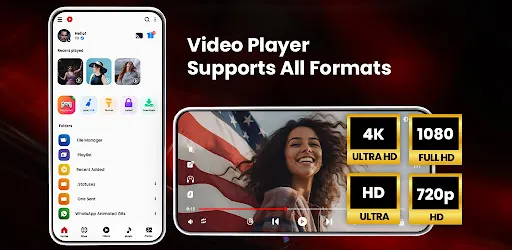
HD Video Player All Formats is a versatile multimedia player designed to handle a wide array of video and audio formats. One of its standout features is support for high-definition playback, ensuring that users can enjoy their videos in crisp, clear quality. The player is compatible with various file formats, including MP4, AVI, MKV, and more, making it a convenient choice for those with diverse media libraries. Another notable feature is the user-friendly interface, which allows for easy navigation and quick access to media files. The app offers customizable playback settings, including playback speed and subtitle options, enhancing the viewing experience. Additionally, it includes a built-in equalizer for audio adjustments, ensuring users can enjoy optimal sound quality. The player also supports gesture controls, enabling users to easily manage playback without needing to navigate through menus. Using HD Video Player All Formats is straightforward and intuitive. To get started, first download and install the application on your device. Once installed, open the app, and you will be greeted by a clean interface that allows you to browse through your media library. You can access videos stored on your device's internal storage or external SD card. To play a video, simply tap on the desired file, and it will begin to play immediately. You can easily control playback using the on-screen buttons, which include options for play, pause, rewind, and fast forward. For enhanced viewing, you can adjust settings such as screen orientation and video quality. Additionally, if your video has subtitles, you can load them through the settings menu. The app also allows you to create playlists, making it easy to organize your favorite videos for quick access. HD Video Player All Formats comes with several advantages that make it a popular choice among users. One of the primary pros is its extensive format support, allowing users to play virtually any video or audio file without converting formats. Its high-definition playback capability enhances the viewing experience, making it suitable for watching movies and videos in great detail. The user-friendly interface is another plus, as it caters to both novice and experienced users alike. However, there are some downsides to consider. Some users have reported occasional bugs or glitches during playback, which can be frustrating. Additionally, while the app is free to use, it may contain advertisements that interrupt the user experience. Furthermore, advanced features may require additional permissions or settings adjustments, which could be a barrier for less tech-savvy users. Overall, while HD Video Player All Formats is a robust player, it's essential to weigh these pros and cons before deciding if it meets your needs.Features of HD Video Player All Formats
How to Use HD Video Player All Formats
Pros & Cons of HD Video Player All Formats

 Supports a wide range of video formats for maximum compatibility. Offers high-definition playback for stunning visual quality. User-friendly interface makes navigation simple and intuitive. Includes advanced features like subtitles and playback speed control. Lightweight design ensures smooth performance without draining resources.
 Limited support for certain file formats can hinder playback options. Performance issues may arise with high-resolution videos, causing lag. Frequent ads disrupt the viewing experience and can be frustrating.
  Google Play
  App Store
 Yes, users can submit suggestions or feedback through the app's support section or contact the development team via their official website.
The app prioritizes user privacy and does not collect personal data without consent, adhering to strict data protection standards.
Yes, HD Video Player All Formats allows users to download videos for offline viewing, ensuring access without an internet connection.
Users can cancel their subscription by going to their account settings in the app store where they purchased the subscription.
Subscription pricing may vary based on the selected plan, and users should check the app for the latest pricing information.
Unfortunately, customer numbers cannot be changed once your account is activated.
If you've lost access to your email, contact customer service with your customer number for account recovery options.
You can reach our customer service via the support section in the app or by emailing support
After downloading, follow the activation link sent to your email to complete the account setup.
Open the app, tap on the login option, and enter your registered email and password.