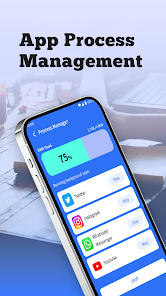
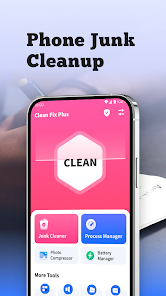
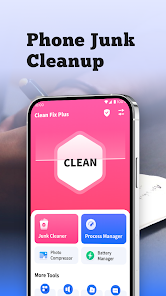
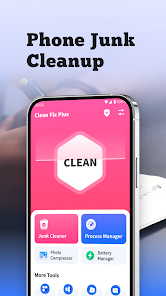
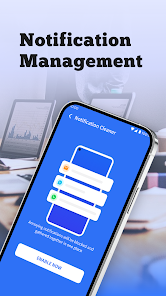
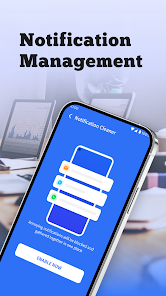
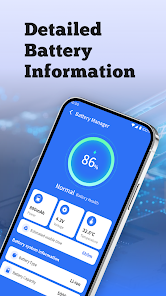

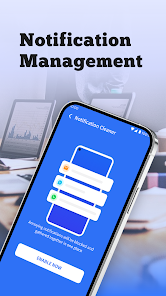

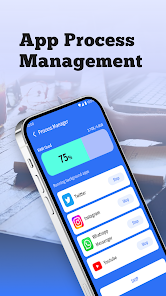
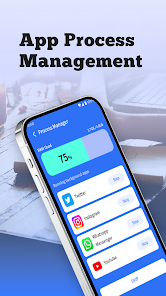
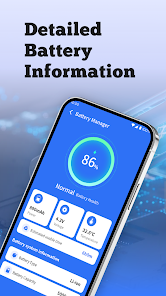

"Clean Fix Plus" is a comprehensive cleaning and optimization tool designed to enhance the performance of your device. One of its standout features is the ability to remove junk files, which helps free up valuable storage space. This feature scans your device for unnecessary files, such as cache, temporary files, and residual data from uninstalled applications, allowing for a more efficient system.
Another notable feature is the app's built-in privacy protection. "Clean Fix Plus" offers tools to manage and delete sensitive data, ensuring that your personal information remains secure. Additionally, the app includes a memory booster that optimizes RAM usage, improving the overall speed and responsiveness of your device.
Furthermore, "Clean Fix Plus" provides a user-friendly interface, making it accessible for users of all skill levels. The app also offers customizable cleaning schedules, allowing users to automate the cleaning process according to their preferences. Overall, "Clean Fix Plus" combines essential features to deliver a robust solution for maintaining device performance and security.
Using "Clean Fix Plus" is straightforward and user-friendly, making it accessible for everyone. To get started, first download and install the app from your device's app store. Once installed, open the app, and you will be greeted with a clean and intuitive interface. The main dashboard provides an overview of your device's status, including storage space and memory usage.
To initiate a cleaning session, simply tap on the "Scan" button. The app will then analyze your device for junk files, cache, and other unnecessary data. After the scan is complete, you will receive a detailed report of the items that can be cleaned. You can review the list and select specific files to delete or choose to remove all suggested items with a single tap.
Additionally, you can customize the cleaning settings by accessing the app's options menu. Here, you can set up automatic cleaning schedules, adjust privacy settings, and manage memory optimization features. Once you have configured your preferences, "Clean Fix Plus" will work in the background to keep your device running smoothly and efficiently.
Like any application, "Clean Fix Plus" comes with its own set of advantages and disadvantages. One of the primary pros is its effectiveness in freeing up storage space by removing junk files and unnecessary data. Users often report noticeable improvements in device performance after using the app. Additionally, the privacy protection features are a significant benefit, as they help safeguard sensitive information from unauthorized access.
Another advantage is the user-friendly interface, which makes it easy for users of all experience levels to navigate and utilize the app's features. The customizable cleaning schedules also add convenience, allowing users to automate the cleaning process according to their needs.
On the downside, some users may find that the app occasionally identifies files that they do not wish to delete, leading to potential data loss if not carefully reviewed. Additionally, while the app is effective, it may not be as comprehensive as some premium alternatives available on the market. Lastly, users should be cautious about relying solely on cleaning apps, as regular manual maintenance is still essential for optimal device performance.
 Google Play
  App Store
 Yes, users can create, share, and collaborate on playlists with friends.
Yes, premium users can download songs and playlists for offline listening.
Yes, premium users can listen to downloaded music offline without an internet connection.
Yes, you can use Spotify on multiple devices, but only one device can stream at a time.
Yes, Spotify hosts a wide range of podcasts across various genres.