




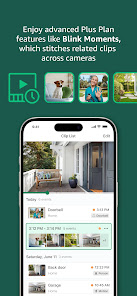
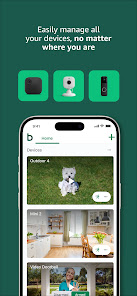
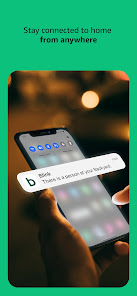
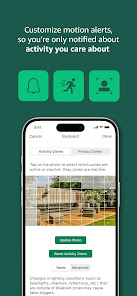
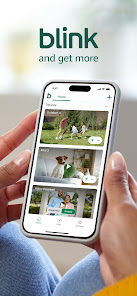
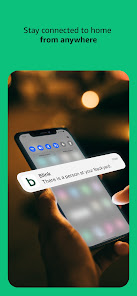
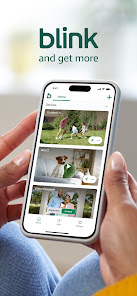
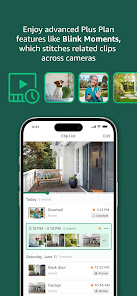
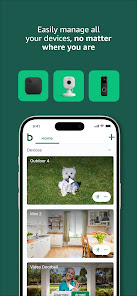
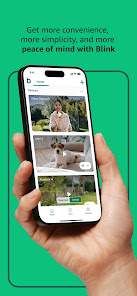
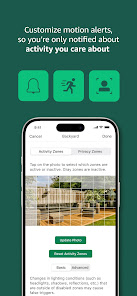
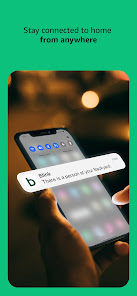
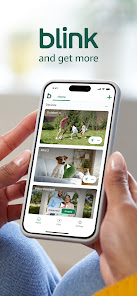
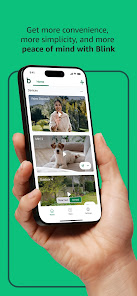
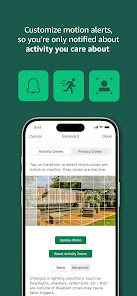
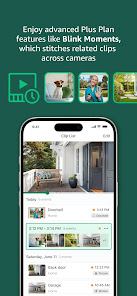
Blink Home Monitor is a mobile app that allows users to monitor and control their Blink home security cameras and devices from their smartphones or tablets. The app is available for download on the App Store and Google Play Store, and is compatible with all Blink home security cameras and devices. The app also offers features such as motion and sound detection, instant notifications, and cloud storage, which can help users keep their homes safe and secure.
Be there from anywhere with Blink smart home security cameras
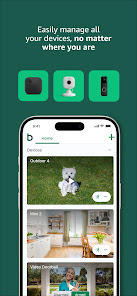
The new battery-powered smart home security cameras from Blink and Amazon go where wires can’t! Outdoor and Indoor run for up to two years on the included set of AA lithium batteries to help protect what matters most for less. Looking for an affordable plug-in option? Blink Mini has you covered!
Blink Outdoor: weathers the storm so you don’t have to. Outdoor runs for up to two years* on a single set of AA batteries to help you protect your home inside and out — rain or shine — with features like two-way audio, motion detection, and more. Outdoor works with Alexa.
Blink Indoor: is a wireless, battery-powered security camera that you can place anywhere inside your home. Features like two-way audio and night vision help you stay connected to what’s happening no matter where you are — day or night. Indoor works with Alexa.
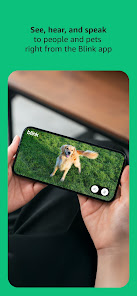
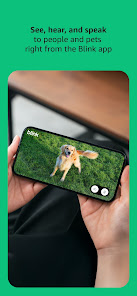
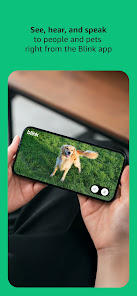
Blink Mini: is mighty — but tiny — which means you can plug it in anywhere inside your home. Starting at $34.99 Mini is a great first step towards keeping your home more secure. Hear, see, and speak right from the Blink Home Monitor app on your phone and get alerts whenever motion is detected.
Works with Alexa
Connect Blink Outdoor, Indoor, or Mini to select Alexa-enabled devices for voice commands at home. You can use your voice to stream live video, play recorded clips, arm and disarm your camera, be alerted to motion, and more.
Go hands-free with Alexa!
Enhance Your Smart Home Security
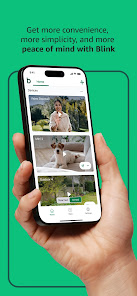
Use the Blink Home Monitor app to check in on what’s happening at home from anywhere at any time. The app connects your home to your phone in HD video so you can see and protect what matters most. With multi-system support, you can use Blink to watch your home, vacation home, or business all at the same time.

 Easy installation with no complex wiring required. Live HD video streaming from anywhere, anytime. Motion detection alerts keep you informed of activity. Two-way audio enables seamless communication with visitors. Affordable subscription plans for extended video storage.
 Limited integration with other smart home devices reduces versatility. Storage plans can become costly over time for extensive use. The mobile app occasionally experiences connectivity issues, impacting real-time monitoring.
  Google Play
  App Store
 Yes, users can submit suggestions or feedback through the app's support or feedback section, allowing them to share their thoughts and experiences with the developers.
Yes, Blink Home Monitor may collect personal data such as account information and usage data to improve its services, but it follows privacy policies to protect user information.
Blink Home Monitor typically requires an internet connection to function properly, as it relies on cloud services for video storage and notifications.
You can cancel your Blink Home Monitor subscription through the app settings or by managing your subscription directly through the app store where you initially subscribed.
Subscription costs for Blink Home Monitor can vary, but it typically includes options for monthly or annual plans that offer additional storage and features.
Customer numbers are unique identifiers and cannot be changed. Please contact customer service for further assistance.
Yes, customer service can assist you with any activation issues you may encounter. Reach out through the app or website for help.
You can reach customer service through the Blink app or by visiting our website for support options.
To activate your Blink account, click the activation link in the verification email sent to you after registration.
Enter your username and password, then follow the on-screen prompts to enter the verification code sent to your device.



















