




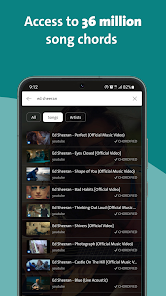
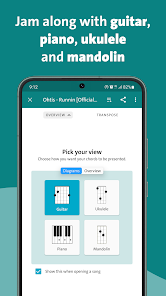
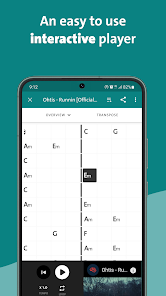
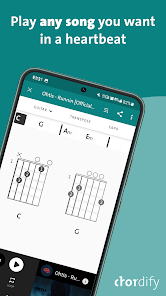
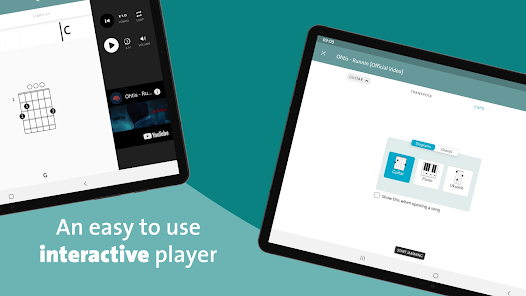
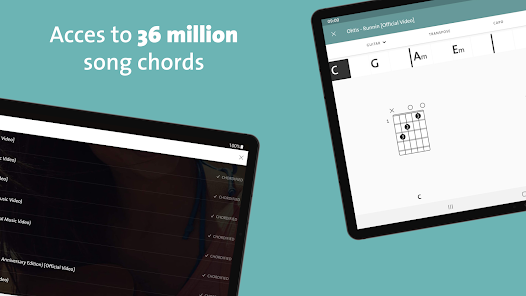
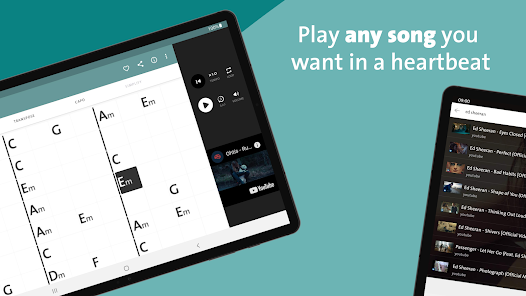
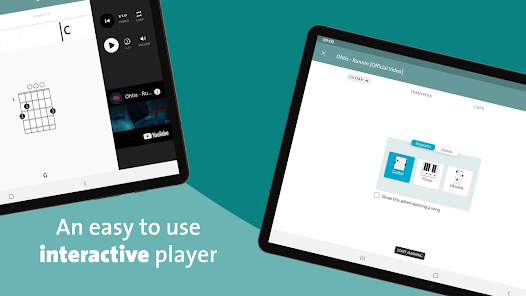
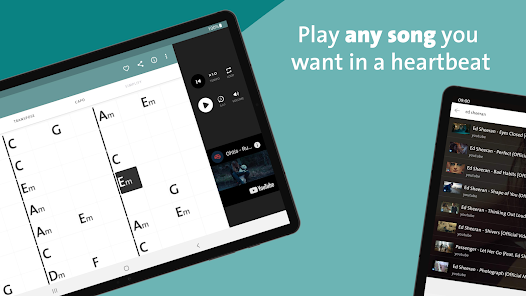
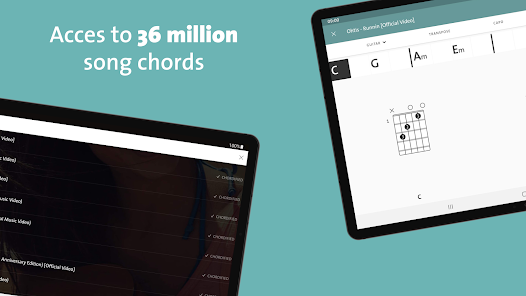
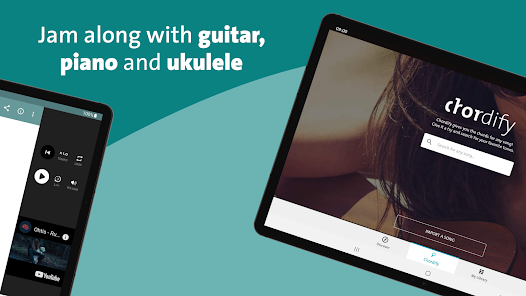
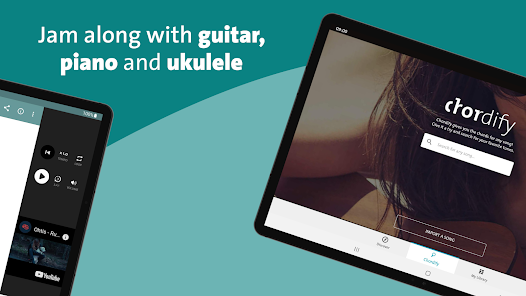
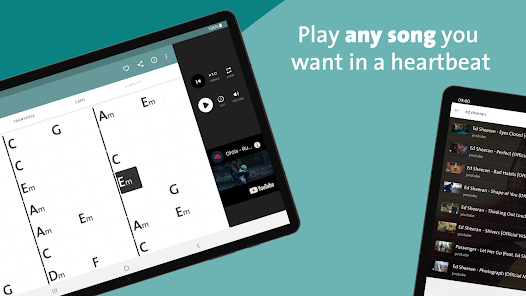
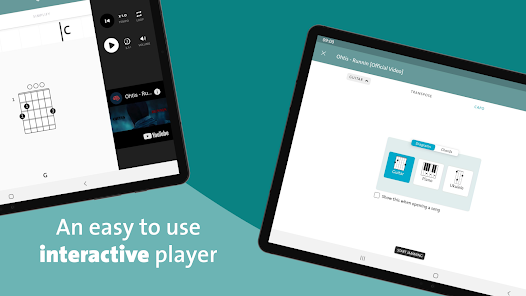
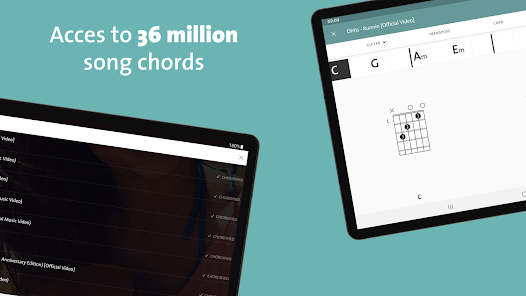
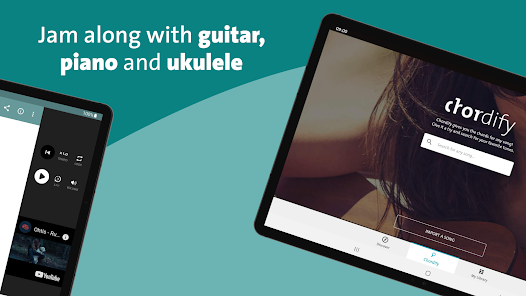
Chordify is an app that helps musicians learn and play songs. It uses advanced music recognition technology to identify the chords of any song, and then provides an interactive guitar, piano, and ukulele chord chart for the user to learn and play along with. The app also includes a library of over 1 million songs, allowing users to search for and play their favorite songs. Additionally, Chordify offers a variety of features such as the ability to slow down or speed up the tempo of a song, loop sections, and transpose the key of a song. With its intuitive interface and comprehensive library, Chordify is an invaluable tool for any musician looking to learn and play songs quickly and easily.
Chordify app is a music app that helps you to find chords for any song. It also allows you to create your own custom chord progressions and save them for later use. The app has a wide range of features that make it a must-have for any musician. If you're a musical beginner, the Chordify app is a great way to start learning how to play chords on your favorite songs. Here's a step-by-step guide on how to use the app: Chordify is a great app for those who want to learn how to play the guitar. It is interactive and engaging, and it provides users with feedback so they can improve their skills. However, there are some drawbacks. One is that the app does not work with all devices; another is that it can be challenging to find time to use the app consistently.Features and Functions
Some of the key features of the Chordify app include:
-A huge library of chords: The app comes with a library of over 1 million chords, so you're sure to find the right chords for any song you want to play.
-Create your own chord progressions: Chordify also lets you create your own custom chord progressions and save them for later use. This is a great feature if you're working on writing your own songs.
-Play along with songs: One of the best features of Chordify is that you can play along with songs from your favorite artists. This is a great way to practice your chops and learn new songs.
-Share progressions with friends: Another great feature of Chordify is that you can share chord progressions with friends via email or social media. This is a great way to collaborate on songwriting projects or just show off your skills to other musicians.How to Use Chordify
1. Download the Chordify app on your smartphone or tablet.
2. Open the app and sign in with your Facebook account or email address.
3. Choose a song from your music library or browse through the featured songs section.
4. Once you've found a song, click on it and select "Chords."
5. The chords for the song will then be displayed on the screen. You can either play along with the song or practice each chord individually.
6. To practice a chord, simply press and hold down on the corresponding button. The app will play the note for as long as you hold it down. Release the button when you're ready to move on to the next chord.Pros & Cons

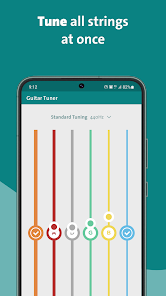
 Easily access chords for thousands of songs in seconds User-friendly interface makes learning simple and enjoyable Built-in tuner ensures your instrument is always perfectly tuned Play along with real-time chord changes for better practice Create custom playlists to organize your favorite songs effortlessly
 Limited song selection reduces user options for diverse music exploration Audio quality may not meet professional standards for serious musicians Chord recognition can be inaccurate, leading to frustrating playing experiences
  Google Play
  App Store
 Yes, users can submit suggestions or feedback through the app or by visiting the Chordify website to contact their support team.
Chordify: Song Chords & Tuner may collect personal data as outlined in their privacy policy, but users can manage their privacy settings within the app.
Yes, Chordify: Song Chords & Tuner allows users to download songs for offline use, enabling them to practice without an internet connection.
Users can cancel their subscription through their account settings in the app or via the platform they subscribed through, such as the App Store or Google Play.
Subscription pricing for Chordify: Song Chords & Tuner varies based on the plan selected, typically offering monthly and annual options.
Unfortunately, customer numbers are unique and cannot be changed. If you have concerns, please contact customer service for assistance.
Yes, you can log in to your Chordify account on multiple devices using the same credentials. Just ensure you’re connected to the internet.
You can reach customer service through the support section in the app or by emailing support
After signing up, check your email for an activation link. Click on it to activate your account and start using Chordify.
To update your contact information for customer service, log into your account and navigate to the settings section, where you can edit your details.



















