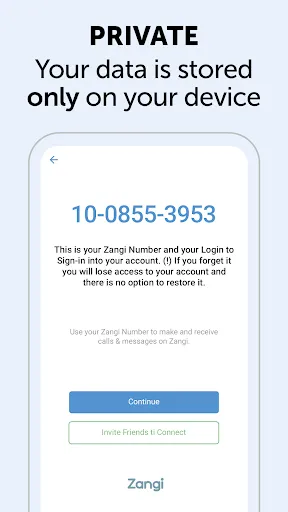
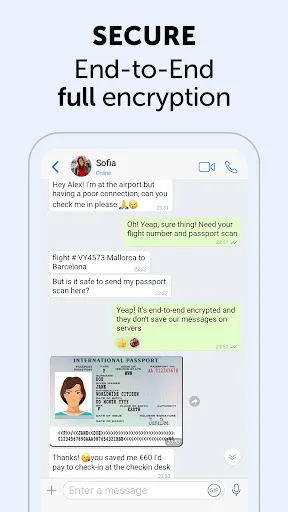
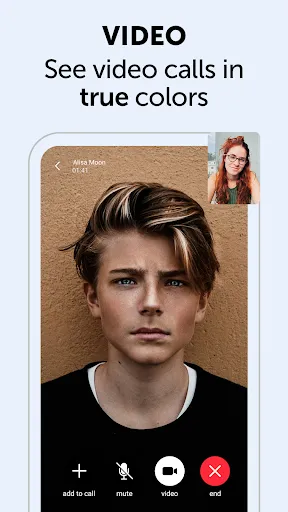
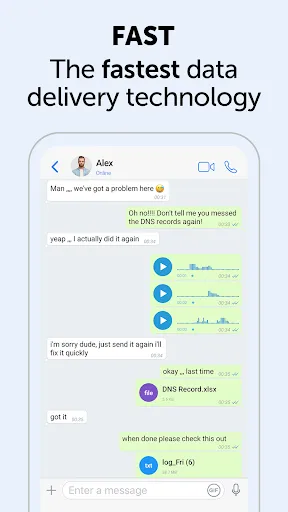
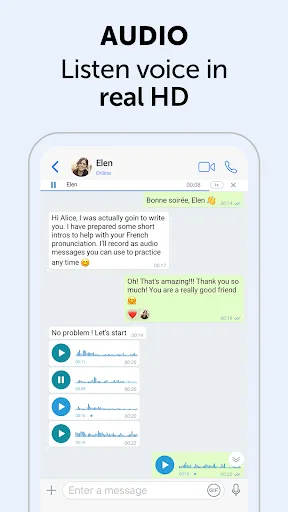
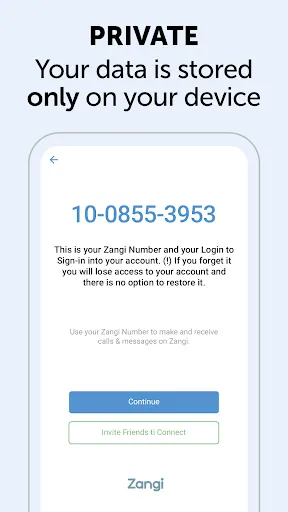
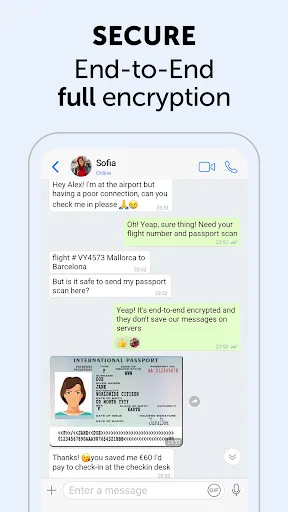
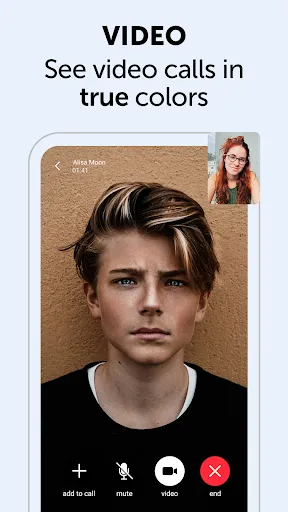
Zangi Private Messenger is designed with a focus on security and privacy, offering users a variety of robust features. One of its standout functionalities is end-to-end encryption, ensuring that messages and calls are secure and can only be accessed by the intended recipients. Additionally, Zangi allows for high-quality voice and video calls, even on low-bandwidth networks, making it an excellent choice for users in areas with limited connectivity. The application supports text messaging, group chats, and media sharing, enabling users to communicate effectively in various formats. Zangi also includes self-destructing messages, which automatically delete after a set period, enhancing privacy for users who value discretion. Furthermore, the app is available on multiple platforms, including iOS, Android, and desktop, allowing seamless communication across devices. Another noteworthy feature is the ability to create channels, which can be used for broadcasting messages to a larger audience. This is particularly useful for businesses or communities looking to share information quickly and efficiently. Overall, Zangi combines features that prioritize user privacy, ease of use, and versatility, making it a compelling choice in the crowded messaging app landscape. Using Zangi Private Messenger is a straightforward process, designed to get you communicating securely in no time. First, download the app from the App Store or Google Play Store, depending on your device. Once installed, launch the application and create an account using your phone number. You will receive a verification code via SMS, which you must enter to activate your account. After setting up your account, you can start adding contacts. Zangi automatically scans your phone's contact list to identify other Zangi users, making it easy to connect with friends and family. To initiate a chat, simply select a contact and start typing your message. You can also make voice or video calls by tapping the respective icons in the chat interface. Additionally, Zangi allows you to create group chats, where you can invite multiple contacts to join the conversation. To enhance your messaging experience, feel free to share photos, videos, and files directly within the chat. Remember to explore the app's settings to customize your privacy options, including enabling self-destructing messages or adjusting notification preferences. With these steps, you can effectively utilize Zangi for secure and efficient communication. Like any application, Zangi Private Messenger comes with its own set of advantages and disadvantages. One of the primary benefits is its emphasis on security. With end-to-end encryption and self-destructing messages, users can feel confident that their conversations are private and secure from prying eyes. The app also supports high-quality voice and video calls, which is a significant advantage for users who prioritize clear communication. Another positive aspect is the app's functionality across various platforms, ensuring that users can stay connected whether they are on mobile or desktop devices. Additionally, the ability to create channels for broadcasting messages to a larger audience is particularly useful for businesses or organizations seeking to disseminate information efficiently.Features of Zangi Private Messenger
How to Use Zangi Private Messenger
Pros & Cons of Zangi Private Messenger

 Zangi offers end-to-end encryption for maximum privacy and security. It allows high-quality voice and video calls, even on low bandwidth. Users can send files of any size without restrictions. The app features a user-friendly interface for seamless navigation. Zangi works on multiple devices, ensuring connectivity anywhere, anytime.
 Limited user base restricts potential connections and interactions. Features may be less intuitive compared to competitors. Privacy concerns due to reliance on third-party servers for data management.
  Google Play
  App Store
 Yes, users can submit suggestions or feedback through the app's support option or the official website to help improve the service.
Zangi Private Messenger prioritizes user privacy and does not collect personal data beyond what is necessary for account creation and service functionality.
Yes, Zangi Private Messenger allows users to send messages and access certain features offline, which will be delivered once the device is back online.
To cancel your Zangi Private Messenger subscription, you can go to the settings within the app or your app store account settings, depending on how you subscribed.
The subscription cost for Zangi Private Messenger may vary based on the selected plan, with options for monthly or annual subscriptions available.
To activate your account, download the app, enter your phone number, and follow the verification steps sent to your device.
You can contact our customer service by visiting the support section in the app or through our website's contact form.
To log in, enter your registered phone number and the verification code sent to you via SMS.
Account activation is typically instant, but in some cases, it may take a few minutes. Check your SMS for the activation code.
Yes, you can access customer service directly through the app's help section for quick support.