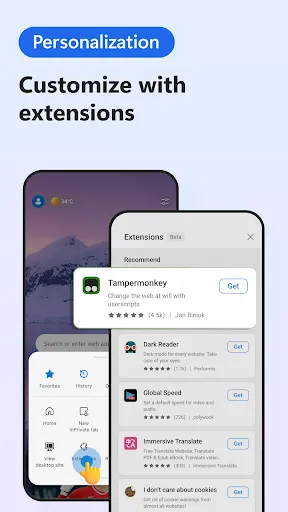


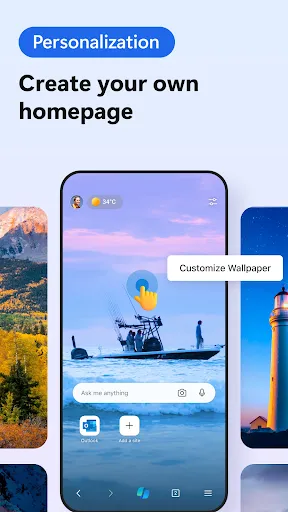
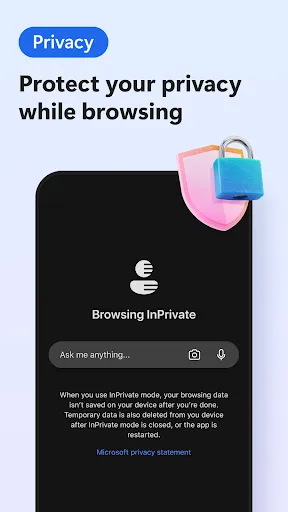
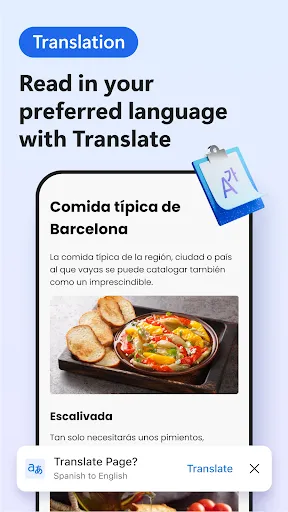
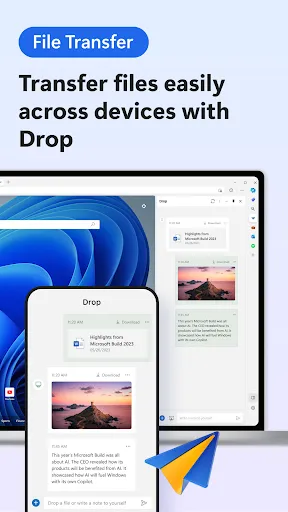
Microsoft Edge, powered by AI, offers a range of innovative features designed to enhance user experience and productivity. One of its standout features is the built-in AI assistant, which helps users find information quickly and efficiently. This assistant can summarize web pages, provide suggestions on related content, and even answer questions in real-time. Another notable feature is the integration of AI-driven tools for better privacy and security. Edge provides advanced tracking prevention measures that utilize AI algorithms to block unwanted ads and trackers, giving users a more secure browsing environment. Additionally, the browser includes a "Collections" feature that allows users to gather and organize content from various web pages, making it easier to manage research and projects. The browser also supports seamless collaboration with tools like Microsoft Teams, enabling users to share links and content easily. Furthermore, with AI-enhanced performance optimization, Edge ensures faster loading times and smoother navigation, making for a more enjoyable browsing experience overall. To get started with Microsoft Edge: AI browser, first, download and install the browser from the official Microsoft website. Once installed, launch the browser and sign in with your Microsoft account to sync your bookmarks, passwords, and settings across devices. The AI features can be accessed directly from the main interface, where you can find the AI assistant icon. To utilize the AI assistant, simply click on the icon or use keyboard shortcuts to activate it. You can ask it to summarize articles, suggest similar topics, or answer specific queries while browsing. Additionally, explore the “Collections” feature by clicking on the icon in the toolbar, which allows you to save and organize your favorite web content. For privacy settings, navigate to the settings menu and adjust the tracking prevention levels to suit your browsing preferences. Regularly update the browser to ensure you have the latest features and security enhancements. With these steps, you can effectively harness the capabilities of Microsoft Edge’s AI features for a more efficient browsing experience. Microsoft Edge: AI browser comes with several advantages that enhance user experience. One of the primary benefits is its integration of AI-powered tools, which improve productivity by providing quick access to information and personalized suggestions. The browser’s robust security features, including advanced tracking prevention, offer peace of mind for users concerned about their online privacy. Additionally, the seamless integration with Microsoft Office and Teams makes collaboration straightforward for users who rely on these tools for work or school. Edge also boasts fast performance and efficient resource management, allowing for smooth browsing even with multiple tabs open. However, there are some drawbacks to consider. While Edge's AI features are impressive, users who prefer more customization options may find it somewhat limiting compared to other browsers. Additionally, as a relatively newer browser, some extensions and third-party applications may not be as widely available as they are for more established browsers. Overall, while Microsoft Edge: AI browser offers many benefits, users should weigh these pros and cons based on their individual browsing needs.Features of Microsoft Edge: AI Browser
How to Use Microsoft Edge: AI Browser
Pros & Cons of Microsoft Edge: AI Browser

 Enhanced privacy features protect your online data. Fast page loading for efficient browsing experiences. Integrated AI tools boost productivity and creativity. Seamless compatibility with Windows and Microsoft services. User-friendly interface simplifies navigation and access.
 Limited extension support compared to competitors User interface can feel cluttered and overwhelming Frequent updates may disrupt browsing experience Privacy settings are less intuitive for users
  Google Play
  App Store
 Microsoft Edge: AI browser may collect certain data to improve user experience and functionality, but it offers privacy settings that allow users to manage their data collection preferences.
Microsoft Edge: AI browser is available for free, allowing users to access its core features without a subscription, while premium features may require a subscription.
Yes, Microsoft Edge: AI browser requires an internet connection to access online content and utilize its AI features, though some functionalities may be available offline.
You can contact support for Microsoft Edge: AI browser through the Microsoft support website or use the feedback feature within the browser to send your comments directly to the development team.
You can manage or cancel your Microsoft Edge: AI browser subscription through the account settings in the browser or by visiting the Microsoft account management website.
Yes, you can get support for Microsoft Edge on mobile devices through the Microsoft support website or the app support section.
You can reach Microsoft Edge customer service through the Microsoft support website or by calling their customer support number listed there.
Click on the three dots in the upper right corner, go to "Help and feedback," then select "About Microsoft Edge" to see your version.
Open Microsoft Edge, click on the profile icon in the upper right corner, and select "Sign in" to enter your Microsoft account credentials.
Click on the profile icon in the upper right corner, select "Manage profile settings," and you can edit or add profiles as needed.