
0

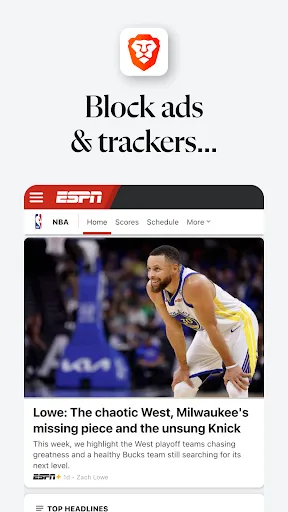
 Brave blocks intrusive ads for a faster browsing experience. Your data remains private with built-in tracking protection. Enjoy seamless browsing with enhanced security features enabled. Integrated VPN provides safe access to geo-restricted content. Earn rewards while browsing with optional cryptocurrency features.
 Limited server locations may affect connection speed and reliability. Some websites may not function properly with built-in ad blocking. Premium features require a subscription, adding to overall costs.
  Google Play
  App Store
 Brave Private Web Browser, VPN is designed to prioritize user privacy and does not collect personal data or browsing history, ensuring that your online activities remain confidential.
Brave Private Web Browser, VPN offers a free version with limited features, along with a subscription plan that provides access to the full range of services, including the VPN functionality.
Yes, Brave Private Web Browser, VPN requires an internet connection to function, as it needs to route your traffic through its servers to provide privacy and security while browsing.
You can contact support or send feedback for Brave Private Web Browser, VPN through the official Brave website, where you can find support resources, submit a help request, or participate in community forums.
You can manage or cancel your Brave Private Web Browser, VPN subscription through the account settings in the app or on the Brave website, where you can follow the prompts to make changes to your subscription.
Yes, you can activate your Brave VPN account on multiple devices as long as you log in with the same credentials on each device.
Yes, you can change your customer service preferences by logging in, navigating to the settings, and adjusting your communication preferences under 'Customer Support.'
For account issues, visit the Brave support page and use the contact form or live chat option to reach customer service.
To log in, open the Brave browser, click on the menu, select 'Log in,' and enter your credentials. Make sure you have a stable internet connection.
To update your customer information, log in to your account, go to the account settings, and make the necessary changes under 'Profile Information.'