

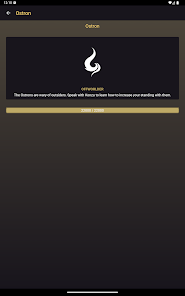
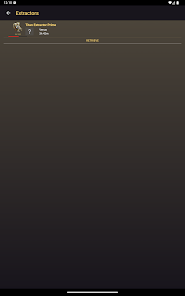
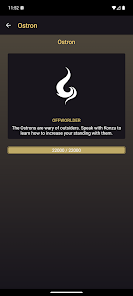
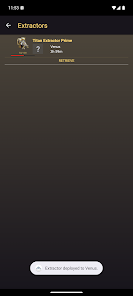
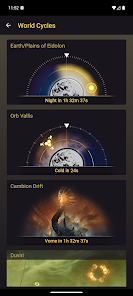
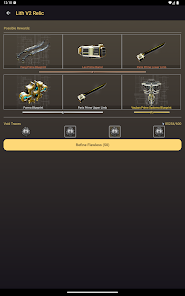
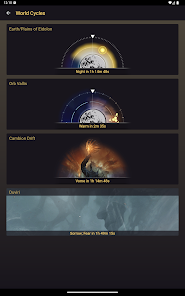
The Warframe Companion is a digital companion app for the game Warframe. It allows players to stay connected to their game while on the go, and provides a wealth of useful information and features.
The Companion app was first released in 2014, and has since been continuously updated with new content and features. Some of the app's most popular features include the ability to check out player statistics, view item information, and receive real-time alerts for events happening in the game.
The Warframe Companion is an essential tool for any player looking to stay connected to their game while on the go. With its wealth of useful features and constant updates, it's easy to see why it's one of the most popular apps among Warframe fans.
The Companion App is a free mobile app that allows you to take your Warframe experience on the go. With the app, you can view your Arsenal, analyze Mod data, and more. The Warframe Companion app is a great way to keep track of your Warframe progress and stats on the go. Here's a quick guide on how to get the most out of the app: There are a lot of reasons to get the Warframe Companion App. It keeps you updated on the latest news, lets you know what's happening in the game, and gives you a chance to chat with other players. But there are a few drawbacks.Features and Functions
For those of us who like to have our favorite games with us at all times, the Companion App is a must-have. It's available for both iOS and Android devices, so no matter what kind of phone you have, you can take your Warframe experience with you.
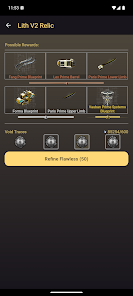
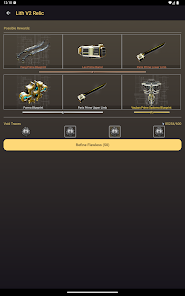
One of the best features of the Companion App is the ability to view your Arsenal. This allows you to see all of your Warframes and weapons in one place, as well as their stats and abilities. You can also equip and unequip mods from here, which is handy if you're trying to figure out what combination of mods works best for you.
The Companion App also has a built-in Mod Analyzer. This tool lets you input any mod into it and see how it will affect your Warframe's stats. This is great for theorycrafting and finding those perfect builds that will help you dominate in combat.
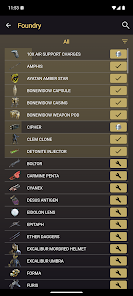
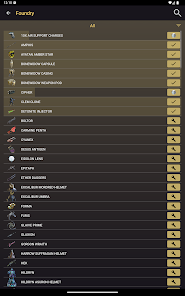
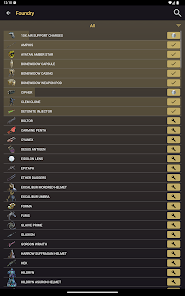
Finally, the Companion App also has a foundry where you can craft new items for your Warframe. This includes everything from weapons to cosmetic items. So if you're looking for that perfect piece of gear to show off to your friends, or just want to craft something new to try out, the Companion App has you covered.How to Use Warframe Companion
-To start, simply download the app and login with your Warframe account.
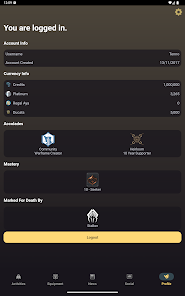
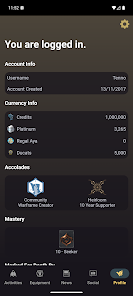
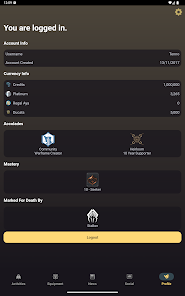
-Once you're logged in, you'll be able to view all sorts of information about your account, including your current rank, level, and number of frames unlocked.
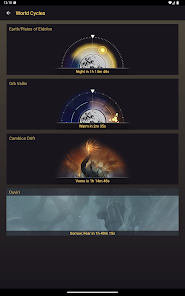
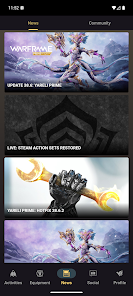
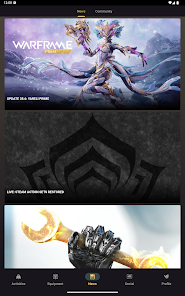
-You can also use the app to check out the latest news and updates for Warframe, as well as view upcoming events.
-Finally, the app also allows you to directly message other players or join in on conversations in the official Warframe forums.Pros & Cons
First, the Companion App requires a constant internet connection, which can be a problem for some people. Second, it can be a bit buggy at times. And third, it's not available on all platforms (it's currently only available on iOS and Android).
Overall, the Warframe Companion App is a great way to stay up-to-date on all things Warframe. Just be aware of its limitations before you download it.

 Enhances gameplay with real-time alerts and notifications for events. Provides personalized builds and loadouts to optimize Warframe performance. Offers in-depth stats and analytics to track player progress and achievements. Facilitates community interaction through forums and chat features for collaboration. Includes comprehensive guides and tips to help new players master the game.
 Limited customization options hinder personal expression and playstyle adaptation. AI behavior can be unpredictable, leading to frustrating moments in combat. Higher resource demands may affect performance on lower-end devices.
 Yes, users can submit suggestions and feedback through the app or official Warframe forums, allowing developers to consider player input for future updates.
Yes, the app may collect certain personal data to enhance user experience, but it typically adheres to privacy policies that outline how this data is used and stored.
While some features may be accessible offline, the app primarily relies on an internet connection to provide real-time updates and notifications.
To cancel your subscription, you can typically do so through your device's app store settings or within the app's subscription management section.
The subscription cost may vary, but it generally includes monthly or yearly options that unlock additional features and benefits within the app.
Yes, you can reactivate your account by logging in and following the prompts or by contacting customer service for help.
Customer numbers cannot be changed. If you have issues, contact customer service for further assistance.
You can reach customer service through the official Warframe support website or in-game support menu.
You can submit a ticket through the Warframe support site for assistance with account activation issues.
You can retrieve your customer number by logging into your account on the Warframe website and checking your account settings.











 Google Play
  App Store