


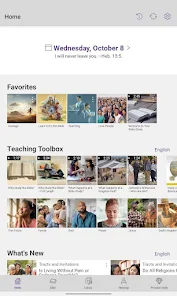
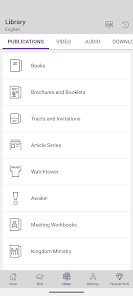
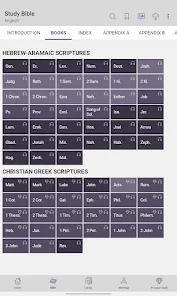
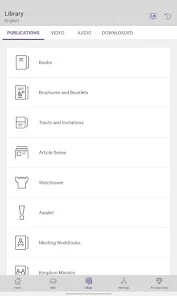
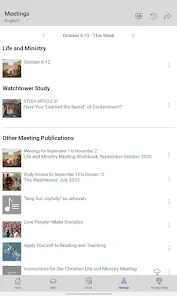
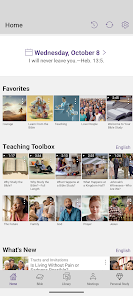
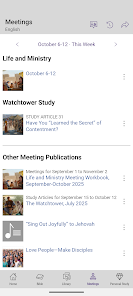
JW Library is an app created by Jehovah's Witnesses. It includes several features such as access to Watchtower Library, a bible study tool, a publication reader, and more.The app is available for free on the App Store and Google Play Store.Features:-Access to Watchtower Library: With this feature, you can have all of the publications from the Jehovah's Witnesses at your fingertips. This includes The Watchtower and Awake! magazines, as well as many other books and pamphlets.-Bible study tool: The JW Library app includes a bible study tool that allows you to read, listen to, and compare different bible translations. You can also bookmark passages and create notes.-Publication reader: The app includes a publication reader that allows you to read Jehovah's Witness publications on your device. This feature also lets you download publications for offline reading.-Additional features: The JW Library app also includes other features such as a history of your recently read items, a search function, and more.
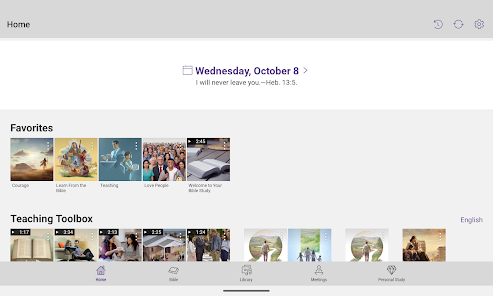
JW Library is a Bible app for Jehovah's Witnesses. It includes the King James Version of the Bible as well as other versions, such as the New World Translation and the Bible in Spanish. The app also includes a dictionary, a daily text, and other features. JW Library is an app published by the Watchtower Bible and Tract Society of New York, Inc. that includes a number of features useful to Jehovah's Witnesses. Some of these features include: The Pros:Features
One of the best things about JW Library is that it is available in many languages. As of this writing, there are over 60 language options! This makes it a great resource for Jehovah's Witnesses who are looking to study the Bible in their own language.
Another great feature of JW Library is the ability to customize your reading experience. You can choose what version of the Bible you want to read, change the font size, and even set up a daily reading plan. If you want to listen to an audio version of the Bible, you can do that too! There are also tons of helpful study aids included in the app, such as maps, charts, and diagrams.
Whether you're a longtime Jehovah's Witness or someone who is just beginning to learn about this faith, JW Library is a great resource. It's user-friendly interface and wealth of features make it one of the best Bible apps available today.How to use JW Library
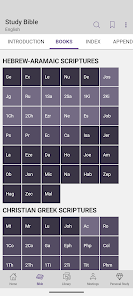
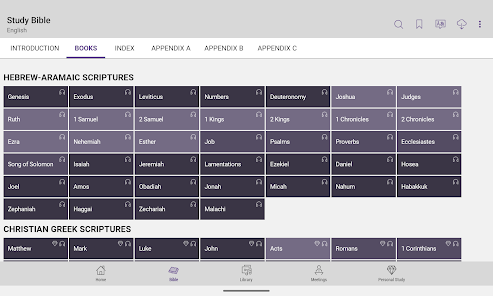
Bible: The Bible is available in more than 70 languages. You can choose to read it in either single-column or multi-column format. You can also compare different versions of the Bible side-by-side.
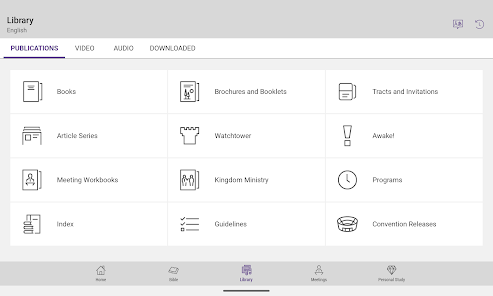
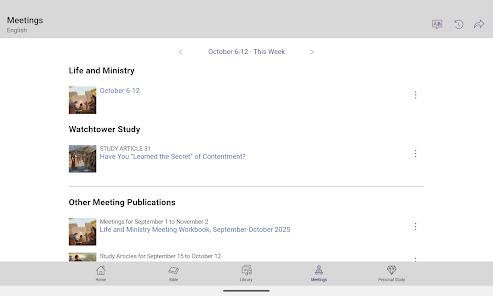
Publications: JW Library includes a number of publications written by Jehovah's Witnesses. These include books, brochures, and magazines. You can read them online or download them for offline reading.
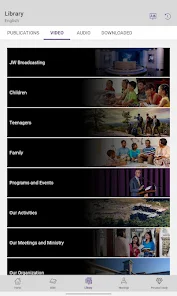
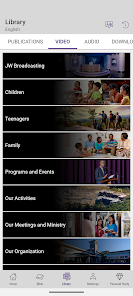
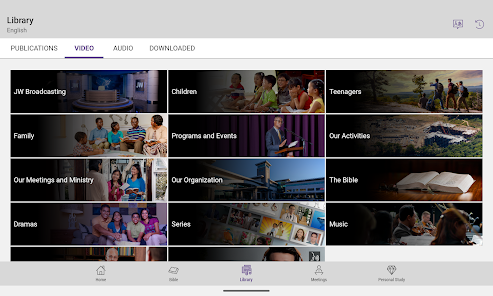
Videos: JW Library includes a number of videos produced by Jehovah's Witnesses. These cover a wide range of topics, such as Bible history and Christian living. You can watch them online or download them for offline viewing.
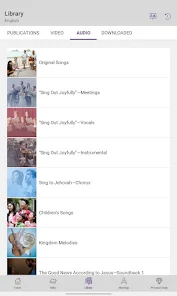
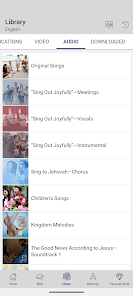
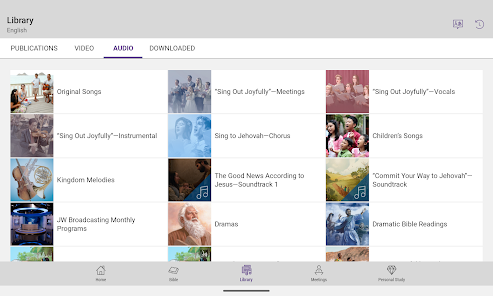
Music: JW Library includes a number of music albums with songs sung by Jehovah's Witnesses. You can listen to them online or download them for offline listening.
Images: JW Library includes a number of images that you can use as wallpaper for your device's home screen or lock screen.
To use JW Library, simply install the app from the App Store or Google Play Store. Once installed, you will be able to access all of its features without having to create an account or login.Pros & Cons
-The JW Library app is a convenient way to read and study the Bible, especially when you're on the go.
-It's easy to use and navigate, with a clean interface that makes it simple to find what you're looking for.
-There are a number of useful features, such as the ability to highlight passages, bookmark verses, and make notes.
-The app is free to download and use.
The Cons:
-The JW Library app is only available for Android and iOS devices, so if you're using another type of device (such as a Windows phone), you won't be able to use it.
-Although the app is free, some of the features (such as certain dictionaries) require an in-app purchase.
-There have been some reports of bugs and glitches with the app, although most users seem to have had a positive experience overall.

 Access a wide range of Bible translations easily Study materials support deeper scriptural understanding User-friendly interface enhances navigation and usability Offline access ensures availability anytime, anywhere Regular updates keep content fresh and relevant
 Limited support for non-English languages available. Interface can be confusing for new users. Lacks advanced features found in other apps. Dependent on consistent internet access for updates.
 JW Library is designed to respect user privacy and does not collect personal data or share it with third parties. Users can use the app without providing personal information.
JW Library is completely free to download and use, with no paid trials or subscriptions required for accessing its features and content.
While JW Library can be used offline after downloading the necessary materials, an internet connection is required to access new content, updates, or to sync data across devices.
Users can contact support or send feedback through the app's help section, which provides options for submitting inquiries or suggestions directly to the development team.
Since JW Library does not have a subscription model, there are no subscription management or cancellation processes needed. Users can simply download or delete the app as desired.
Yes, you can log in to the same account on multiple devices to access your materials.
You can reach customer service through the official website or app support section. Look for the "Contact Us" option for assistance.
Open the app, navigate to the desired publication, and tap "Download" to save it for offline access.
Open the app, select "Log In," and enter your account credentials. If you don’t have an account, you can create one within the app.
Use the "Forgot Password?" option on the login screen to receive a reset link via email. Follow the instructions to change your password.











 Google Play
  App Store