






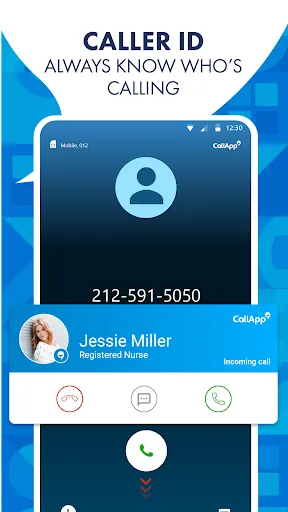
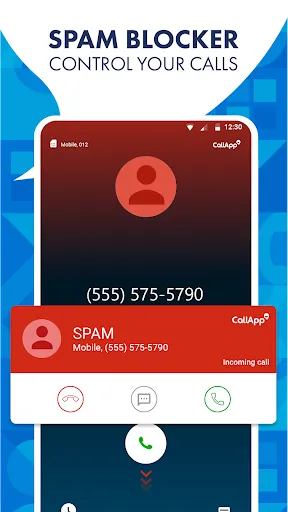
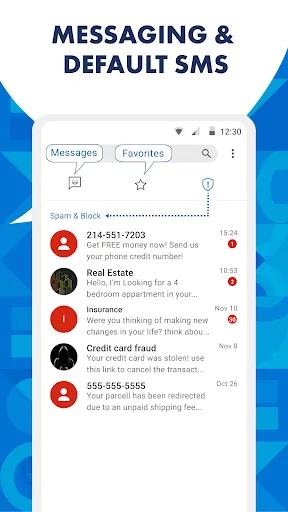
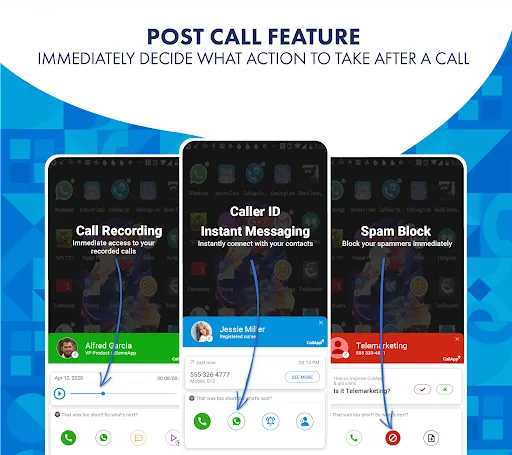
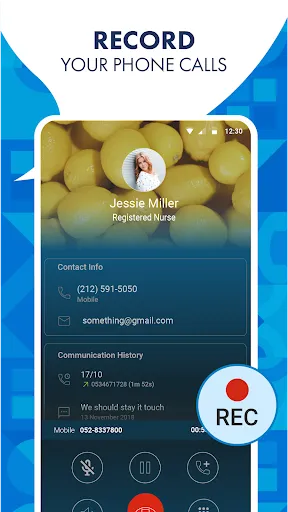
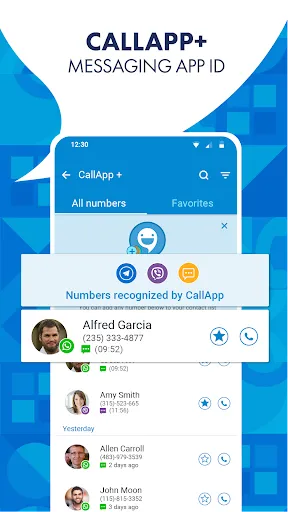
CallApp is a free caller ID and call recording app for Android and iOS devices. It provides users with a comprehensive caller ID service, allowing them to identify unknown callers and block unwanted calls. It also offers a call recording feature, allowing users to record and store their conversations for later reference. The app also includes a variety of other features, such as a reverse phone lookup, call blocking, and more.
CallApp is a caller ID and recording app that offers a number of features to its users. Some of these features include the ability to see the name and number of who is calling, as well as their profile picture if they are in your contact list. The app also allows you to record calls, so you can listen back to them later. Additionally, CallApp provides blocking features for unwanted calls, and can even transcribe recorded calls into text so you can read them back later. CallApp is a caller ID and recording app that allows you to see who is calling and record your phone calls. To use CallApp, simply download the app from the App Store or Google Play and install it on your phone. Once you have installed CallApp, open the app and sign up for an account. After you have signed up for an account, you will be able to see the caller ID for any incoming calls and record your phone calls. There are many advantages and disadvantages to using CallApp, a caller ID and recording app. Some pros of the app include that it is free to download and use, it has a user-friendly interface, and it can be used to record phone calls. Some cons of the app include that it may drain your battery quickly, it may not be available in all countries, and it may not work with all phone carriers.Features and Functions
How to Use CallApp: Caller ID & Recording
Pros & Cons

 Identify unknown callers instantly for enhanced security. Block unwanted calls effortlessly to reduce interruptions. Access detailed caller information to make informed decisions. Customize call blocking settings to suit your preferences. Enjoy a user-friendly interface that simplifies navigation and usage.
 Limited database may miss some unknown callers Frequent ads can interrupt user experience May drain battery life due to constant background activity
  Google Play
  App Store
 CallApp may collect certain personal data to enhance user experience, such as contact information and call logs, but it typically emphasizes user privacy and data protection.
CallApp offers a free version with basic features, while some advanced functionalities may require a subscription or in-app purchases.
Yes, CallApp requires an internet connection to provide real-time caller identification and to access its database for blocking unwanted calls.
You can contact support or send feedback through the app's settings menu, where you will find options for customer support or feedback submission. Alternatively, you can visit the official website for more contact information.
You can manage or cancel your subscription through your app store account settings or within the app's subscription management section. Detailed instructions are usually provided in the app.
Unfortunately, customer numbers cannot be changed. For further assistance, please contact customer service.
Yes, you can recover your login details by following the 'Forgot Password' link in the app.
You can reach our customer service through the app's settings or by visiting our website for support options.
Open the app, tap on the log in button, and enter your credentials to access your account.
You can contact customer service via the app or our website for help with activation issues.
















