




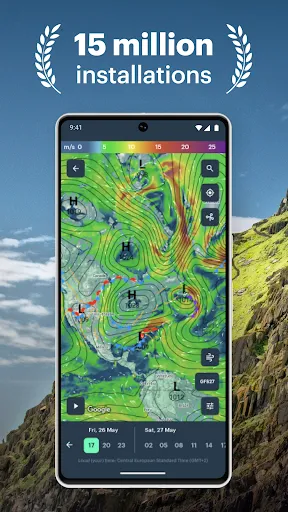
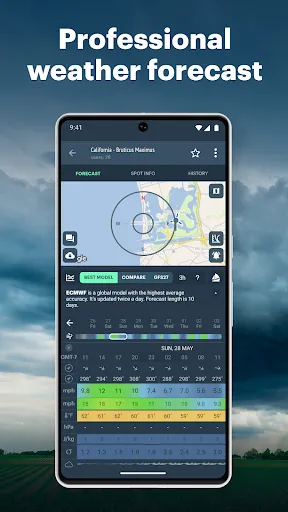
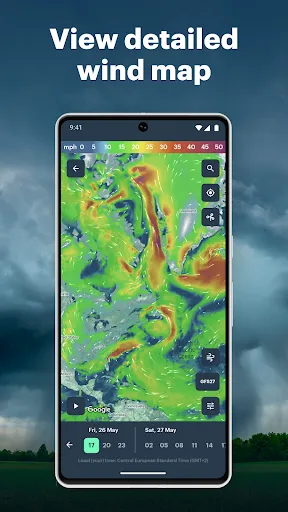
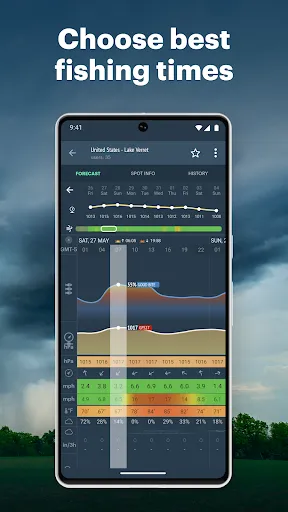
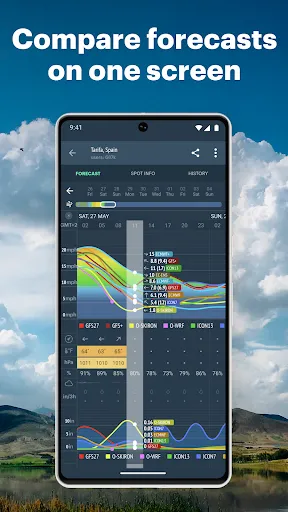
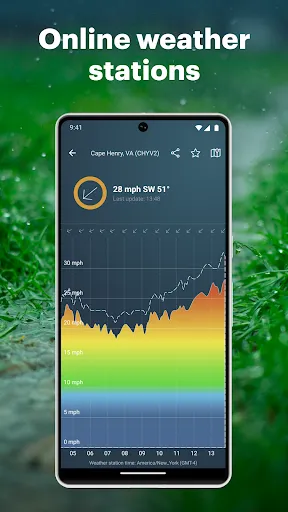
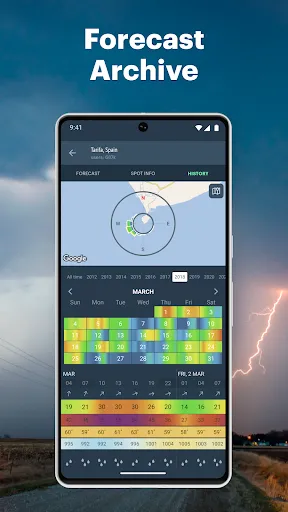
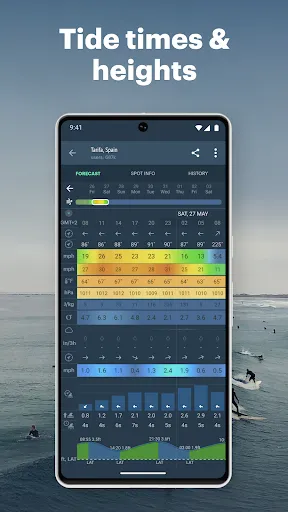
Windy.app is a robust weather application designed for outdoor enthusiasts, providing a plethora of features that cater to various activities such as sailing, skiing, surfing, and paragliding. One of its standout features is the detailed weather forecasts that include wind speed, precipitation, temperature, and atmospheric pressure, all presented through an intuitive, user-friendly interface. The app utilizes multiple weather models to ensure accuracy, allowing users to select their preferred forecast model for a more tailored experience. Additionally, Windy.app offers real-time weather updates, providing notifications for significant changes in weather conditions. Users can also access a detailed radar view, which visually represents rainfall and storm systems in real-time, aiding in planning and safety. Moreover, the app includes a community feature, enabling users to share their own weather reports and experiences, fostering a sense of community among outdoor enthusiasts. The interactive map allows users to zoom in on specific locations and view localized forecasts, ensuring that they have access to the most relevant weather data for their activities. Using Windy.app is straightforward, making it accessible even for those who may not be tech-savvy. To get started, users need to download the app from their respective app store and create an account. Once logged in, they can set their location to receive localized forecasts. The main interface features a dynamic map that allows users to visualize weather conditions across various regions, simply by navigating to their desired area. To access specific weather details, users can tap on the map to view detailed forecasts, which include wind patterns, temperature variations, and precipitation levels. The app also enables users to customize their weather parameters, allowing them to focus on the metrics most important for their activities. Furthermore, users can set up alerts for specific weather conditions, ensuring they stay informed of any changes. For those interested in community interaction, participating in discussions or sharing weather reports can enhance their experience and provide additional insights from fellow users. Windy.app comes with numerous advantages that make it a popular choice among outdoor enthusiasts. One of the primary pros is its highly detailed and accurate weather forecasts, which are vital for planning outdoor activities. The app’s interactive map and multiple weather models provide users with a comprehensive understanding of weather conditions. Additionally, the community feature allows users to share experiences and insights, enhancing the overall user experience. However, Windy.app is not without its drawbacks. Some users may find the app slightly overwhelming due to the abundance of information and features available. The complexity of the data may pose a challenge for those who prefer a more straightforward weather app experience. Furthermore, while the app offers a free version, certain advanced features may require a subscription, which could deter some users. Balancing these pros and cons is essential for potential users to determine if Windy.app aligns with their specific weather forecasting needs.Features of Windy.app - Enhanced Forecast
How to Use Windy.app - Enhanced Forecast
Pros & Cons of Windy.app - Enhanced Forecast

 Accurate wind and weather forecasts for outdoor activities User-friendly interface for quick navigation and insights Real-time updates for precise planning and safety Customizable alerts tailored to your specific needs Global coverage for diverse locations and conditions
 Limited coverage in remote areas Complex interface for beginners Occasional inaccuracies in long-term forecasts Requires a subscription for advanced features
  Google Play
  App Store
 Windy.app - Enhanced forecast may collect certain personal data for functionality and user experience improvement, but it adheres to privacy standards and regulations.
Yes, Windy.app - Enhanced forecast offers a free version with limited features, along with a premium subscription that unlocks additional functionalities.
Yes, Windy.app - Enhanced forecast requires an internet connection to access real-time weather data and updates.
You can contact support or send feedback for Windy.app - Enhanced forecast through the app's help section, where you can find options for email support and FAQs.
You can manage or cancel your Windy.app - Enhanced forecast subscription through your app store settings or directly within the app under the subscription management section.
You can contact Customer Service through the app's support section or visit their website for more information.
Your Customer Number can usually be found in your account settings within the app.
Some features may require a subscription; you can activate them through the app's settings or subscription page.
If you cannot log in, try resetting your password via the "Forgot Password?" link on the login page.





















