




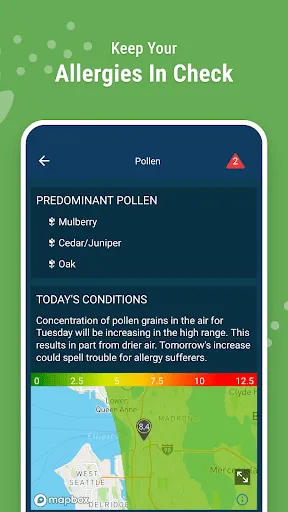
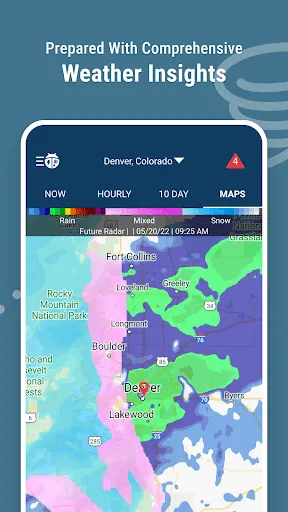
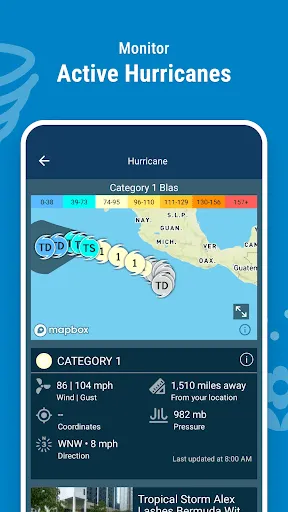
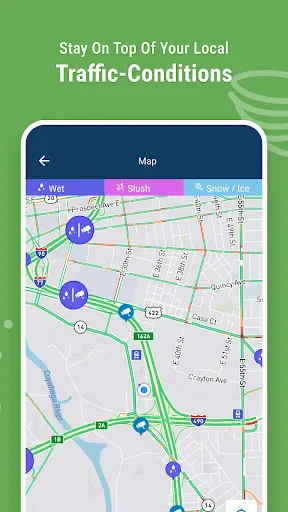
WeatherBug is a popular mobile app that provides users with real-time weather data. The app is available for both Android and iOS devices, and it's one of the most comprehensive weather apps on the market. In this blog post, we will take a look at the WeatherBug mobile app and explore its features and benefits. We will also provide a step-by-step guide on how to use the app to get the most out of it.
Features and Functions The WeatherBug Mobile App is a free application that gives you access to the latest weather information, whether you are at home or on the go. The app provides you with up-to-the-minute weather reports, as well as radar and satellite images so you can track the storm as it moves in. How to Use WeatherBug Mobile App Assuming you have a smartphone, downloading the WeatherBug app is easy. Simply go to your phone’s app store and search for “WeatherBug.” The app is available for both Android and iPhone users. Pros & Cons WeatherBug is a popular mobile app that gives users real-time weather information. It is available for both Android and iOS devices. The app is free to download and use, but it offers in-app purchases for premium features. About the Developer WeatherBug is a global leader in mobile weather. The WeatherBug app for iPhone, iPad and iPod touch gives you the most accurate real-time forecast and local conditions wherever you are.
In addition to providing you with current weather conditions, the WeatherBug Mobile App also allows you to set up custom alerts so you can be notified of severe weather conditions in your area. You can also view a seven-day forecast for your location, and check out the latest news and video from the WeatherBug team.
Once you have downloaded and opened the app, you will be prompted to allow access to your location. This is necessary in order for the app to give you accurate local weather conditions.
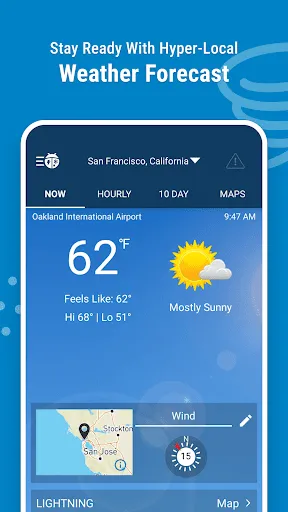
After giving the app permission to access your location, you will be taken to the main page of the app. Here you will see the current temperature and conditions for your location, as well as the forecast for the next few days.
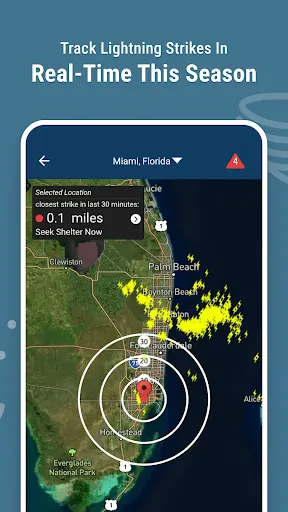
You can also view radar maps and satellite images, get severe weather alerts, and more by tapping on the various tabs at the bottom of the screen.
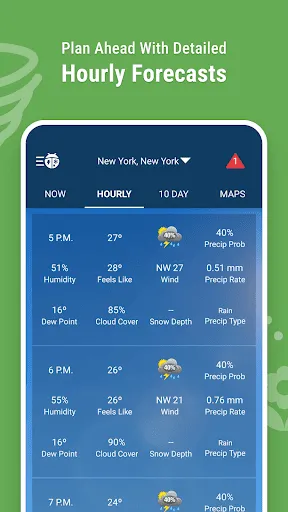
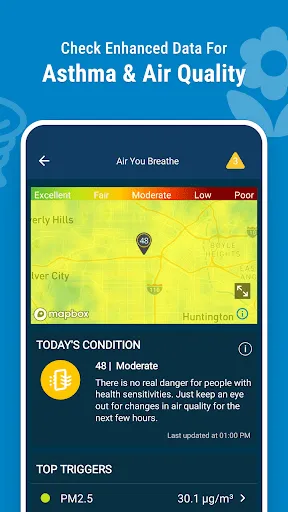
WeatherBug has many features that make it a useful tool for weather information. It provides users with current conditions, hourly and daily forecasts, severe weather alerts, radar maps, and more. It also allows users to customize their settings to receive the information that they want.
There are also some drawbacks to using WeatherBug. The app can be battery-intensive, as it constantly checks for updates. It also may not be as accurate as some other weather apps, since it relies on user-reported data. Overall, though, WeatherBug is a helpful app for those who need up-to-date weather information.
Our mission is to provide the world’s most accurate and actionable weather information to help people live their lives to the fullest. We are passionate about our products and delivering great customer service.
WeatherBug was founded in 1993 by former National Weather Service meteorologist John Coleman and software developer Alan Steremberg. Today, WeatherBug is part of The Weather Channel Companies, owned by IBM.
WeatherBug has a rich history of innovation in weather technology and services. We were the first company to offer real-time local weather conditions on the Internet (1994), the first to offer live, local Doppler radar images on the Internet (1995), the first to provide breaking weather alerts via email (1996), the first to develop a mobile app for smartphones (2008) and much more.

 Accurate real-time weather data ensures timely decision-making for outdoor activities. High-definition radar imagery provides detailed insights into storm patterns and movements. Customizable alerts keep you informed of severe weather changes in your area. User-friendly interface makes navigating weather information quick and easy. Historical weather data helps plan future events and activities effectively.
 Limited coverage in remote areas may lead to incomplete data. High costs can restrict access for some users. User interface may be complex for those unfamiliar with radar technology.
  Google Play
  App Store
 Yes, Weather Radar by WeatherBug may collect personal data to enhance user experience, including location data and usage statistics, as outlined in their privacy policy.
Yes, Weather Radar by WeatherBug offers a free version with limited features, while premium features may require a subscription.
Yes, Weather Radar by WeatherBug requires an internet connection to access live data, updates, and radar imagery.
You can contact support or send feedback through the app's help section, or by visiting the WeatherBug website for additional support options.
You can manage or cancel your subscription through the app's settings or your app store account settings, depending on how you subscribed.
Unfortunately, customer numbers are unique and cannot be changed. Please contact customer service for further assistance.
Log in to your account and go to your profile settings to update your email address.
You can reach our customer service team via the support section in the app or by visiting our website for contact options.
To activate your account, follow the link in the confirmation email sent during registration. If you didn't receive it, check your spam folder.
Enter your username and password, then follow the on-screen instructions to complete the two-factor authentication process.




















