




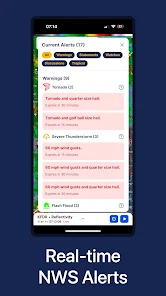
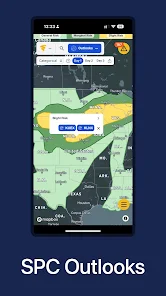
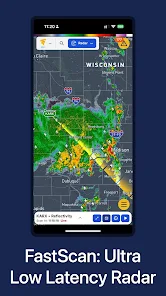
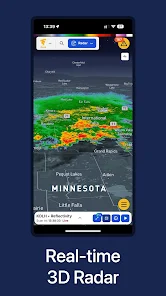
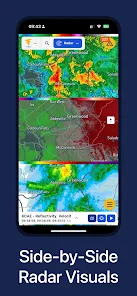
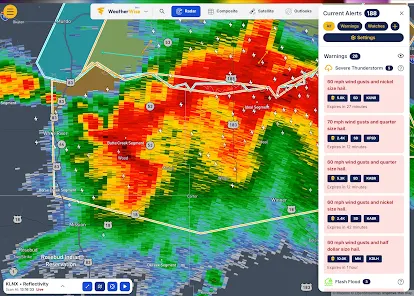
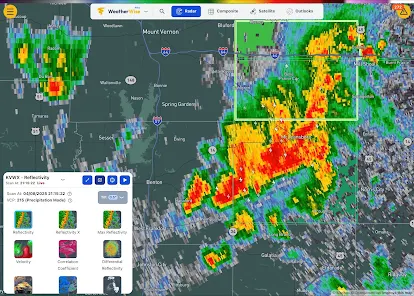
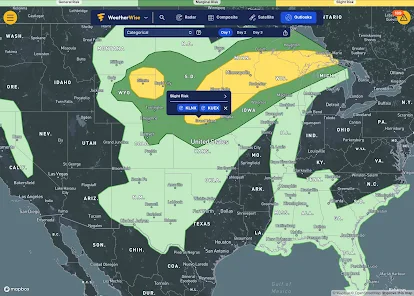
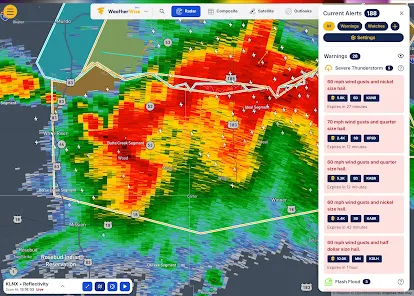
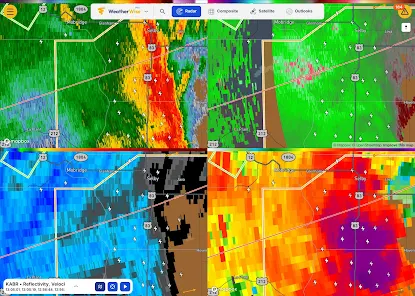
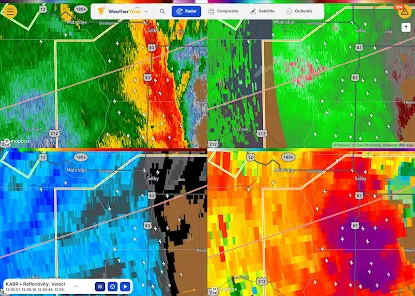
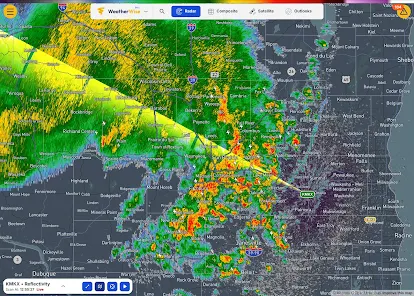
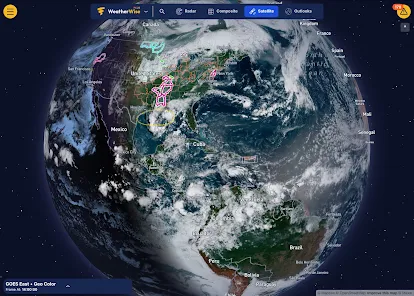
WeatherWise.app offers a comprehensive suite of features designed to provide users with accurate and timely weather information. One of its standout features is real-time weather updates, which include current conditions, hourly forecasts, and extended 7-day predictions. Users can access detailed information such as temperature, humidity, wind speed, and precipitation levels, ensuring they are well-informed about the weather in their area.
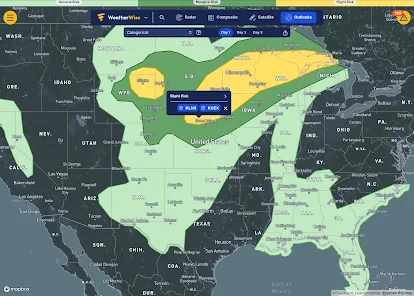
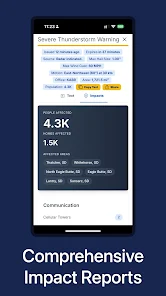
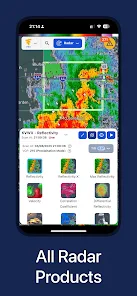
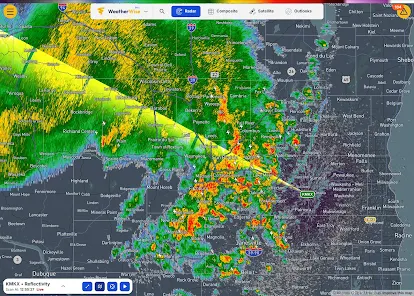
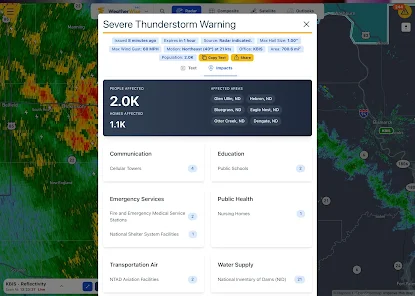
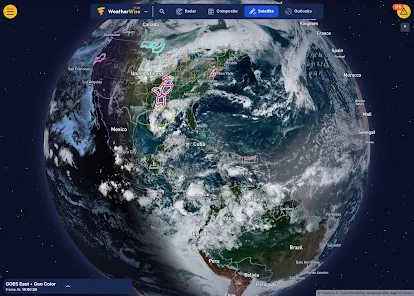
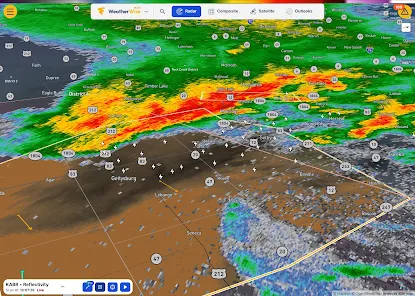
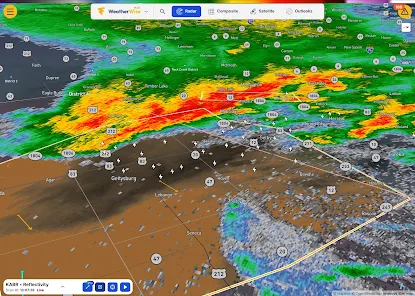
Another notable feature is the interactive weather map, which allows users to visualize weather patterns and track storms in real-time. This feature is particularly useful for those who need to monitor severe weather conditions. Additionally, WeatherWise.app provides customizable alerts, enabling users to receive notifications for specific weather events, such as thunderstorms or heavy snowfall, tailored to their preferences.
The app also includes a user-friendly interface, making it easy for individuals of all ages to navigate and access the information they need. Furthermore, WeatherWise.app supports multiple languages, catering to a diverse user base. Overall, its combination of accuracy, interactivity, and user-centric design makes it a valuable tool for anyone looking to stay informed about the weather.
Using WeatherWise.app is straightforward and user-friendly, making it accessible for everyone. To get started, users need to download the app from their respective app store, whether it be iOS or Android. Once installed, users can create an account or simply access the app as a guest. Upon opening the app, users are greeted with a clean interface that displays the current weather conditions for their location.
To customize their experience, users can enter their preferred locations to receive localized forecasts. The app allows users to save multiple locations, making it easy to check the weather for different areas. Users can navigate through various sections, including hourly forecasts, daily summaries, and weather maps, by simply tapping on the corresponding icons. Additionally, users can set up personalized weather alerts to receive notifications about significant weather changes.
For those interested in more detailed information, the app provides in-depth data on wind patterns, UV index, and air quality. Users can also share weather updates with friends and family through social media or messaging platforms directly from the app. Overall, WeatherWise.app is designed to provide a seamless and informative weather experience for all users.
WeatherWise.app comes with several advantages that enhance its usability and appeal. One of the primary pros is its accuracy in providing real-time weather updates, which is crucial for planning daily activities. The app's interactive weather map is another significant benefit, allowing users to visualize weather patterns and track storms effectively. Additionally, the customizable alerts feature ensures that users are promptly informed about severe weather conditions, enhancing safety.
Moreover, the app's user-friendly interface makes it easy for individuals of all ages to navigate and access the information they need. The support for multiple languages also broadens its accessibility to a diverse audience. However, there are some cons to consider. Some users may find that the app requires a stable internet connection for optimal performance, which can be a limitation in areas with poor connectivity.
Additionally, while the app is generally free, certain advanced features may require a subscription, which could deter some users. Lastly, occasional bugs or glitches may affect the user experience, although these are typically addressed in updates. Overall, while WeatherWise.app has its drawbacks, its strengths make it a valuable tool for weather enthusiasts and casual users alike.

 Stay updated with real-time data Get accurate forecasts for your area Receive severe weather alerts instantly Enjoy an intuitive user interface Customize notifications to suit you
 Limited offline access to data Occasional inaccuracies in forecasts User interface can be cluttered Ads may disrupt the experience
  Google Play
  App Store
 Absolutely! WeatherWise.app allows users to set up personalized alerts for severe weather conditions such as storms, floods, and extreme temperatures, ensuring you stay informed and safe.
Yes, the app allows users to add and track multiple locations, making it convenient for those who want to monitor weather conditions in different areas.
Yes, WeatherWise.app includes access to historical weather data, enabling users to view past weather conditions and trends for specific locations.
WeatherWise.app utilizes advanced meteorological models and data sources to deliver highly accurate forecasts. While forecasts can vary based on location and conditions, the app strives to provide reliable information for users.
Users can easily customize notifications within the app settings, allowing you to choose which types of weather alerts you want to receive and how frequently you are notified.
You can contact Customer Service by visiting the 'Support' section within the app or through our website for email and chat options.
To log in, open the app, enter your registered email and password, and tap 'Log In.'
Yes, after downloading the app, you need to activate your account via the confirmation email sent to you. Click the link in the email to complete activation.
The Customer Number is typically found in your account settings or in the welcome email you received upon registration.




















