




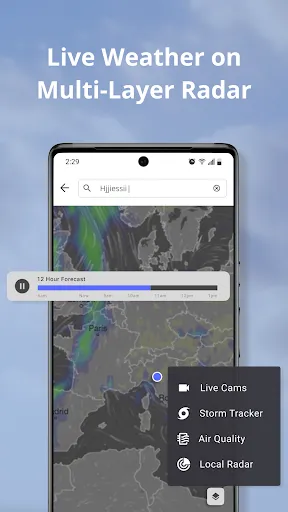
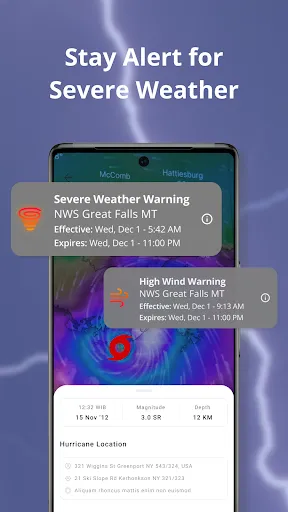
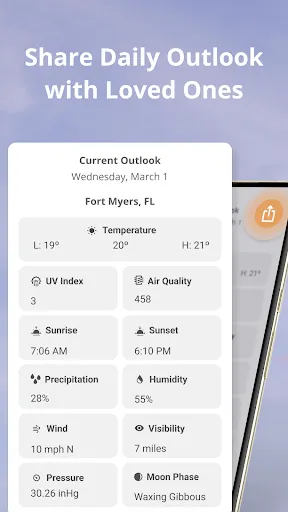
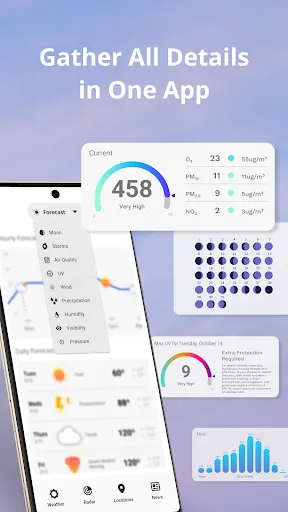
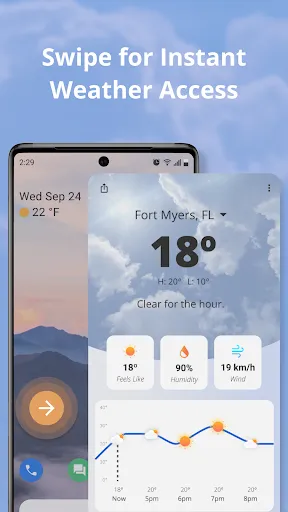
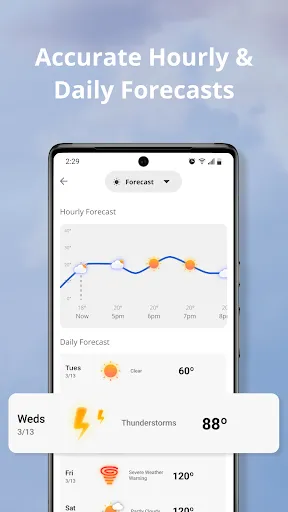
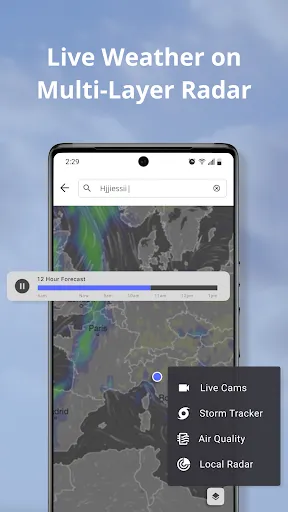
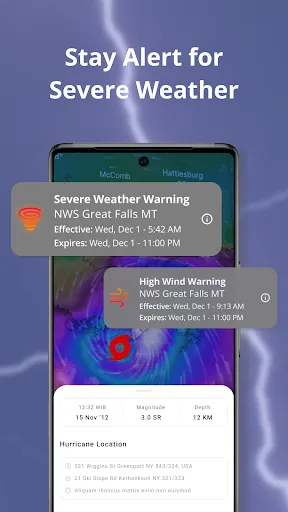
Weather Now Launcher - Radar is a multifunctional application that merges the functionality of a weather app with a customizable launcher. One of its standout features is the real-time weather radar, which provides users with comprehensive weather forecasts, including temperature, precipitation, and severe weather alerts. The app leverages GPS technology to give localized weather reports, ensuring users are well-informed about conditions in their immediate vicinity. Another notable feature is the customizable home screen, which allows users to personalize their device's appearance. Users can select widgets that display the weather in various formats, including hourly forecasts and detailed conditions. Additionally, Weather Now Launcher - Radar offers integration with various news sources, providing users with the latest updates on weather-related news. The app is designed to be user-friendly, featuring an intuitive interface that makes navigation simple for all users. Furthermore, the app includes a widget feature that users can place on their home screen for quick access to weather information without needing to open the app. This enhances convenience and makes it easier to stay updated on changing weather conditions throughout the day. Using Weather Now Launcher - Radar is straightforward and user-friendly, making it accessible for all levels of tech-savvy users. After downloading and installing the app, users can set it as their default launcher. Upon launching the app for the first time, users are prompted to enable location services, which allows the app to deliver accurate weather reports based on their geographical location. Once the app is set up, users can customize their home screen by selecting from various widgets that display current weather conditions, forecasts, and radar maps. To access detailed weather information, users can simply tap on any weather widget, which will redirect them to a more extensive view that includes hourly and weekly forecasts. Users can also explore settings to adjust their preferences, such as notification settings for severe weather alerts and updates. Additionally, users can swipe through different pages or sections of the app to get access to news articles related to weather, alerts for severe weather events, and more. Navigating through the app is seamless, allowing for a quick understanding of current weather conditions and forecasts. Weather Now Launcher - Radar has several advantages that make it a popular choice among users looking for a weather app combined with a launcher. One major pro is its comprehensive weather reporting, which includes real-time radar and detailed forecasts. The integration of customizable widgets allows users to personalize their experience, making it visually appealing and functional. Furthermore, the app's ability to provide localized weather updates ensures accuracy for users in different regions. However, there are some cons to consider. Some users may find that the app consumes a significant amount of battery life due to constant location tracking and data updates. Additionally, while the launcher feature is appealing, users who prefer a minimalist approach may find it overwhelming with too many options and widgets. Lastly, occasional bugs or slow performance reported by some users could detract from the overall experience, although updates are frequently released to address these issues. In summary, Weather Now Launcher - Radar is a powerful tool for those seeking an integrated weather solution, but potential users should weigh the pros and cons based on their individual preferences and device capabilities.Features of Weather Now Launcher - Radar
How to Use Weather Now Launcher - Radar
Pros & Cons of Weather Now Launcher - Radar

 Real-time weather updates keep you informed about changing conditions. User-friendly interface makes navigation quick and easy for everyone. High-definition radar visuals enhance understanding of weather patterns. Customizable alerts ensure you receive notifications that matter most to you. Seamless integration with other apps provides a comprehensive weather experience.
 Limited customization options may not meet all user preferences Frequent ads can disrupt user experience Requires constant internet connection for accurate updates
  Google Play
  App Store
 Yes, users can submit suggestions or feedback through the app's support section or via the official website to help improve future updates.
The app may collect some user data for functionality and improvement purposes, but it respects user privacy and complies with data protection regulations.
Yes, Weather Now Launcher - Radar allows users to access certain features offline, but real-time weather updates require an internet connection.
To cancel your subscription, go to your device's settings, navigate to the subscriptions section, and follow the prompts to manage or cancel your subscription.
The subscription for premium features typically costs a small monthly fee, but pricing may vary based on promotions or updates.
Customer numbers are generally fixed for your account. For specific inquiries, please contact customer service for guidance.
Yes, customer service is available to assist you with any issues related to the radar feature. Just reach out via the app.
You can reach customer service through the app's support section or by emailing support
After signing up, check your email for an activation link. If you haven't received it, please contact customer service for help.
Open the app and enter your registered email and password, then press log in. If you need help, reach out to customer service.




















