



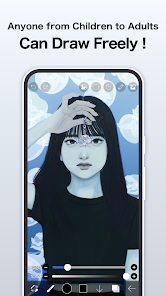
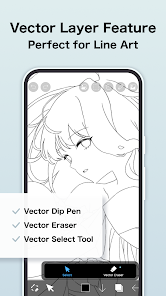
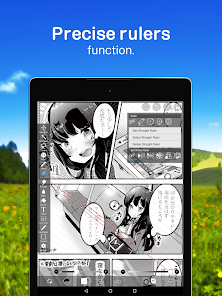
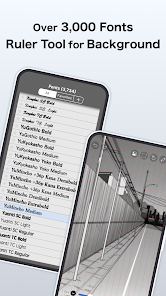
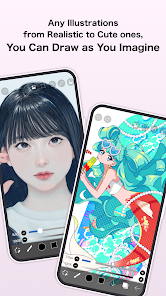
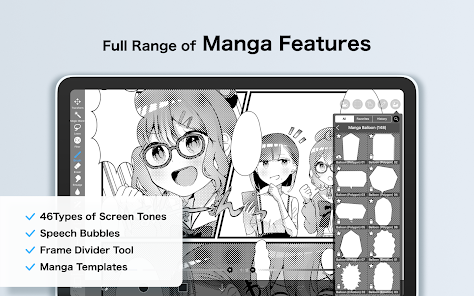
Technology has drastically changed the way we live and work, and there's no denying that. One of the most significant changes is the way we create and consume art. No longer are we limited to traditional mediums like paint and canvas – now, we can create art using our mobile phones! Ibis Paint is one of the many mobile apps that allow us to do just that.
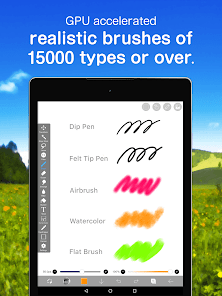
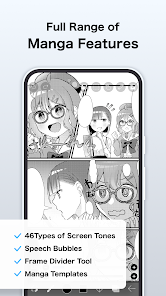
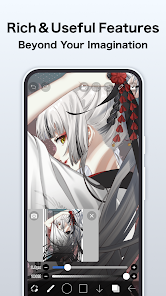
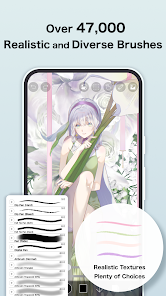
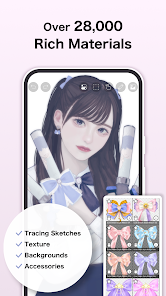
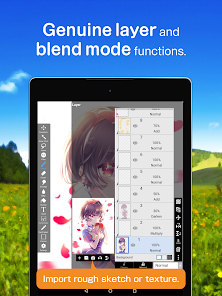
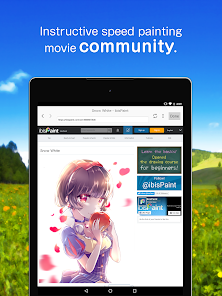
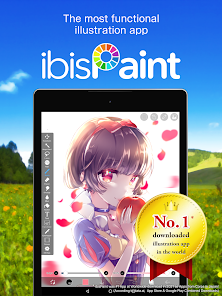
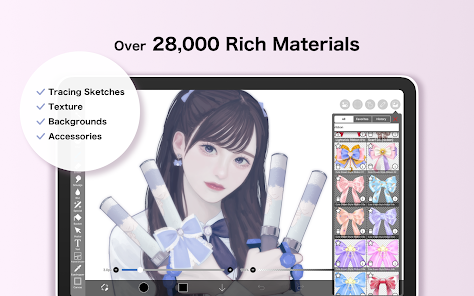
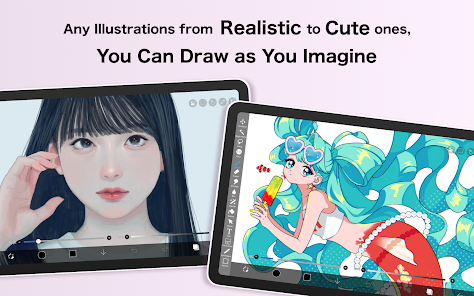
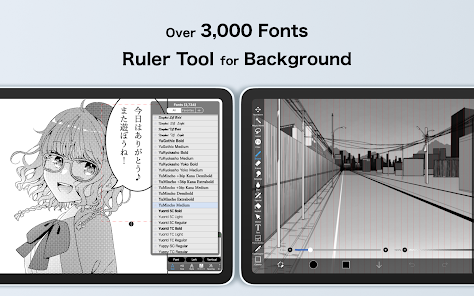
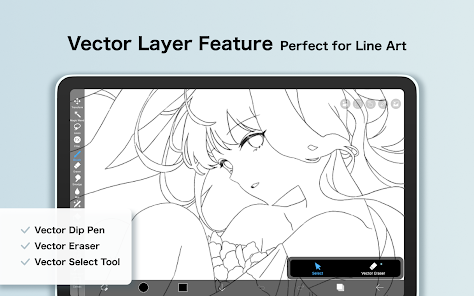
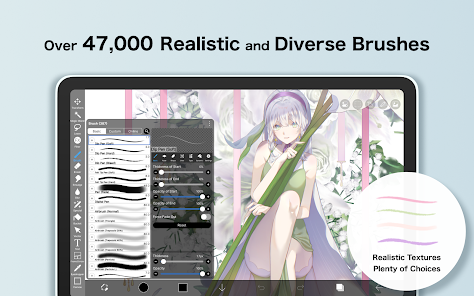
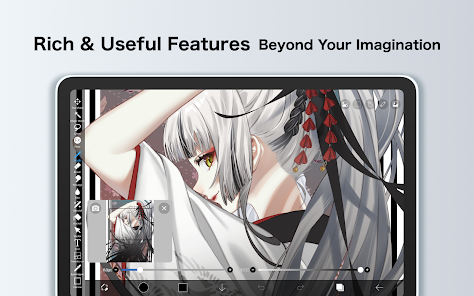
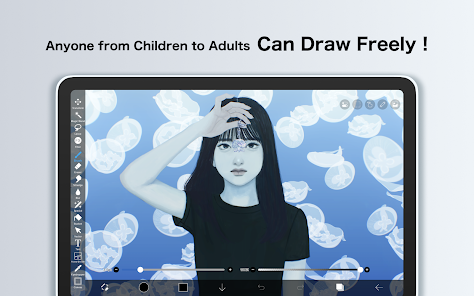
Overview Ibis Paint is a mobile app that allows users to create and share digital artwork. The app features a variety of tools and options for customizing each piece of art. Users can also access a community of other artists to view and share their work. Ibis Paint is available for free on the App Store and Google Play. Features Ibis Paint is jam-packed with features that allow you to create stunning digital art. The app includes a library of brushes, pencils, and paint pens, as well as a wide range of colors and textures. You can also add text and stickers to your paintings, and even layer different images on top of each other. One of the coolest features of Ibis Paint is the ability to record your painting process and share it with others. This is a great way to learn from other artists, or simply to show off your work. And if you ever get stuck, there's a handy help section that provides step-by-step tutorials. Overall, Ibis Paint is an incredibly powerful yet easy-to-use mobile app that lets you unleash your creativity. Whether you're a seasoned artist or a complete beginner, you'll find everything you need to create beautiful works of art. Tips for using ibis Paint There's no denying that Ibis Paint is a powerful mobile app for creating digital art. But like any tool, it takes some time and practice to master. Here are a few tips to help you get the most out of this app: 1. Use the layers feature to your advantage. This will allow you to experiment with different effects and colors without ruining your original image. 2. Take advantage of the Undo button! This will help you fix mistakes and try out different things without starting from scratch. 3. Don't be afraid to experiment. The best way to learn how to use any tool is by playing around with it and seeing what it can do. So have fun, and see what amazing art you can create with Ibis Paint! Pros & Cons If you're looking for a comprehensive mobile app review of Ibis Paint, look no further. In this article, we'll take a close look at the pros and cons of this popular painting app to help you decide if it's the right fit for you. On the plus side, Ibis Paint is packed with features that will satisfy even the most demanding artists. It offers a huge library of brushes and other tools, along with an impressive range of customization options. The user interface is clean and intuitive, making it easy to get started with the app. And best of all, using it is totally free! On the downside, Ibis Paint can be a bit challenging to master due to its many features. It's also not available for Windows phones or tablets, so if you're using one of those devices you'll need to find another app to use. Overall, Ibis Paint is a fantastic choice for anybody searching for a robust yet reasonably priced painting tool. About Developer Ibis Paint is a mobile app developed by Japanese company Ibis Mobile. The app allows users to create digital paintings and illustrations on their smartphones or tablets. Ibis Paint has been downloaded over 10 million times from the Google Play Store, and has a 4.5-star rating. Ibis Paint was created by Japanese artist Takashi Kawahara, who is also the creator of the popular webcomic series Achichu. Kawahara began developing the app in 2010, and it was released in 2011. The app features over 100 brushes and tools, as well as layers, filters, and other editing features. Users can also create their own brushes. Ibis Paint is available in English, Japanese, Chinese, Korean, Spanish, Russian, and Portuguese. Ibis Paint is a great mobile app for anyone interested in creating digital art. The software has many functions and is simple to use. Ibis Paint will enable you to produce amazing artwork, regardless of your level of experience.

 User-friendly interface for easy navigation and use Wide range of brushes for diverse artistic styles Powerful layer management for detailed artwork creation Real-time collaboration features enhance creative teamwork Frequent updates introduce new tools and features
 Limited export options for finished artwork Frequent ads disrupt the user experience Lacks advanced features found in professional software Performance issues on older devices can hinder usability
 ibis Paint does collect some data for functionality and improvement purposes, but it follows privacy regulations and provides options for users to manage their data.
Yes, ibis Paint offers a free version with basic features, as well as a paid version that unlocks additional tools and functionalities.
No, ibis Paint does not require an internet connection to create or edit artwork. However, an internet connection may be needed for certain features like downloading additional materials or sharing your work online.
You can contact ibis Paint support or send feedback through the app's help menu, where you will find options for customer support and feedback submission.
You can manage or cancel your ibis Paint subscription through the app store settings on your device (such as Google Play or the Apple App Store), where you can find subscription management options.
You can contact ibis Paint customer service through the app's settings or their official website. Look for the support or contact section for assistance.
To activate your subscription, go to the app's settings, select the subscription option, and follow the prompts to enter your payment details.
The customer number can typically be found in the app's settings under the support or about section.
To log in, open the app, go to the account section, and enter your registered email and password.











 Google Play
  App Store








