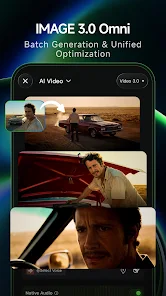
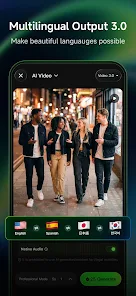
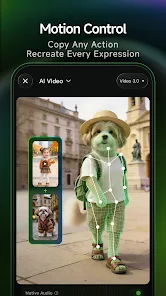
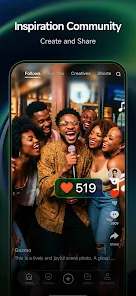
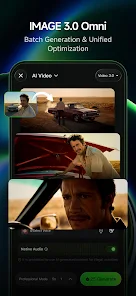
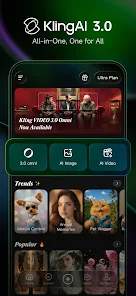
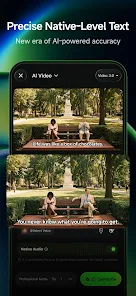
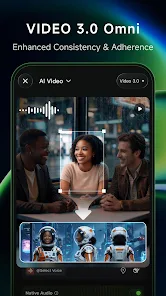
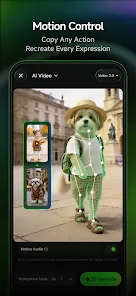
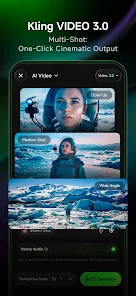
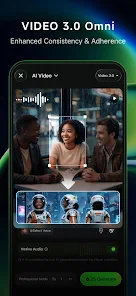
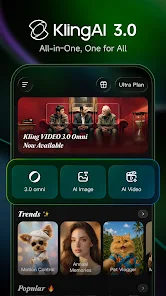
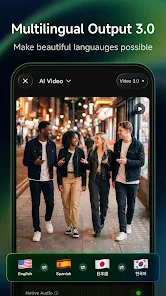
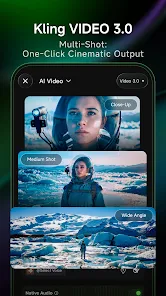
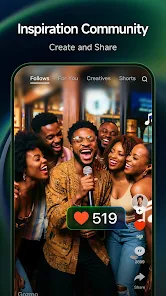
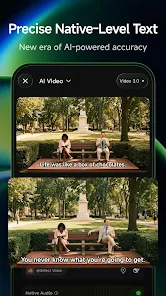
"Kling AI: AI Image&Video Maker" is a versatile tool designed to simplify the creation of visual content. One of its standout features is the ability to generate high-quality images and videos using advanced AI algorithms. Users can input text prompts, and the AI will produce stunning visuals that align with the provided descriptions. This feature is particularly useful for marketers, content creators, and social media managers looking to enhance their visual storytelling.
Another notable feature is the extensive library of templates and styles available within the app. Users can choose from a variety of pre-designed formats, making it easy to create professional-looking content without extensive design skills. Additionally, Kling AI supports various formats, allowing users to export their creations in different resolutions and aspect ratios suitable for various platforms. The user-friendly interface ensures that even those with minimal technical expertise can navigate the app effortlessly, making it accessible to a broader audience.
Using "Kling AI: AI Image&Video Maker" is a straightforward process that caters to both beginners and experienced users. To get started, download and install the app on your device. Once launched, you will be greeted with an intuitive interface that guides you through the creation process. Begin by selecting whether you want to create an image or a video, then input your desired text prompt or concept.
After entering your prompt, you can customize your project by choosing from various templates, styles, and formats. The AI will generate visuals based on your input, which you can further refine by adjusting colors, fonts, and other design elements. Once satisfied with your creation, simply export it in your preferred format. The app also allows for easy sharing on social media platforms, making it convenient to showcase your work to a wider audience.
"Kling AI: AI Image&Video Maker" comes with several advantages that make it appealing to users. One of the primary pros is its ability to generate high-quality visuals quickly, saving time for content creators. The extensive library of templates and styles allows for creative flexibility, enabling users to produce unique content tailored to their needs. Additionally, the user-friendly interface makes it accessible for individuals with varying levels of design experience.
However, there are some drawbacks to consider. The reliance on AI may lead to occasional inconsistencies in the generated content, which might require manual adjustments. Furthermore, while the app offers a range of features, some advanced functionalities may be limited in the free version, prompting users to consider a subscription for full access. Overall, "Kling AI" is a powerful tool, but users should weigh its pros and cons based on their specific requirements.
```
 Unlock creativity effortlessly Generate stunning visuals instantly User-friendly interface for all AI-driven tools for perfection Share your creations with ease
 Limited customization options Output quality may vary Slow processing times Requires internet access
  Google Play
  App Store
 Yes, Kling AI may offer in-app purchases for additional features, styles, or higher resolution outputs, allowing users to enhance their experience based on their needs.
While Kling AI primarily focuses on individual creation, users can share their work and collaborate through external means, such as using shared platforms to combine efforts on projects.
Yes, Kling AI offers a variety of customization options. Users can adjust styles, colors, and other parameters to personalize their creations, allowing for a unique touch to each project.
Yes, Kling AI allows users to share their creations directly to social media platforms or download them for use in other applications, streamlining the sharing process.
Yes, many users utilize Kling AI for commercial purposes, but it's essential to check the licensing terms associated with the images and videos you create to ensure compliance with usage rights.
Yes, log in, go to settings, and update your account information as needed.
You can reach Kling AI's customer service through the app's help section or their official website for support options.
Open the app, tap 'Log In', enter your credentials, and click 'Submit' to access your account.
In the app settings, find the notifications section and toggle off the notifications you wish to unsubscribe from.
Yes, Kling AI is available on both iOS and Android platforms for easy access.