




0

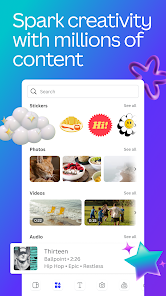
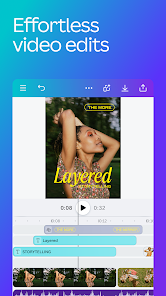
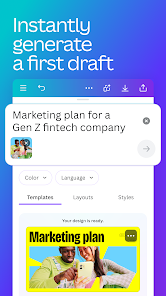
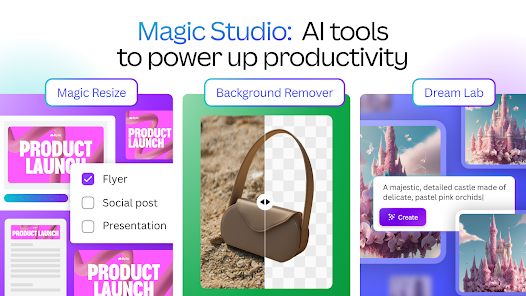
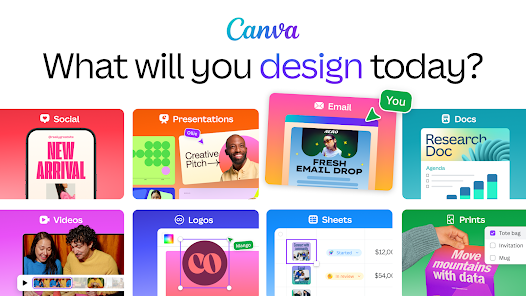
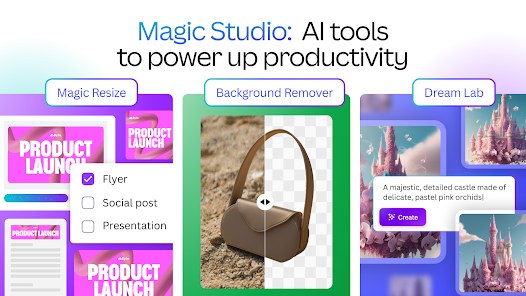
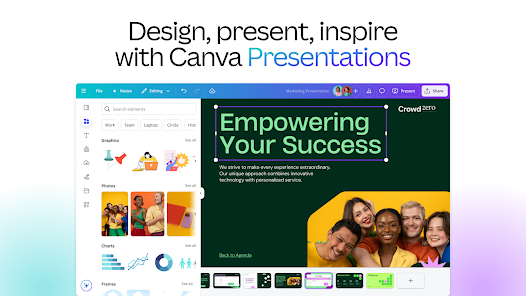
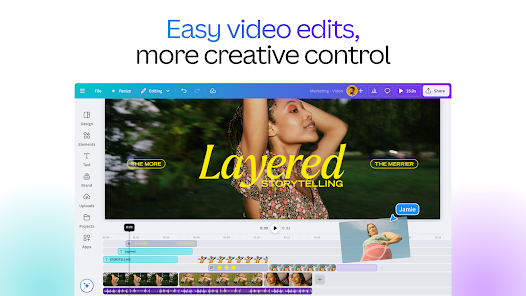
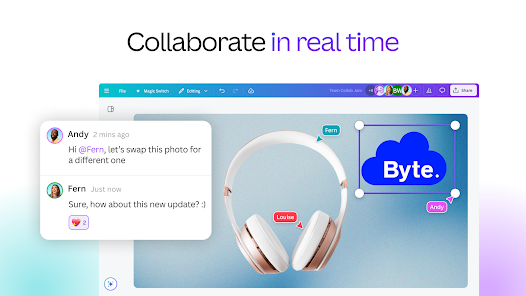
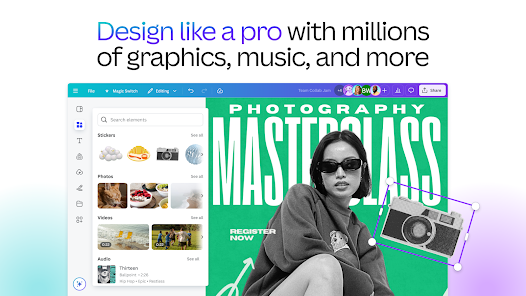
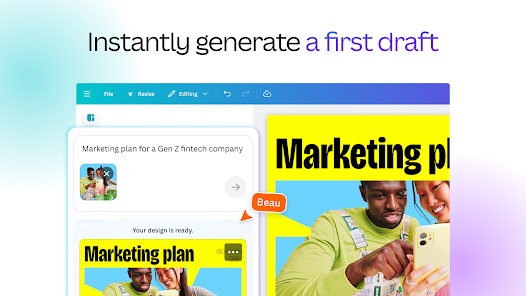
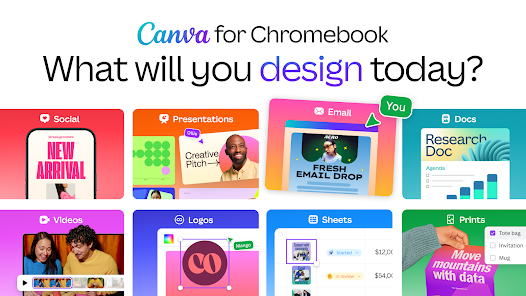
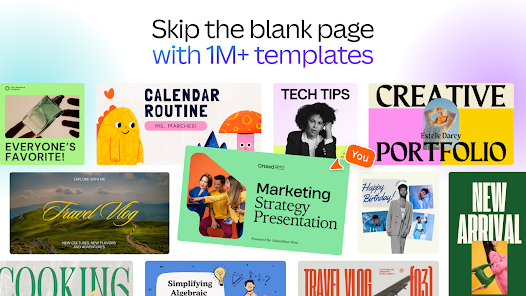
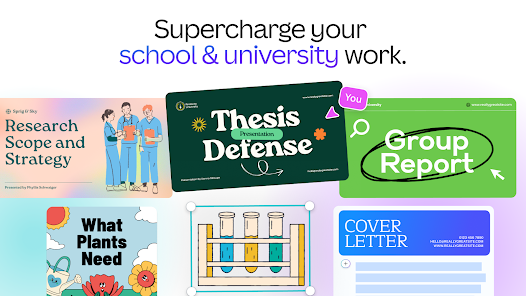
 Canva offers a user-friendly interface for easy design creation. Access thousands of templates to kickstart your projects. Collaborative features allow teams to work seamlessly on designs. AI tools enhance creativity with smart suggestions and automation. Versatile formats suit various needs, from social media to presentations.
 Limited customization options can restrict unique design creativity. Collaboration features can be cumbersome for larger teams. Subscription costs can add up for premium features.
  Google Play
  App Store
 Yes, users can submit suggestions or feedback through the app's support section or website, where they can share their ideas to help improve the app's functionality.
Yes, Canva: AI Photo & Video Editor may collect personal data such as user account information and usage data to enhance user experience and improve the app, in accordance with their privacy policy.
Yes, Canva: AI Photo & Video Editor allows users to access certain features offline, but internet connectivity is required for full functionality and access to online resources.
To cancel your subscription, you can go to your account settings within the app or website, navigate to the billing section, and follow the prompts to cancel your subscription.
The subscription cost for Canva: AI Photo & Video Editor varies depending on the plan chosen, with options for monthly or annual billing, typically starting at a competitive price for individuals and teams.
Yes, you can log in to your Canva account on multiple devices using the same email and password. Just ensure you're logged out from any devices you no longer use.
To activate your Canva account, click the confirmation link in the email you received after signing up. If you didn’t receive the email, check your spam folder or contact customer service.
You can reach customer service through the Help Center on our website or by emailing support
After purchasing a subscription, you should automatically receive an activation email. Click the link provided to activate. If you need help, contact customer service.
You can find your customer number in the account settings under "Profile." If you need further assistance, contact customer service.