



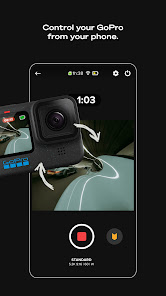
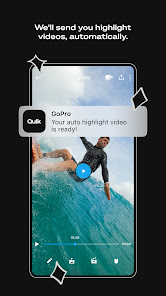
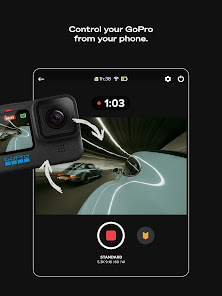
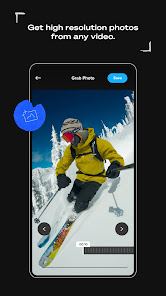
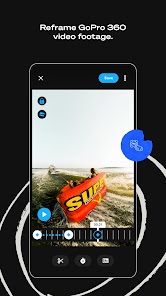
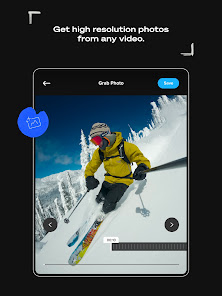
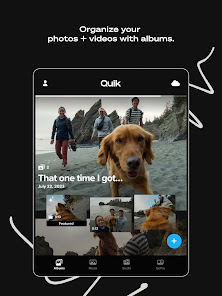
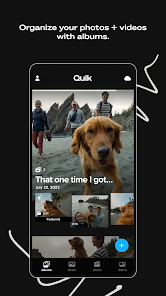
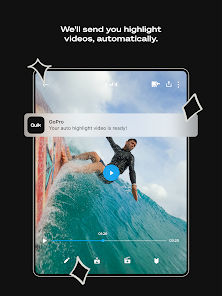
GoPro Quik: Video Editor is a well-known name in the world of action cameras. Known for their rugged and durable cameras, GoPro has become one of the most popular brands on the market. But what about their mobile app? Is it as good as people say? In this blog post, we will explore the GoPro mobile app and see if it's really worth your time and money. We will also look at some of its features and see if they are truly useful.
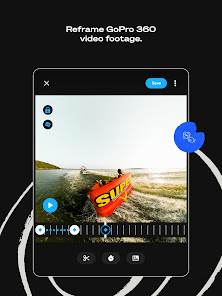
Features The GoPro Quik: Video Editor App is a powerful and easy-to-use mobile app that lets you capture stunning video and photos while on the go. The app has many features that are perfect for capturing amazing footage of your adventures. How to Use GoPro Quik: Video Editor App If you want to capture and share your skiing or snowboarding experiences with others, the GoPro Mobile App is a great way to do it. With the app, you can take photos and videos while you're out on the slopes, or edit them later on your phone or computer. Pros & Cons Pros of the GoPro Quik: Video Editor App: Other Information about GoPro GoPro is a company that designs and manufactures action cameras and other equipment for capturing photos and videos. The company was founded in 2002 by Nick Woodman and is headquartered in San Mateo, California. GoPro cameras are known for their small size, rugged design, and ability to capture high-quality video and photos in challenging environments. Some other information about GoPro includes: GoPro's first product was a 35mm film camera designed for surfers. The company later shifted to digital cameras and introduced its first high-definition camera, the HD HERO, in 2009. GoPro cameras are popular among extreme sports enthusiasts, as they are often small and light enough to be mounted on helmets, surfboards, and other equipment. In addition to cameras, GoPro also sells accessories such as mounts, cases, and gimbals to help users capture different types of footage. GoPro has faced competition from other camera manufacturers, but it has remained a leading brand in the action camera market. In recent years, GoPro has expanded its product line to include drones and other products, such as the GoPro MAX, a 360-degree camera that allows users to capture immersive footage.
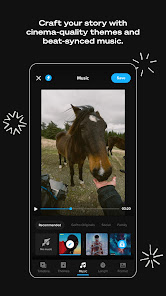
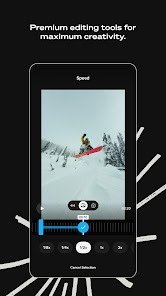
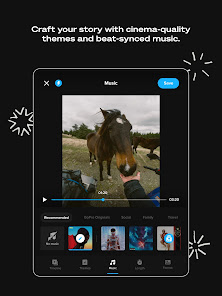
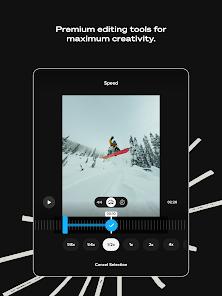
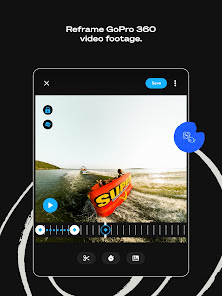
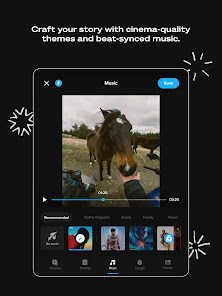
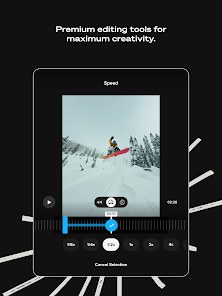
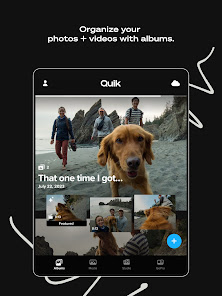
One of the main features of the app is its quick and easy editing capability. You can easily trim, crop, and merge your videos and photos to create beautiful montages or slideshows. You can also add music, filters, and text to create custom videos that are perfect for sharing with friends and family.
The GoPro Mobile App also has a built-in camera editor that lets you adjust settings such as exposure, brightness, contrast, saturation, sharpness, white balance, ISO speed, shutter speed, and more. This makes it easy to get the perfect shot no matter what environment you're in.
Overall, the GoPro Mobile App is a great tool for capturing stunning video and photos while on the go. It has many features that make it easy to edit your footage quickly and easily, making it perfect for sharing your adventures with friends and family.
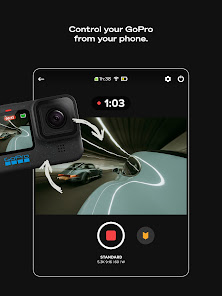
To start using the GoPro Mobile App, first make sure your camera is charged and connected to your phone or tablet. Then open the app and search for a ski or snowboarding spot near you. Once you find a spot, press the "Capture" button on your camera to start taking photos and videos.
To edit photos and videos on your phone or computer, first open them in the GoPro Mobile App. Then use the built-in tools to adjust brightness, contrast, color saturation, and exposure levels. You can also add filters, music tracks, and text captions to create unique ski or snowboarding experiences for yourself and friends to enjoy.
-The app is easy to use and navigate.
-It provides quick and easy access to all of your camera's features.
-The video quality is excellent, even when recording in low light situations.
-The app offers a variety of customization options, allowing you to tailor it to your own needs and preferences.
-It's compatible with a wide variety of devices, including both Android and iOS smartphones and tablets.
Cons of the GoPro Mobile App:
-Some users have complained about the app's formatting and layout being intrusive and disruptive.
-There have been reports of glitches and crashes with the app, particularly on older devices.
-Some users have found that the video quality is not as good as that offered by standalone GoPro cameras.

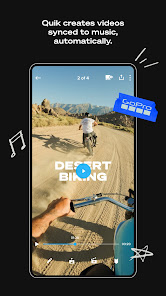
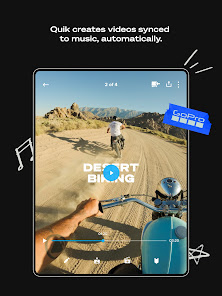
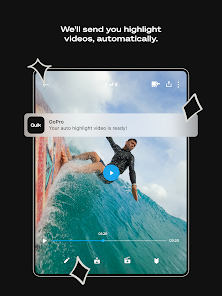
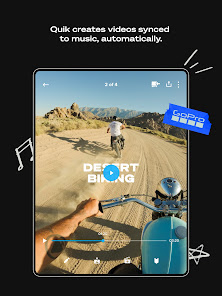
 User-friendly interface makes editing quick and easy for everyone. Automatically creates stunning videos from your clips with minimal effort. Wide range of customizable templates lets you personalize your edits. Seamless integration with GoPro cameras enhances workflow efficiency. One-tap sharing options simplify posting to social media platforms.
 Limited advanced editing features for professional use Requires a subscription for full functionality and access to premium features Can be slow and unresponsive on older devices or large projects
  Google Play
  App Store
 Yes, users can submit suggestions or feedback directly through the app or via GoPro's official website, where they value user input for future updates.
GoPro Quik may collect personal data as outlined in their privacy policy, primarily for improving services and user experience, but users have options to manage their data preferences.
Yes, GoPro Quik allows users to edit videos offline, although some features may require an internet connection for specific functions or downloads.
To cancel your GoPro Quik subscription, you can do so through your account settings in the app or via the app store settings on your device, depending on how you subscribed.
The subscription cost for GoPro Quik varies based on the plan chosen, with options typically including monthly or annual subscriptions, often priced competitively.
Yes, you can change your login email in your account settings once you are logged in.
Yes, contact customer service with your details, and they will assist you in recovering your account.
Yes, you must activate your account via the email sent to you upon registration before you can log in.
You can reach GoPro customer service through their official website or by calling their support number listed on the site.
Your customer number can typically be found in your account settings or on your order confirmation email.


















