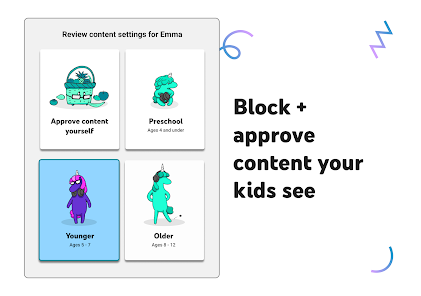
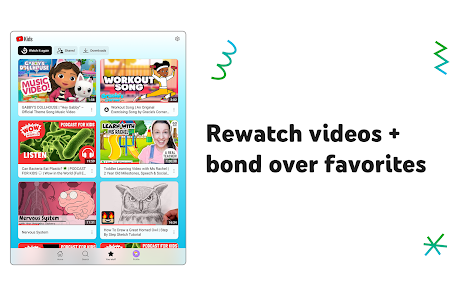
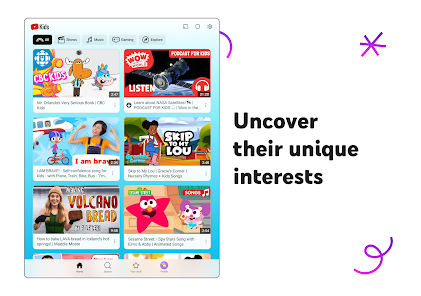
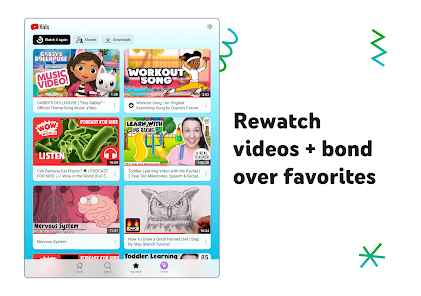
YouTube Kids is a new video streaming app designed for children that is available on Android and iOS devices. The app offers a selection of kid-friendly videos, including music, comedy, and animation. Parents can create profiles for their children, set restrictions on content, and review what their children are watching. YouTube Kids also integrates with Family Link, so parents can control what their children watch on the family's shared Google account.
Features of YouTube Kids App
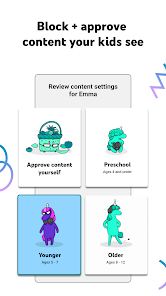
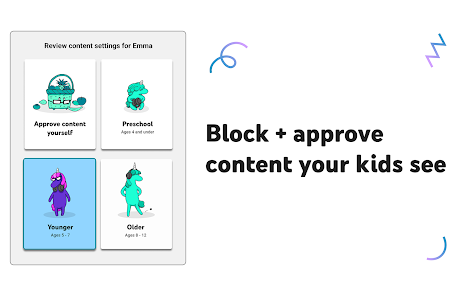
The YouTube Kids app is specifically designed to provide a safe and engaging environment for children to explore videos. One of its standout features is the extensive content library, which includes a wide range of videos tailored for various age groups, ensuring that children can find age-appropriate entertainment easily. The app also incorporates powerful parental controls, allowing parents to customize content filters and restrict access to certain types of videos based on their child's age and maturity level.
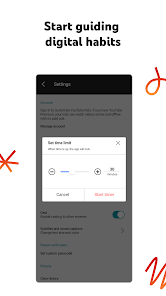
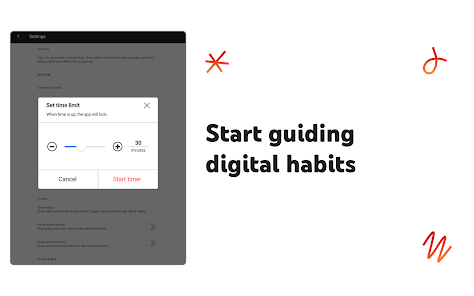
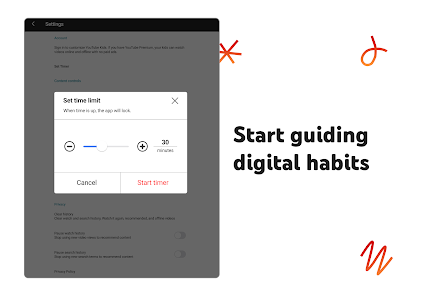
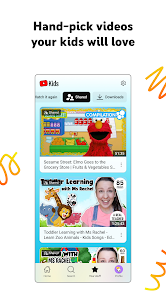
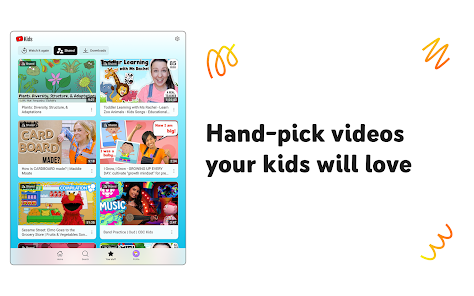
Another notable feature is the option for parents to curate their own playlists, giving them the ability to handpick videos that they deem suitable for their children. The app also includes a timer function, helping parents manage screen time effectively. Additionally, YouTube Kids offers a kid-friendly interface with vibrant colors and simple navigation, making it easy for children to use independently. To enhance learning, the app also features educational content, promoting both entertainment and knowledge acquisition in a safe space.
How to Use YouTube Kids App?
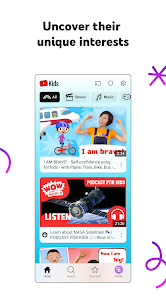
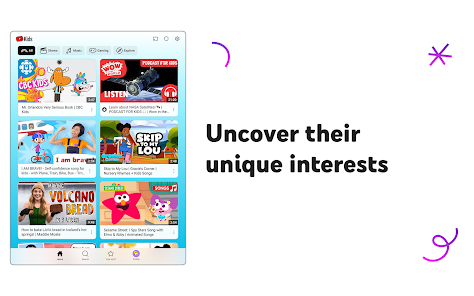
Using the YouTube Kids app is a straightforward process that begins with downloading it from the App Store or Google Play Store. After installation, parents need to set up the app by creating a profile for their child. This involves selecting the child's age group, which helps tailor the content to their developmental stage. Once the setup is complete, children can navigate through the colorful interface to explore various categories such as shows, music, learning, and more.
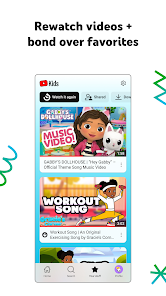
Parents can easily manage content through the settings, where they can adjust content filters and enable or disable the search function. The app also allows parents to review watch history, providing insights into what their child is viewing. It's essential to engage with children while they use the app, encouraging discussions about the content they watch. This interaction not only enhances their viewing experience but also ensures that parents remain informed about their child's digital interactions.
Pros & Cons of YouTube Kids App
The YouTube Kids app offers several advantages, making it a popular choice among parents. One significant pro is the enhanced safety features, including robust parental controls that empower parents to regulate their child's viewing experience. The app's content is categorized by age groups, ensuring that kids access suitable materials that align with their developmental stages. Additionally, the engaging design and variety of videos can keep children entertained while promoting learning through educational content.
However, there are also some drawbacks. One major con is that, despite the filtering options, inappropriate content can occasionally slip through, raising concerns about the app's effectiveness in safeguarding children. Furthermore, the app's reliance on algorithms can lead to repetitive suggestions, limiting the diversity of content. Lastly, some parents may find that the lack of adult supervision features makes it challenging to monitor their child's viewing habits effectively. Thus, while the app is beneficial, parental guidance remains crucial for a safe and enriching experience.

 Safe environment for children’s viewing habits Age-appropriate content tailored for young audiences Parental controls for personalized experience Educational videos that promote learning and creativity Engaging animations that capture children's attention
 Limited content variety for older children Ads may still be present Lack of rigorous content moderation Inadequate parental control features
 YouTube Kids collects limited personal data in accordance with privacy regulations, but it is designed to prioritize children's privacy and safety. Parents can review and manage data collection settings.
YouTube Kids is available as a free app, allowing families to access a wide range of content without a subscription. However, there may be additional features available through a subscription.
Yes, YouTube Kids requires an internet connection to stream videos, as it accesses content from the YouTube platform.
You can contact support or send feedback for YouTube Kids through the app's settings, where you'll find options for help and support, as well as links to their support website.
You can manage or cancel your YouTube Kids subscription through your account settings on the YouTube app or website, following the prompts for subscription management.
You can reach YouTube Kids customer service through the Help section in the app or by visiting the YouTube Kids support page online.
Download the app from your device's app store, open it, and follow the on-screen instructions to set it up and activate it.
YouTube Kids does not provide a specific customer number; support is available via the app and online help resources.
Open the app, tap 'Sign In,' and follow the prompts to log in using your Google account credentials.









 Google Play
  App Store