




0

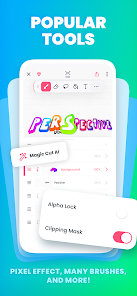
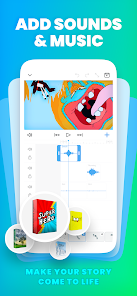
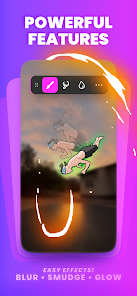
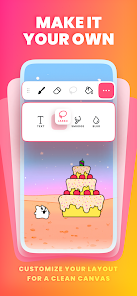
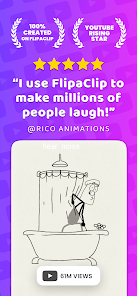
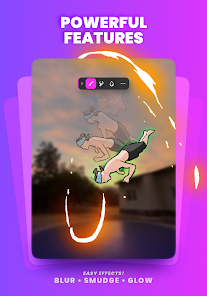
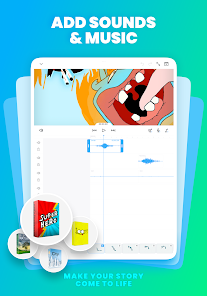
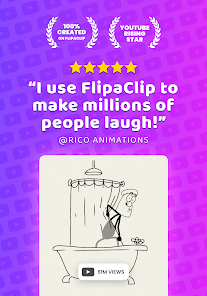
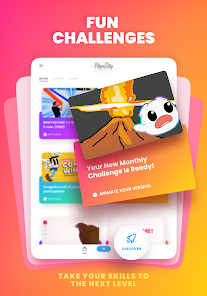
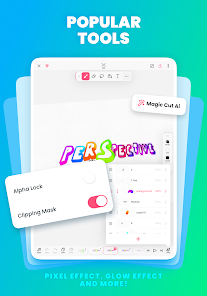
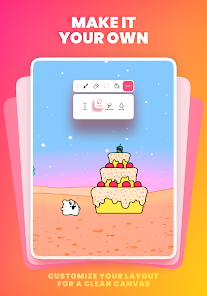
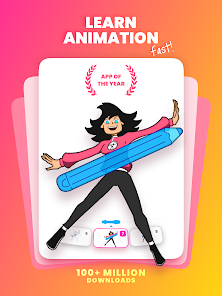
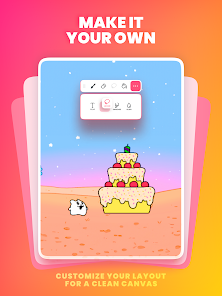
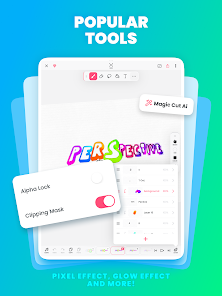
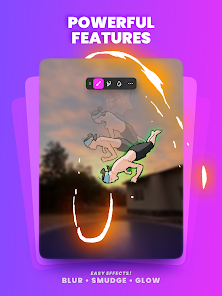
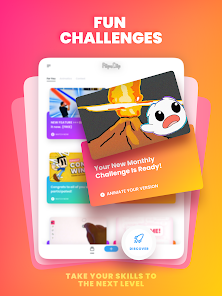
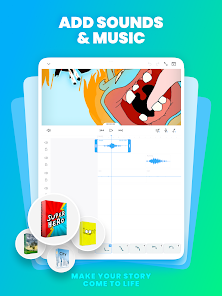
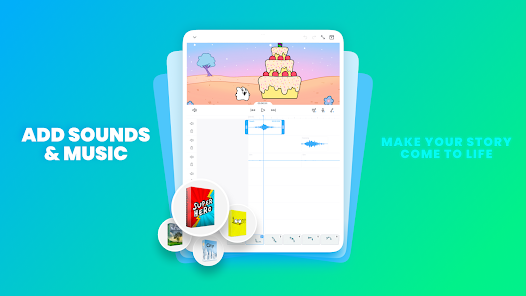
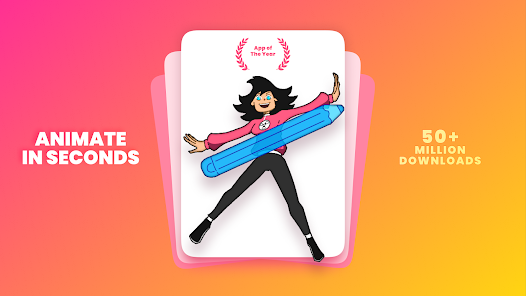
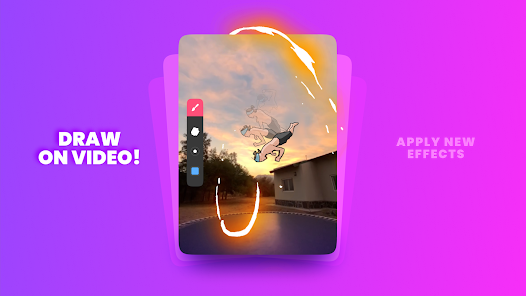
 FlipaClip offers an intuitive interface for easy animation creation. Users can draw frame-by-frame for complete control. It supports layered animations for complex designs and effects. Voiceover and sound effects enhance storytelling capabilities. The community feature allows sharing and collaboration with other creators.
 Limited export options restrict sharing animated projects easily. The user interface can be overwhelming for beginners. Performance issues may arise on lower-end devices during complex animations.
 FlipaClip may collect certain user data as outlined in their privacy policy, but they prioritize user privacy and data protection.
Yes, FlipaClip offers a free version with basic features, while additional premium features can be accessed through in-app purchases or subscriptions.
No, FlipaClip can be used offline, although some features may require an internet connection for updates or accessing certain content.
Support and feedback can be sent through the app's help section or by visiting the official FlipaClip website, where you can find contact information and resources.
You can manage or cancel your subscription through your device's app store settings, where you'll find options to modify your subscription preferences.
No, you must use the email you registered with to activate your account. Please check your inbox for the activation link.
Customer numbers cannot be changed. If you believe your number is incorrect, please contact customer service for verification.
You can contact customer service by visiting our support page and submitting a request. Our team will get back to you as soon as possible.
To log in, open the app, tap on 'Log In', and enter your registered email and password.
If you can't log in, click on 'Forgot Password?' on the login screen and follow the instructions to reset your password via email.









 Google Play
  App Store