




Move design work forward, faster, wherever you are.
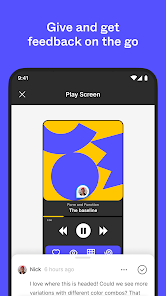
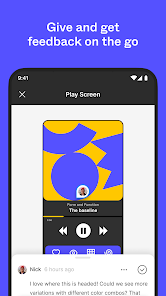
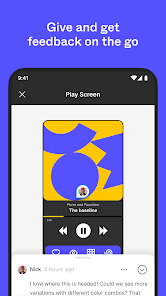
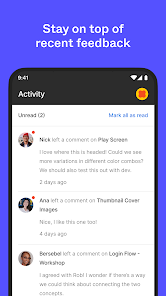
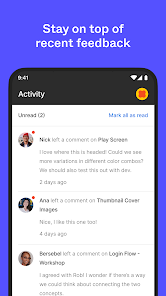
Bring your creations to life for convenient and immersive viewing. Review designs and give feedback on the go via comments and push notifications.
With Figma’s mobile app, you can:
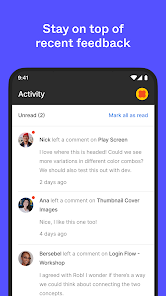
- View and reply to comments across Figma and FigJam
- Receive push notifications for new comments and replies
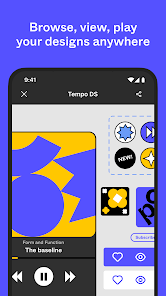
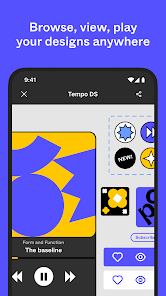
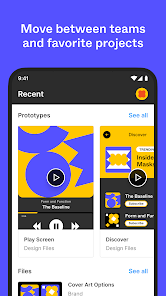
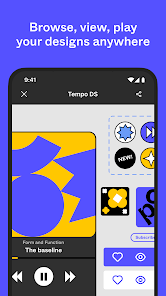
- View, browse, and share files and prototypes
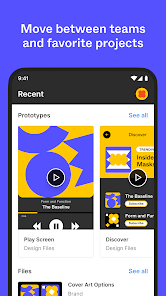
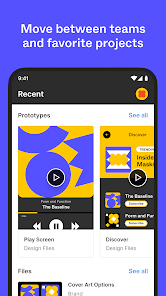
- Navigate team and project folders
- Favorite files for even faster access
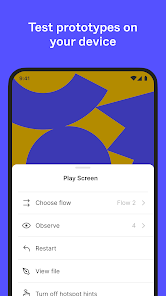
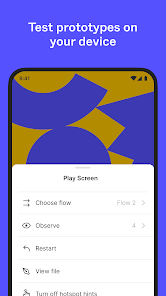
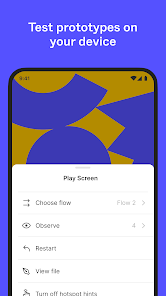
- Playback prototypes without being tethered to your desktop
- Turn on hot spots in prototypes for easier navigation
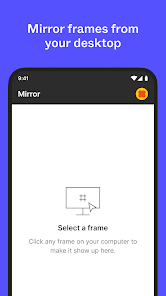
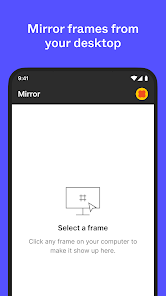
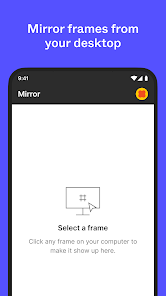
- Mirror selected frames from desktop onto your mobile device
On iPad, you can also use FigJam to:
- Sketch with the Apple Pencil to explore and iterate on ideas more fluidly
- Share and riff on early thinking with your team
- Annotate designs to share feedback
- Jot down ideas whenever inspiration strikes
We’re excited to release more features soon!
If you have any feedback you can report issues in-app from your account settings.

 Figma enables real-time collaboration for seamless teamwork and efficient design processes. Its cloud-based platform ensures accessibility from any device, anywhere. Intuitive interface allows for easy learning and quick adaptation by users. Extensive plugin ecosystem enhances functionality and streamlines design workflows. Powerful prototyping tools facilitate interactive designs and user testing.
 Limited offline functionality hinders productivity without a stable internet connection. Performance can lag with large files and complex designs. Pricing can escalate for larger teams needing premium features.
  Google Play
  App Store
 Yes, Figma encourages users to submit suggestions and feedback through their community forums or directly via the app, allowing users to contribute to the platform's development.
Yes, Figma collects personal data as outlined in its privacy policy, which may include information such as your email address, usage data, and other details necessary for account creation and service improvement.
Figma primarily operates online, but it does have limited offline capabilities, allowing users to work on their files without an internet connection, provided they have previously accessed those files.
To cancel your Figma subscription, you can go to your account settings, navigate to the billing section, and follow the instructions to manage or cancel your subscription.
Figma's subscription costs vary depending on the plan chosen, with options for individual users and teams, typically ranging from free to a monthly fee per editor for paid plans.
Unfortunately, you cannot change your customer number directly. For any specific requests, please reach out to customer service for help.
No, you must log in to access your designs and use Figma's features, including commenting and viewing.
You can reach customer service by visiting the help center on Figma's website and submitting a request for assistance.
After logging in, open your design, select the comment tool in the top-right corner, and click anywhere on the canvas to leave a comment.
You can log in to Figma using your email and password on the homepage. If you forgot your password, use the "Forgot Password?" link.




















