

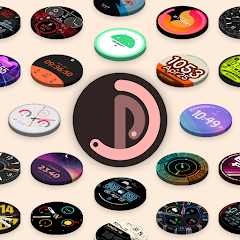


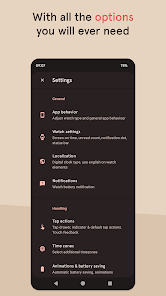
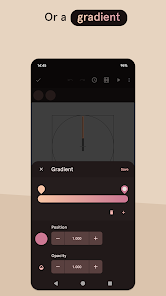
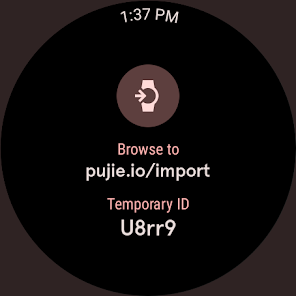
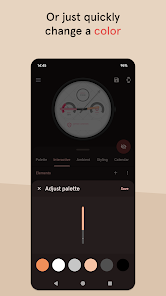
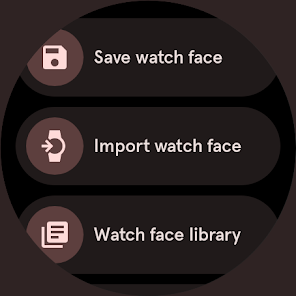
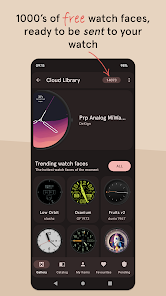
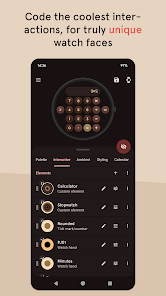
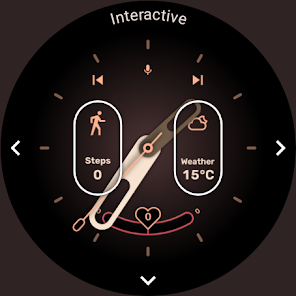
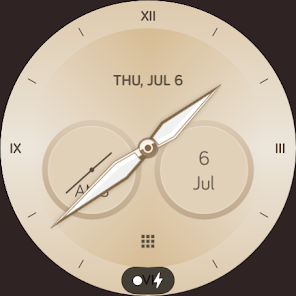
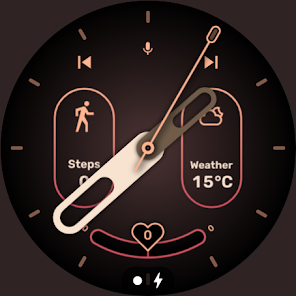
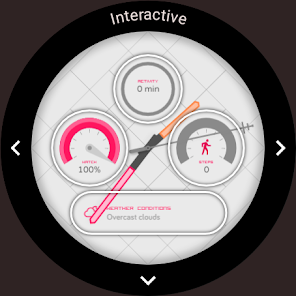
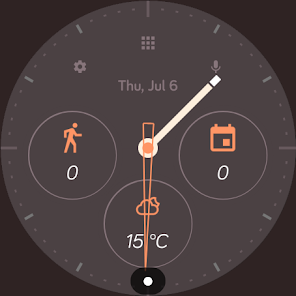
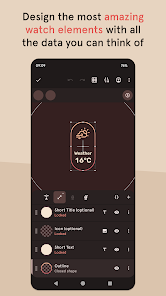
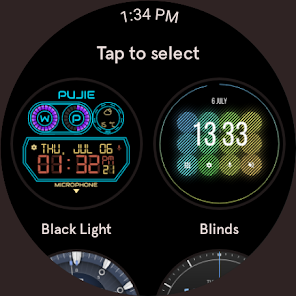
Pujie Black is a Wear OS watch face designer. There are a ton of settings, and the animation pattern is futuristic. The date, the watch and phone's battery life, and the current weather conditions may all be modified to make it incredibly information-dense. Or, you can keep it as straightforward as you desire. You can set up ambient mode and standard mode individually, allowing you to switch between analog and digital states.
A watch face is the primary interface of a smartwatch and essentially its 'home screen”. The watch face displays the time, date, and sometimes other information such as weather, steps taken, and battery life. While there are many pre-installed watch faces on most smartwatches, there are also a number of ways to customize and personalize your watch face. You can change the colors, add or remove complications (information displayed on the watch face), and even use a photo or image as your watch face. In this blog post, we will explore the Pujie Mobile App which allows you to create and customize your own watch faces for Android Wear smartwatches.
The watch face is the most important part of any smartwatch. It's the first thing you see when you look at your watch, and it can say a lot about your style. With the Pujie Mobile App, you can customize your watch face to match your mood or outfit, and you can even choose from a variety of different fonts and colors.
Pujie Mobile App offers a wide variety of watch faces to choose from. You can browse through faces by category, such as sporty, classy, or funky. You can also search for faces by keyword, such as "rose gold" or "marble." If you're feeling indecisive, you can even shuffle through all of the available faces until you find one that suits your fancy.
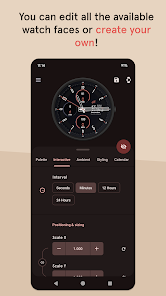
Once you've found the perfect face for your watch, you can then customize it to better suit your taste. With Pujie Mobile App, you can change the background color, add or remove complications (tiny icons that display information like the weather or your step count), and even select a different font. And if you want to get really creative, you can even create your own custom watch face using an image from your camera roll or a favorite photo-editing app.
So whether you're looking for a simple way to show off your personality or a way to make your smartwatch truly unique, be sure to check out the Pujie Mobile App. With its wide selection of watch faces and easy.
Features:

 Customizable designs to match your personal style Seamless integration with Wear OS for easy access Offers a wide variety of watch face options Interactive features enhance usability and engagement Battery-efficient settings to prolong watch life
 Limited customization options may frustrate users seeking unique designs. Performance issues can lead to lag and slow responsiveness. Compatibility problems with some Wear OS devices can hinder user experience.
  Google Play
  App Store
 Yes, users can submit suggestions or feedback to Pujie Watch Faces - Wear OS 4- through the app’s support or contact features, often found in the settings menu or on the app's official website.
Pujie Watch Faces - Wear OS 4- may collect certain data for functionality and improvement purposes, but it is designed to prioritize user privacy and does not share personal information without consent.
Yes, Pujie Watch Faces - Wear OS 4- supports offline use, allowing users to access their customized watch faces without needing an active internet connection.
To cancel your Pujie Watch Faces - Wear OS 4- subscription, you can go to your account settings in the app store where you purchased the subscription and follow the cancellation instructions provided.
The subscription cost for Pujie Watch Faces - Wear OS 4- varies based on the chosen plan, with different pricing tiers available for monthly or annual subscriptions.
Yes, you can change your email address in the account settings once you are logged in.
Yes, you can update your customer number by accessing your account settings in the app.
To activate your account, simply log in with your credentials and follow the on-screen instructions to complete the activation.
You can reach our customer service through the app's support section or by visiting our website for more contact options.
Please contact customer service for assistance in recovering your deactivated account.























