

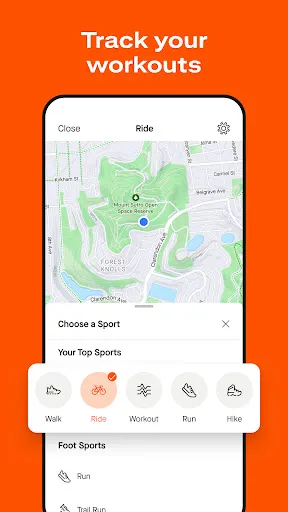
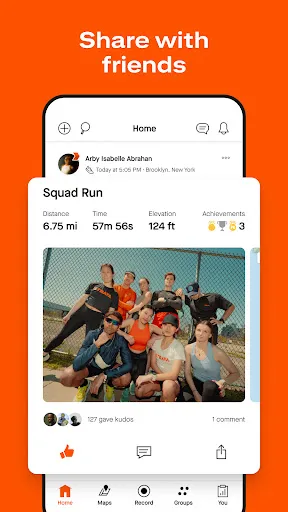
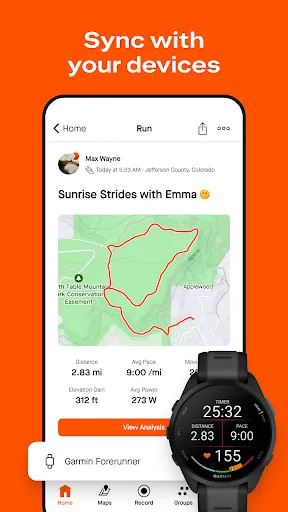
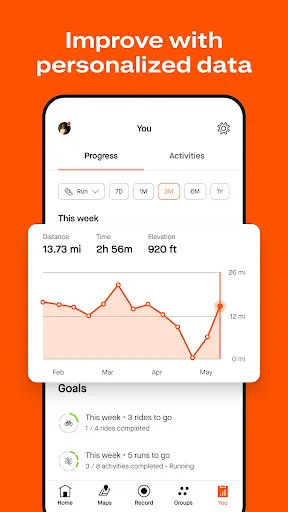
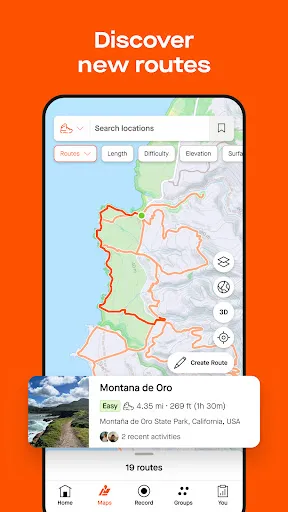
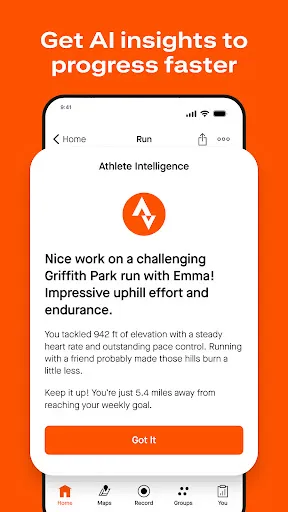
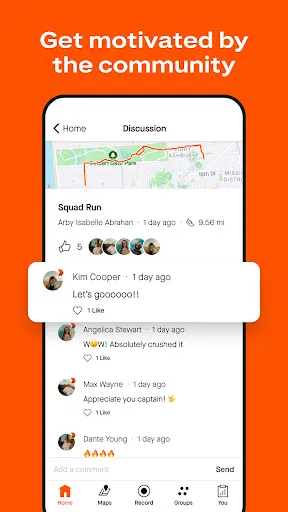
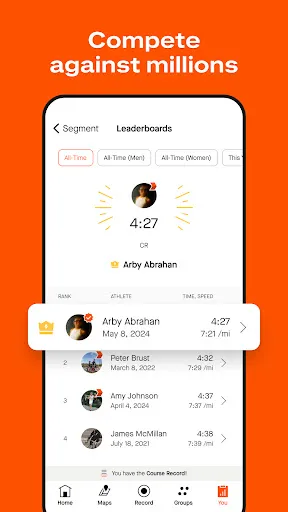
Strava is a comprehensive fitness tracking app tailored for runners, cyclists, and hikers. One of its standout features is the ability to record and analyze activities using GPS technology. Users can monitor various metrics, including distance, pace, speed, elevation gain, and calories burned, allowing for a detailed assessment of their performance over time. Another key feature is the social aspect of Strava. Athletes can share their accomplishments, follow friends, and engage with a community of fitness enthusiasts. The app includes features like leaderboards, challenges, and the ability to give "kudos" to fellow athletes, fostering a sense of competition and camaraderie. Strava also offers segment tracking, where users can compete against themselves and others on specific portions of their routes. The app provides insights into personal records and how users stack up against the competition. Additionally, with features like training plans, route planning, and integration with various devices, Strava is a holistic tool for fitness enthusiasts. Using Strava is straightforward and user-friendly. First, download the Strava app from your device's app store and create an account. Once registered, you can personalize your profile by adding information about your fitness goals and preferred activities. To record an activity, simply select the type of exercise—running, cycling, or hiking—and hit the start button when you begin. Strava uses GPS to track your route and performance metrics in real time. After finishing your activity, stop the recording and save it. You can then view detailed statistics, including distance, pace, and elevation. Engaging with the community is easy. Follow friends and fellow athletes to see their activities in your feed. Share your workouts, join challenges, and participate in discussions. Strava also allows you to explore routes shared by others, enabling you to discover new places to train. Regularly check your progress against your goals to stay motivated. Strava has several advantages that make it a popular choice among fitness enthusiasts. One of the main pros is its robust tracking capabilities, allowing users to monitor detailed metrics of their workouts. The social features foster community engagement, making workouts more enjoyable through sharing and competition. Another advantage is the app's versatility. Whether you're running, cycling, or hiking, Strava caters to various activities, and its segment feature adds a competitive edge. Moreover, the integration with various devices and wearables enhances the user experience by providing more accurate data.Features of Strava: Run, Bike, Hike
How to Use Strava: Run, Bike, Hike
Pros & Cons of Strava: Run, Bike, Hike

 Track your workouts accurately with GPS-based distance and pace measurements. Join a supportive community to share achievements and motivate each other. Analyze your performance over time with detailed stats and insights. Discover new routes and trails based on popular user activities. Compete with friends and others through challenges and leaderboards.
 Strava's social features can lead to privacy concerns for users. The app's premium subscription may not provide sufficient value for casual users. Some users experience performance issues and bugs that hinder the experience.
  Google Play
  App Store
 Yes, users can submit suggestions or feedback through the app or the Strava website, where they often encourage community input to improve the platform.
Yes, Strava: Run, Bike, Hike collects personal data such as your location, activity information, and user preferences to enhance the app experience and provide tailored services.
Yes, Strava: Run, Bike, Hike allows users to record activities offline, but some features may be limited until a connection is reestablished to sync data.
You can cancel your subscription through the app store where you purchased it, or by visiting your account settings on the Strava website.
The subscription cost for Strava: Run, Bike, Hike varies by region, but it typically offers monthly and annual plans, with discounts for annual subscriptions.
Customer numbers are automatically assigned and cannot be changed. For any issues, please contact customer service.
After signing up, check your email for an activation link from Strava. Click the link to activate your account.
Log in to your Strava account, go to 'Settings,' and update your email address. You may need to verify the new address.
You can reach Strava customer service through the app or website under the 'Help' section for support.
For billing issues, log in to your Strava account, then navigate to the 'Help' section and select billing support to contact customer service.