

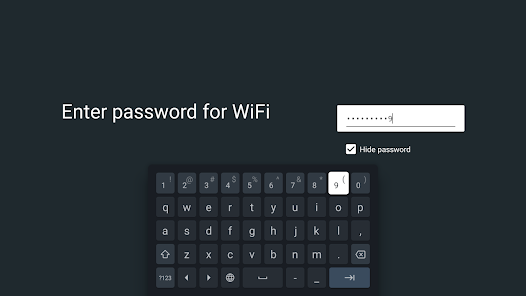
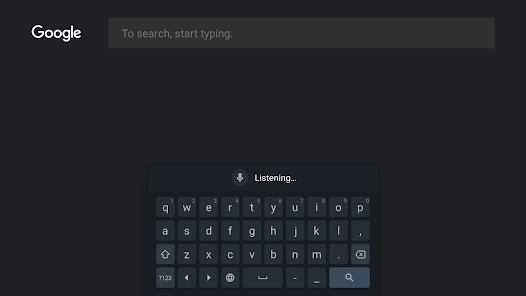
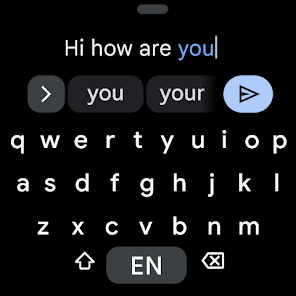
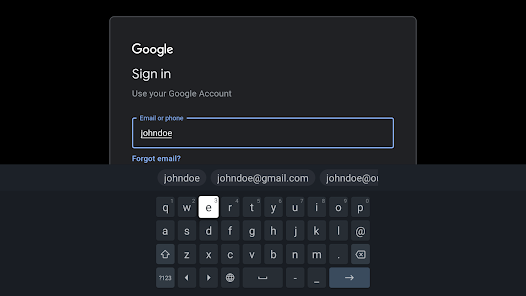
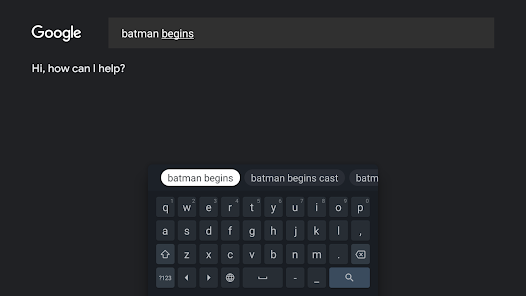
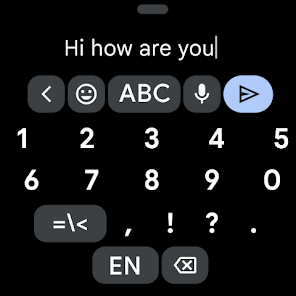
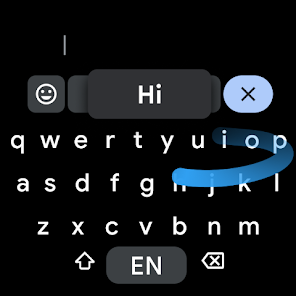
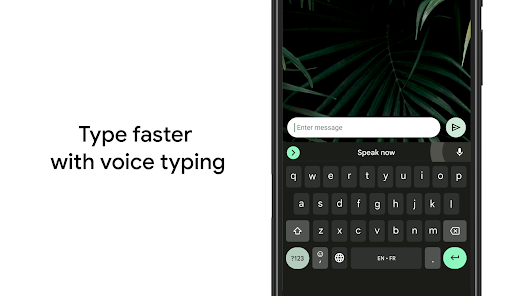
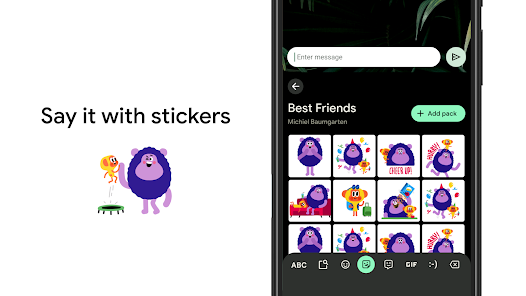
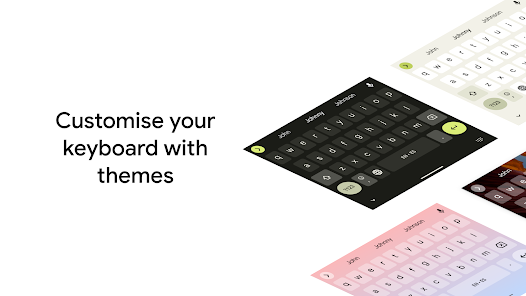
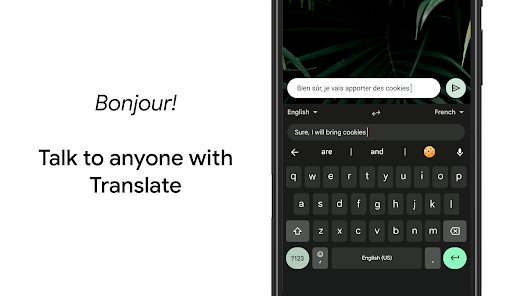
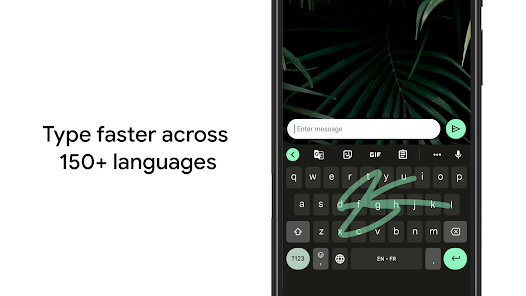
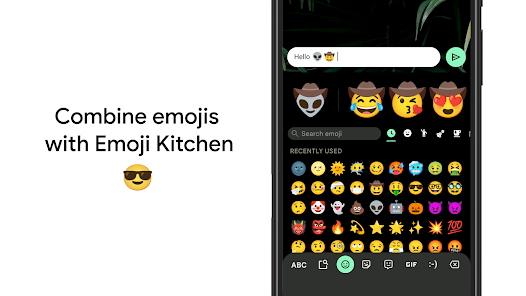
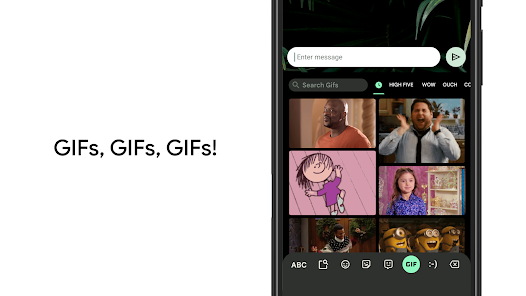
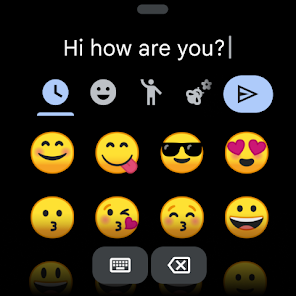
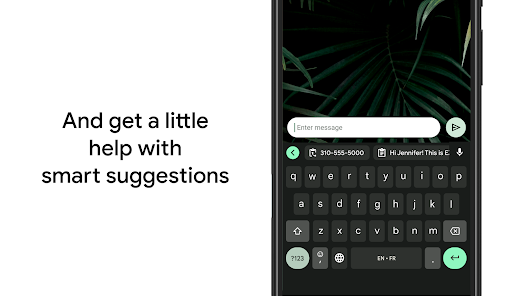
Gboard is a virtual keyboard app developed by Google for Android and iOS devices. It is designed to replace the default keyboard on your device and provides a range of features to enhance your typing experience. Some of these features include gesture typing, multilingual typing, voice typing, search functionality, and personalized themes. Additionally, Gboard offers suggestions for emojis, GIFs, and stickers, making it a versatile and convenient keyboard app for mobile users.
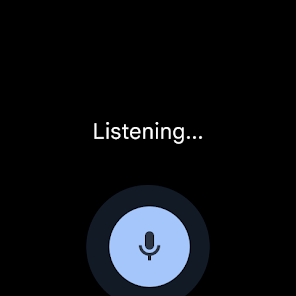
Gboard - the Google Keyboard has a number of features that are designed to make it easier and faster to input text on a mobile device. Some of these features include: Glide typing: This allows users to input text by sliding their finger from one letter to the next, rather than tapping on each individual letter. Voice dictation: This allows users to input text by speaking, rather than typing. Emoji search: This allows users to quickly find and insert emojis into their text. GIF search: This allows users to search for and insert GIFs into their text. Multilingual support: This allows users to switch between multiple languages while typing. Google Search integration: This allows users to quickly search the internet and insert information from their search results into their text. These are just some of the many features of Gboard - the Google Keyboard. It also has a number of customization options, such as different keyboard layouts and themes, to allow users to personalize their experience. To use Gboard - the Google Keyboard, you will need to download and install the app on your Android or iOS device. Once you have the app installed, you can set it as your default keyboard by following these steps: Open the Settings app on your device. Scroll down and tap on the "General" or "Language & input" option. Tap on the "Keyboard" or "Virtual keyboard" option. Select "Gboard" from the list of available keyboards. Tap on the "Set as default" button to set Gboard as your default keyboard. After setting Gboard as your default keyboard, you can use it to input text in any app that allows text input. To use the glide typing feature, simply swipe your finger from one letter to the next to form a word. To use voice dictation, tap on the microphone icon on the keyboard and speak the text that you want to input. To search for emojis or GIFs, tap on the smiley face icon or the GIF icon on the keyboard, respectively. To switch between languages, tap on the globe icon on the keyboard and select the language that you want to use. To search the internet and insert information from your search results into your text, tap on the Google logo on the keyboard and enter your search query. Features:
How to use Gboard Mobile App?

 Fast and accurate text predictions enhance typing speed Built-in Google Search allows instant information access Multilingual support seamlessly switches between languages Customizable themes let you personalize your keyboard Voice typing offers hands-free convenience for quick input
 Limited customization options for appearance and layout Frequent updates can disrupt user experience Privacy concerns with data collection practices Occasionally inaccurate predictive text suggestions
 Gboard may collect usage data and typed information to improve its services, but it is designed to prioritize user privacy and offers settings to manage data collection.
Gboard is completely free to download and use, with no trial period or subscription fees required for its standard features.
Gboard can function offline for basic typing and features; however, certain functionalities like voice typing, search, and GIF suggestions may require an internet connection.
You can contact support or send feedback for Gboard through the app’s settings, where you can find options for help and feedback, or visit the Google support website for additional assistance.
Since Gboard does not have a subscription model, there is no need to manage or cancel any subscriptions. Users can simply uninstall the app if they choose not to use it anymore.
You can reach Gboard's customer service through the Google Support website or the Help app on your device.
Gboard does not have a specific Customer Number; support is provided through Google Account information.
Gboard uses your Google Account; simply log in to your device with your Google credentials to use Gboard.
Gboard is usually pre-installed; if not, download it from the Google Play Store and set it as your keyboard in settings.








 Google Play
  App Store