






0

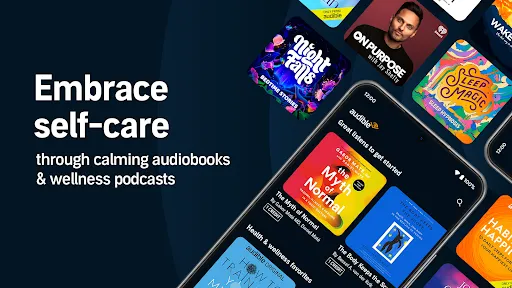
 Enjoy a vast library of audiobooks across various genres. Listen anytime, anywhere, fitting entertainment into your schedule. Engage with compelling narratives narrated by talented voice actors. Enhance your learning with educational content and podcasts. Experience seamless integration with devices for effortless listening.
 Subscription fees can add up over time, impacting your budget. Limited selection of titles may not satisfy all listeners. Audiobooks require time commitment, making multitasking challenging.
  Google Play
  App Store
 Yes, Audible collects personal data as part of its account registration and usage process, which may include information like your name, email address, and listening preferences, in accordance with its privacy policy.
Yes, Audible offers a free trial for new users, allowing them to access a selection of audiobooks and original content for a limited time without any charge.
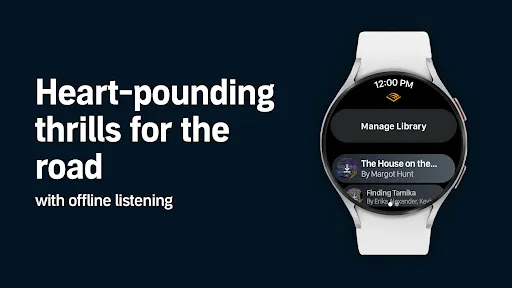
While an internet connection is required to download titles and stream content, you can listen to downloaded audiobooks offline without an internet connection.
You can contact Audible support through their Help Center on the website, where you can find FAQs, chat with a representative, or submit a request for assistance or feedback.
You can manage or cancel your Audible subscription by logging into your account on the Audible website or app, navigating to the Account Details section, and following the prompts to update or cancel your subscription.
Yes, you can change your email in the account settings section of your Audible profile after logging in.
Customer numbers cannot be updated. If you have issues, contact Audible customer service for assistance.
To activate your Audible account, simply log in with your email and password, then follow the prompts to complete the activation process.
You can reach Audible customer service through the help section on the app or website, or by calling their support number directly.
For activation issues, contact Audible customer service through their help section or call their support line for immediate assistance.