




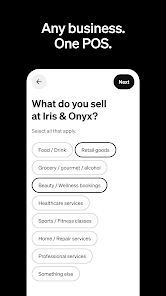
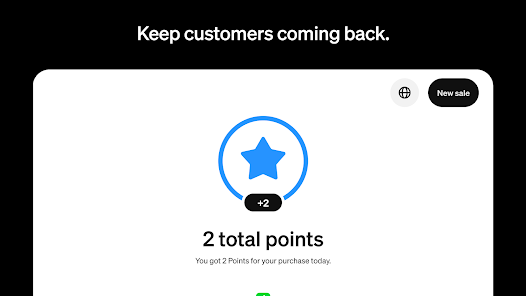
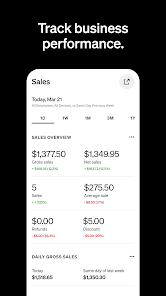
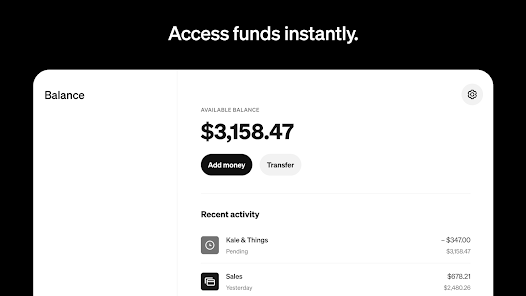
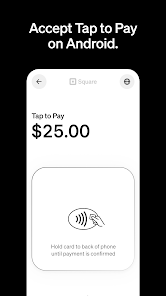
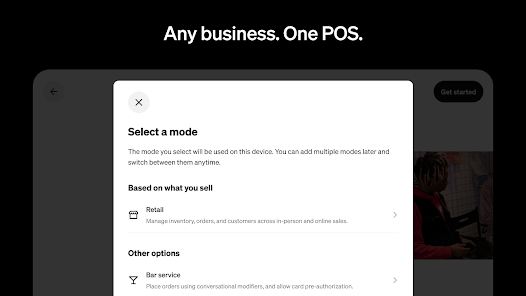
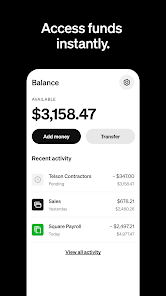
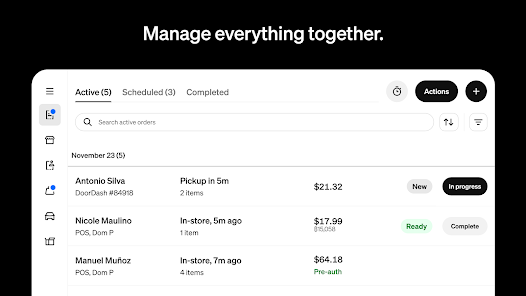
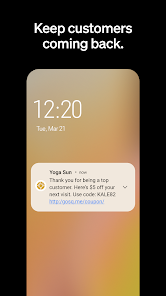
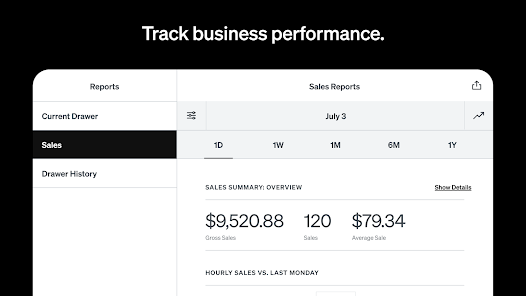
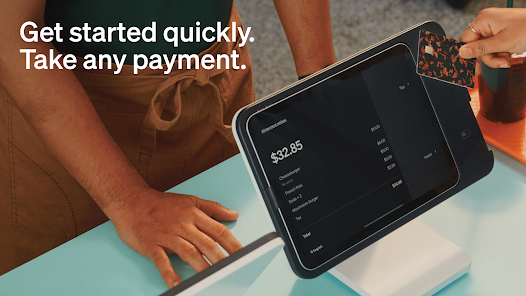
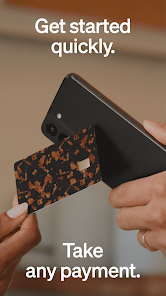

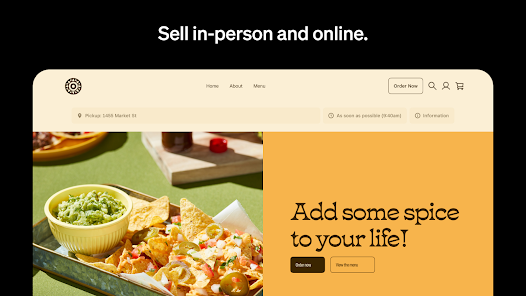
Square Point of Sale is a mobile payment app developed by Square, Inc. It allows businesses to accept payments from customers using their mobile devices. The app is available for both iOS and Android devices and is free to download. It allows businesses to accept payments from credit cards, debit cards, Apple Pay, and Google Pay. It also provides features such as inventory tracking, customer management, and analytics. Features
1. Accepts all major credit and debit cards 1. Download the App: Download the Square Point of Sale app from the App Store or Google Play. 2. Create an Account: Create an account with your email address and a password. 3. Add Payment Methods: Add your preferred payment methods, such as credit cards, debit cards, and cash. 4. Set Up Your Products: Set up your products and services with descriptions, prices, and photos. 5. Start Taking Payments: Start taking payments from customers using the app. 6. Track Your Sales: Track your sales and view reports in the app. 7. Manage Your Inventory: Manage your inventory and set up discounts and promotions. 8. Get Paid: Get paid quickly and securely with Square’s payment processing. Pros: 1. Easy to use: Square Point of Sale is designed to be user-friendly and intuitive, making it easy for anyone to use. 2. Secure: Square Point of Sale is PCI compliant and uses encryption to protect customer data. 3. Flexible: Square Point of Sale can be used with a variety of payment methods, including credit cards, debit cards, and Apple Pay. 4. Affordable: Square Point of Sale is free to download and use, and there are no monthly fees or contracts. 5. Customizable: Square Point of Sale allows you to customize the look and feel of your checkout process. Cons: 1. Limited features: Square Point of Sale does not offer as many features as some other payment mobile apps. 2. Limited customer support: Square Point of Sale does not offer as much customer support as some other payment mobile apps. 3. Limited integrations: Square Point of Sale does not integrate with as many third-party services as some other payment mobile apps. 4. Limited reporting: Square Point of Sale does not offer as much reporting and analytics as some other payment mobile apps. 5. Limited international support: Square Point of Sale does not support as many international currencies as some other payment mobile apps.
2. Supports Apple Pay, Google Pay, and other contactless payments
3. Automatically calculates sales tax
4. Allows for tipping
5. Tracks inventory
6. Generates digital receipts
7. Integrates with QuickBooks
8. Offers discounts and loyalty programs
9. Supports split payments
10. Allows for refunds and voidsHow to use Square Point of Sale: Payment Mobile App?
Pros & Cons

 Easy setup for quick transactions Supports various payment methods for flexibility Real-time sales tracking for informed decisions User-friendly interface for seamless operation Robust security features protect customer data
 Limited advanced reporting features for analytics High transaction fees for small businesses Difficulties with customer support response times Hardware compatibility issues may arise
 Square Point of Sale: Payment collects personal data to facilitate transactions, improve user experience, and comply with legal requirements, but it has measures in place to protect your information.
Yes, Square Point of Sale: Payment offers a free version with essential features, allowing users to start processing payments without any upfront costs.
Yes, Square Point of Sale: Payment requires an internet connection to process transactions and sync data in real-time, although some features may be accessible offline.
You can contact Square's support team through the app, their website, or by email, and you can also send feedback directly through the app's feedback feature.
You can manage or cancel your Square Point of Sale: Payment subscription through your Square account settings, where you can update your plan or discontinue your subscription at any time.
Yes, log in to your account settings and update your email address under the profile section.
Yes, after creating an account, you may need to verify your email to activate it fully.
You can reach Square customer service through the app, their website, or by calling their support number provided in your account.
Go to the app settings and toggle on notifications to receive updates about payments and sales.
Open the app, tap on "Sign In," and enter your email and password associated with your account.











 Google Play
  App Store









