




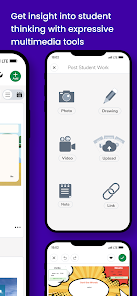
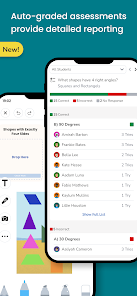
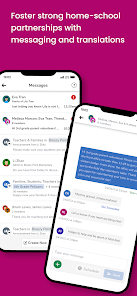
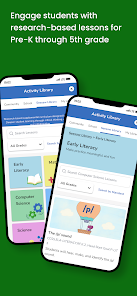
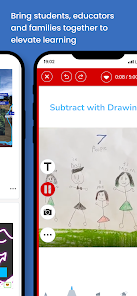
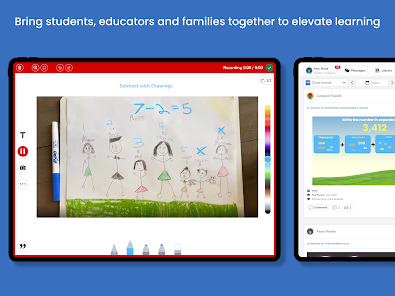
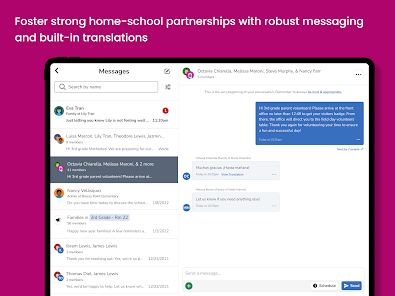
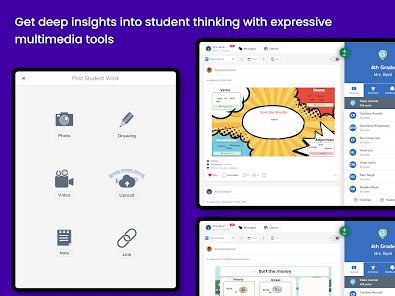
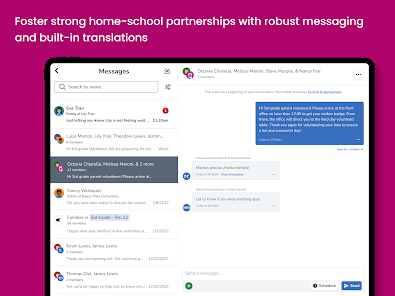
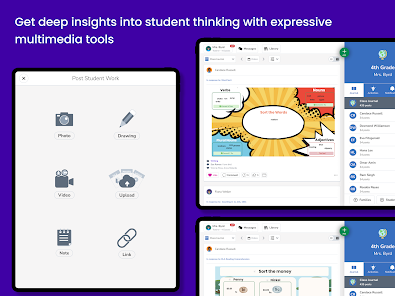
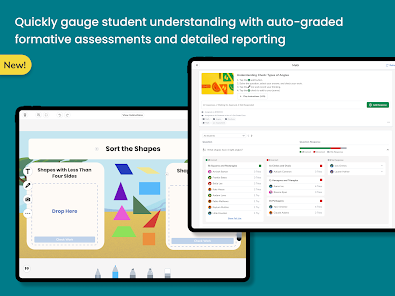
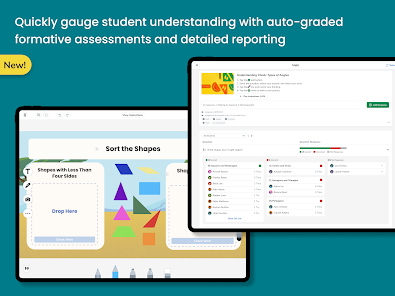
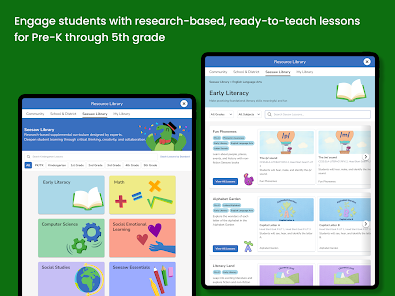
Seesaw is a learning platform that allows teachers and students to create, share, and collaborate on digital learning materials and activities. The Seesaw app is available on iOS and Android devices, and it allows users to access and interact with Seesaw content on their mobile devices.
Seesaw is an app that allows teachers to create digital portfolios for their students. It is a great way to keep track of student progress and to provide feedback to students. The app allows teachers to create activities, assign them to students, and track their progress. It also allows teachers to share resources with students and to communicate with them. Seesaw also has a variety of features that make it easy to use, such as the ability to create and share activities, assign activities to students, and track student progress. Additionally, Seesaw has a variety of tools that make it easy to customize activities and to provide feedback to students. Using Seesaw is easy. First, teachers need to create an account and then create a class. Once the class is created, teachers can add students to the class and assign activities to them. Teachers can also create activities and assign them to students. Additionally, teachers can share resources with students and communicate with them. Finally, teachers can track student progress and provide feedback to students.Features of Seesaw App
How to Use Seesaw App

 Engages students with interactive learning activities Facilitates easy communication between teachers and parents Offers personalized feedback to enhance student growth Encourages creativity through multimedia projects and presentations Tracks student progress with intuitive assessment tools
 Limited customization options for teachers' needs Some features require a steep learning curve Ineffective for large classrooms with diverse needs Privacy concerns regarding student data management
 Seesaw does collect some personal data to provide its services, but it adheres to strict privacy policies to protect user information.
Yes, Seesaw offers a free version with basic features, and there is also a free trial available for its premium plans.
Yes, Seesaw requires an internet connection to access its features and upload or download content.
You can contact Seesaw support through their website, using the help center, or by emailing their support team for any inquiries or feedback.
You can manage or cancel your Seesaw subscription through your account settings within the app or by contacting Seesaw support for assistance.
You can contact Seesaw customer service through their help center on the website or by emailing support
After signing up, check your email for an activation link. Click the link to activate your account and start using Seesaw.
Your customer number can be found in your account settings or by contacting Seesaw support for assistance.
Open the app, enter your email and password, then tap "Log In." If you're using a class code, tap "Join Class" instead.










 Google Play
  App Store








