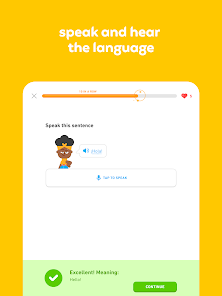
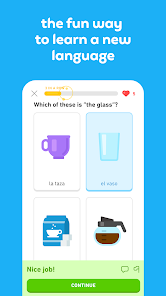
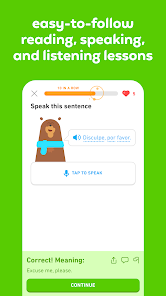
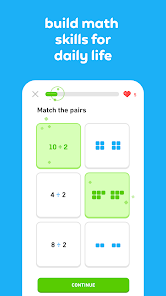
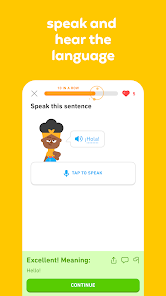
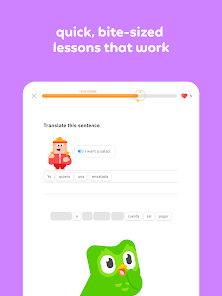
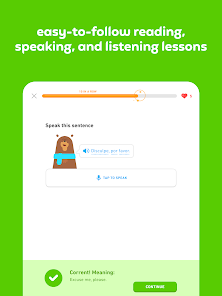
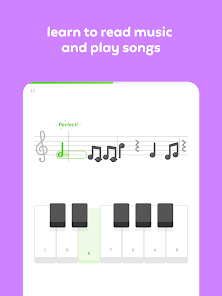
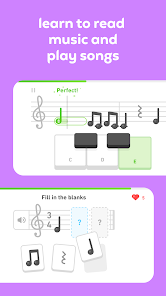
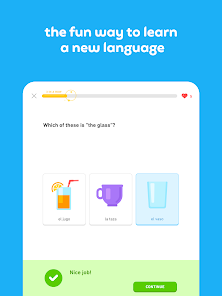
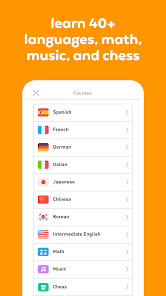
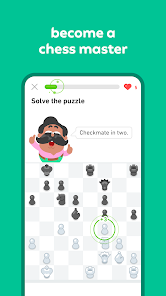
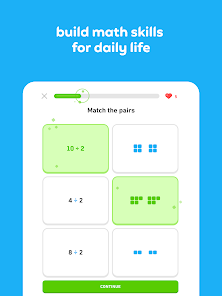
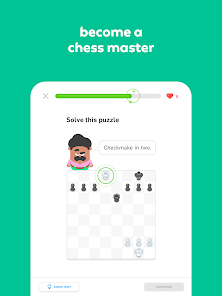
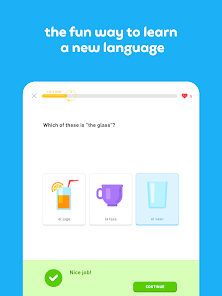
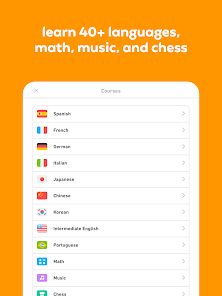
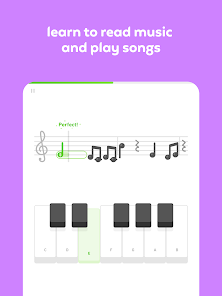
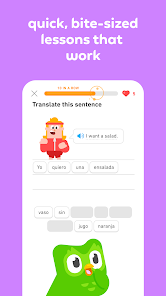
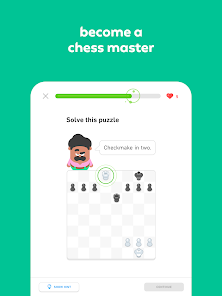
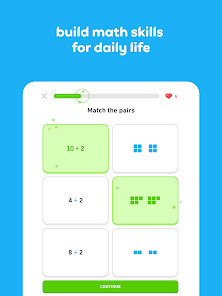
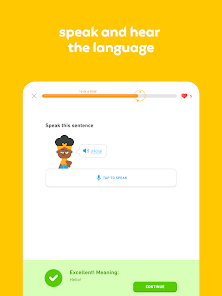
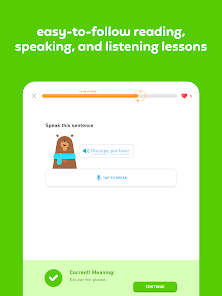
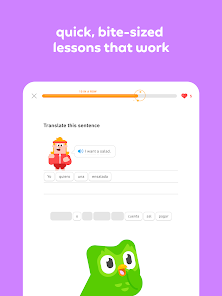
Duolingo is a free language learning app with a mobile app designed to provide users with the opportunity to learn new languages in an interactive and fun way. The Duolingo mobile app offers users the ability to learn languages with a personalized learning plan, as well as access to lessons and resources for each of the most popular languages. The Duolingo mobile app is available on both iOS and Android devices.
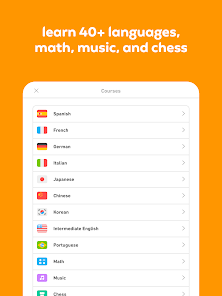
Features Duolingo is a mobile app that teaches foreign language. The app has a variety of features, such as a learning journey, flashcards, and games. It also has a community section where users can ask and answer questions, share tips, and find friends to practice with. Here are some of the best features of the app: – Interactive lessons that follow you as you complete them, so you never have to worry about losing your place – A “learn at your own pace” option that allows you to learn at your own pace without feeling pressure – A wide range of courses from beginner to expert, so there’s something for everyone – An audio component that lets you listen to native speakers while you learn There’s no better way to learn than with the Duolingo mobile app. Download it now and start learning today! How to use Duolingo? Duolingo is a language-learning app that provides lessons and exercises to help users learn new languages or improve their language skills. To use Duolingo, follow these steps: Download the Duolingo app on your mobile device or go to the Duolingo website on your computer. Create an account using your email address or by signing in with your Google or Facebook account. Choose the language you want to learn and complete the placement test to determine your starting level. Start the first lesson in your chosen language. Duolingo lessons consist of a series of exercises that cover different language skills, such as reading, writing, listening, and speaking. Complete the exercises in each lesson and earn points and rewards for correct answers. Duolingo uses a gamified approach to language learning, so you can track your progress and compete with other users. As you progress through the lessons, Duolingo will adjust the difficulty of the exercises to match your current skill level. These are the basic steps for using Duolingo. The app also offers many other features, such as the ability to practice specific skills, take timed challenges, and learn from Duolingo stories, which are short stories written in the language you are learning. You can explore these features and use them to customize your learning experience on Duolingo. Duolingo VS Babbel Duolingo and Babbel are both language-learning platforms that offer online courses and exercises to help users learn new languages or improve their language skills. However, there are some key differences between the two platforms. One main difference is the approach to language learning. Duolingo uses a gamified approach, with lessons that are structured like games and rewards for correct answers. Babbel, on the other hand, has a more traditional approach, with structured courses and graded assessments. Another difference is the range of languages and learning materials available. Duolingo offers a wider variety of languages, with over 30 languages available on the platform. Babbel, on the other hand, focuses on a smaller number of languages, but offers more in-depth courses and materials for each language. A third difference is the price. Duolingo is a free platform, with optional paid subscriptions that unlock additional features. Babbel offers a free trial, but users must pay for a subscription to access the full range of courses and materials. Overall, the choice between Duolingo and Babbel will depend on your individual learning style and goals. Both platforms have their own strengths and weaknesses, and it may be worth trying out both to see which one works best for you. Pros & Cons Duolingo is a free app that offers language learning for both iPhone and Android users. The app has over 2 million registered users, making it one of the most popular language learning apps on the market. However, Duolingo does have its fair share of drawbacks. Pros: -The app is free to download and use, so there are no hidden costs associated with using it. -The app offers a wide range of languages to choose from, including Spanish, French, German, Italian, Portuguese and more. -Duolingo provides users with detailed lesson plans and exercises that help them learn the language faster. -The user interface of the Duolingo app is easy to use and navigate. Cons: -Duolingo isn't perfect - some users have complained about the quality of the lessons offered by the app. -Some users have had difficulty finding instructors who are willing to teach languages through Duolingo.

 Engaging, gamified lessons make learning fun. Personalized learning paths cater to individual needs. Flexible scheduling fits any lifestyle or routine. Wide variety of languages available to choose from. Progress tracking motivates consistent practice and improvement.
 Limited speaking practice opportunities Lessons can feel repetitive Insufficient grammar explanations Lack of cultural context in learning
 Yes, Duolingo: Language Lessons collects some personal data, such as your email address and usage statistics, to enhance your learning experience and improve the app.
Duolingo: Language Lessons offers a free version that provides access to a wide range of language courses, while additional features are available through a paid subscription.
While an internet connection is needed for initial downloads and some features, Duolingo: Language Lessons also offers offline access to certain lessons once they are downloaded.
You can contact Duolingo support or send feedback through the app’s help section or by visiting their official website, where you can submit inquiries or access their help center.
You can manage or cancel your Duolingo: Language Lessons subscription through the app settings or your account settings on the Duolingo website, depending on how you initially subscribed.
You can cancel your subscription in the account settings under the subscription section in the app or website.
You can reach Duolingo customer service through the app's help section or visit their website for support options.
Go to the settings in the app or website, select "Account," and then choose "Change Password" to update it.
Duolingo does not provide a customer number; you can use your username or email for support inquiries.
To reactivate, go to the app or website, log in, and follow the prompts to resubscribe to Duolingo Plus.










 Google Play
  App Store