



0

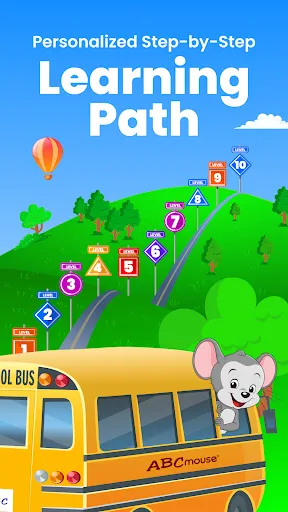
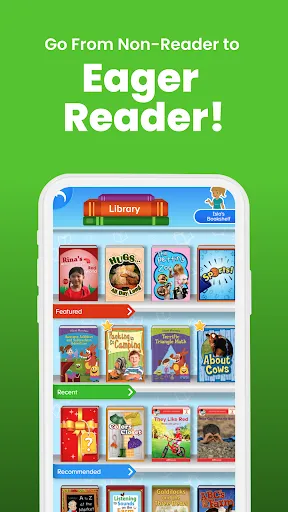
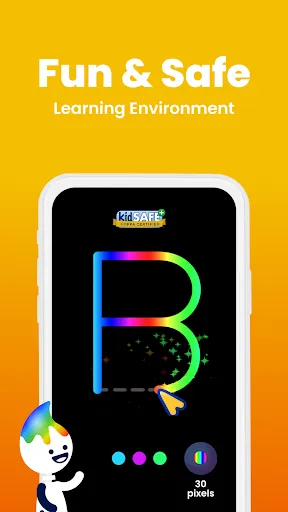
 Engaging games make learning fun and interactive for young children. Comprehensive curriculum covers subjects like math, reading, and science effectively. Personalized learning paths adapt to each child's unique pace and needs. Progress tracking helps parents monitor their child's growth and achievements. Safe and child-friendly platform ensures a secure learning environment.
 Limited content variety may not engage all learning styles effectively. Subscription costs can add up for families over time. Some users report technical issues impacting the learning experience.
  Google Play
  App Store
 Yes, users can submit suggestions or feedback to ABCmouse – Kids Learning Games through the app or website, typically through a feedback form or customer support contact options.
Yes, ABCmouse – Kids Learning Games collects certain personal data as part of its registration and usage process, but it adheres to strict privacy policies to protect users' information.
ABCmouse – Kids Learning Games primarily requires an internet connection to access its full range of content; however, some activities may be available for offline use if downloaded in advance.
To cancel your ABCmouse – Kids Learning Games subscription, you can do so through your account settings on the app or website, or by contacting customer support for assistance.
The subscription cost for ABCmouse – Kids Learning Games varies depending on the plan chosen, typically offering monthly, semi-annual, and annual options with varying pricing structures.
Yes, you can get help with activation issues by contacting customer service through the support link on the ABCmouse website.
You can contact ABCmouse customer service via their website or call their support number listed in the Help section.
To activate your account, enter the activation code you received during registration on the activation page of the website.
To change your password, log in to your account, go to Account Settings, and select "Change Password."
If you forgot your login details, use the "Forgot Username" or "Forgot Password" options on the login page to retrieve them.