




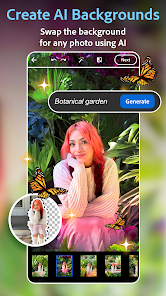
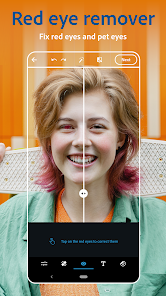
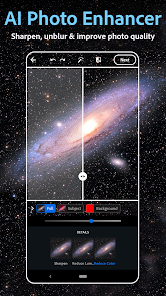

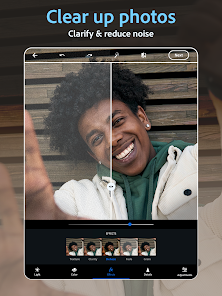
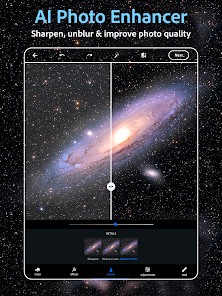
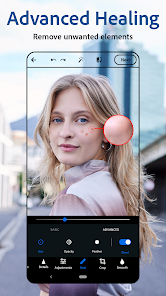
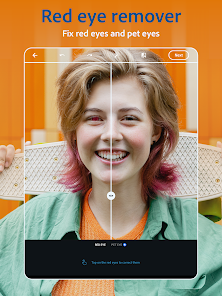

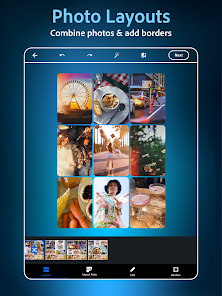
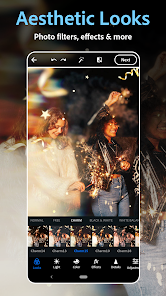
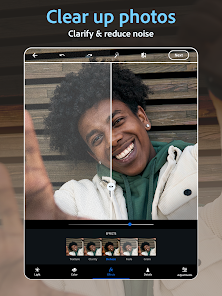
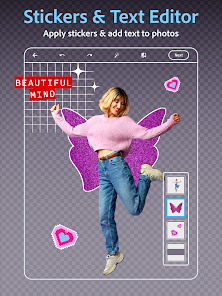

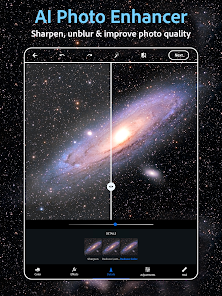
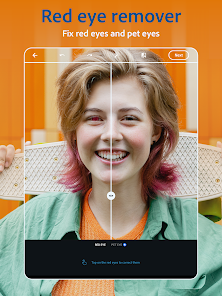
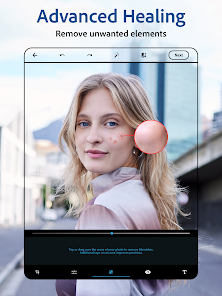
Photoshop Express is a powerful photo editing app that's perfect for beginner and intermediate photographers. It's incredibly easy to use and packed with features that will help you edit your photos in no time. But Photoshop Express isn't just for photo editing. In fact, it's also a great tool for creating graphics and logos. So if you need to create a simple logo or some fancy graphics for your website, Photoshop Express is the app for you.
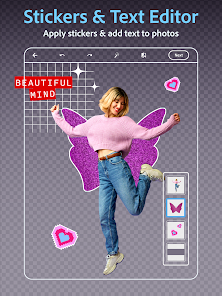
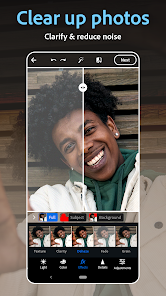
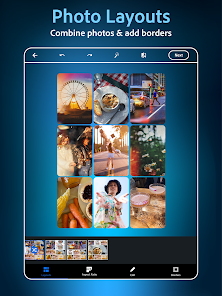
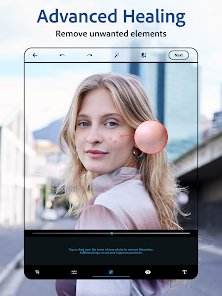
Features and Functions Photoshop Express is a mobile app that lets users edit photos and videos without having to open up Photoshop. It has a lot of features, including tools to adjust brightness, contrast, color, and more. It also includes tools to crop and resize photos, add text, and create effects like cropping and borders. How to Use Photoshop Express App If you're looking for an easy way to edit photos on your phone or tablet, Photoshop Express is the app for you! The app lets you crop, resize, and adjust images with ease, and it also includes a few basic tools for creating simple effects. If you're new to photo editing, Photoshop Express is a great place to start. Pros & Cons Pros: How to Use Photoshop Express App Download the Photoshop Express app from the App Store or Google Play Store on your mobile device. Open the app and tap "Sign In" to log in with your Adobe ID or create a new Adobe ID. Once you are logged in, tap "Add" to select a photo from your device's camera roll or take a new photo with your device's camera. The photo will open in the editing workspace, where you can use the app's tools and features to edit your photo. To adjust the color and lighting of your photo, tap the "Adjust" button and use the sliders and tools to make the desired changes. To add filters and effects to your photo, tap the "Looks" button and select a filter or effect from the options provided. To crop, rotate, or straighten your photo, tap the "Crop" button and use the cropping, rotating, and straightening tools to make the desired changes. To remove blemishes and imperfections from your photo, tap the "Heal" button and use the healing brush to remove the blemishes. When you are finished editing your photo, tap the "Save" button to save the edited photo to your device's camera roll. Other Information about Photoshop Express App Adobe Photoshop Express is a free photo editing app for Android and iOS devices. It offers a simplified version of the popular Adobe Photoshop software, with a focus on quick and easy editing of photos on mobile devices. The app offers a variety of features such as the ability to adjust the brightness, contrast, and color of photos, as well as basic tools for cropping, resizing, and rotating images. It also offers a range of filters and effects that can be applied to photos, as well as the ability to create collages and add text and stickers. The app is easy to use and offers a convenient way for users to quickly edit and enhance their photos on the go. About Photoshop Adobe Photoshop is a popular image editing software that allows users to create, edit, and manipulate digital images. It is widely used by photographers, graphic designers, and other professionals in the visual arts to enhance, retouch, and transform images. Photoshop offers a wide range of tools and features that allow users to manipulate images in a variety of ways, including cropping, resizing, adjusting colors and levels, adding text and effects, and more. Some of the key features of Photoshop include: Layers: allows users to create, arrange, and manipulate multiple elements of an image independently Selection tools: allows users to select specific parts of an image for editing Brushes and pencils: allows users to draw and paint on an image Filters and effects: allows users to add a wide range of visual effects to an image Blending modes: allows users to change how layers interact with each other to create unique visual effects Overall, Photoshop is a powerful and versatile image editing software that offers a wide range of tools and features for creating, editing, and manipulating digital images.
-Easily accessible and user-friendly
-Allows for quick edits of photos
-Wide range of tools and filters
Cons:
-Some features are limited compared to more expensive apps

 User-friendly interface for quick edits Wide range of filters for creative enhancement Powerful tools for precise adjustments Supports various file formats for versatility Seamless integration with cloud storage options
 Limited advanced editing features available Lacks customizable brushes and tools Ads can disrupt user experience Requires internet connection for some features
 Yes, Photoshop Express Photo Editor may collect personal data as outlined in its privacy policy, including information related to your usage of the app and account details.
Photoshop Express Photo Editor offers a free version with basic editing features; however, some advanced tools and features may require a subscription.
While some features may require an internet connection, many editing tools can be used offline after the app has been downloaded and installed.
You can contact support or send feedback through the in-app help section or by visiting the official Adobe website for customer support resources.
You can manage or cancel your subscription through the app store where you initially subscribed, such as the Apple App Store or Google Play Store.
Yes, you can change your account email by logging into your Adobe account and updating your profile settings.
You can reach customer service through the Adobe website or by using the help option within the app for support.
To delete your account, log into your Adobe account, go to the account settings, and select the option to delete.
Your customer number is usually found in your Adobe account settings or purchase confirmation email.
Open the app and tap on the login option, then enter your Adobe ID and password to access your account.













 Google Play
  App Store









