




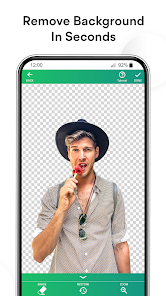
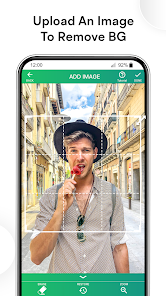
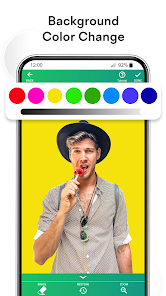


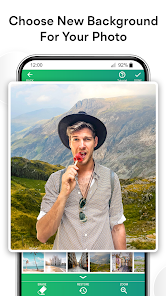
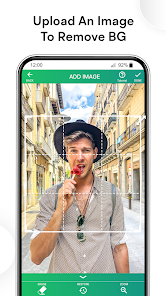

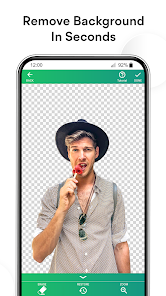


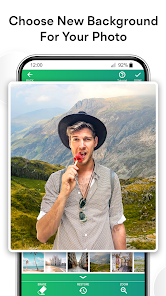


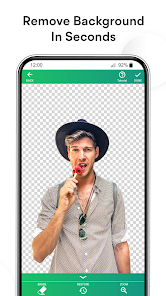
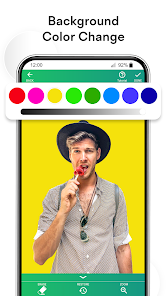
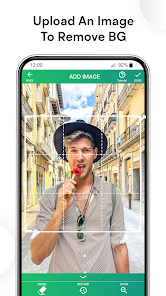
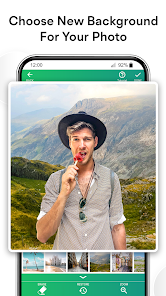


Background Eraser Photo Editor App is a free mobile application that allows users to easily remove the background of any image. The app is designed to be user-friendly and intuitive, allowing users to quickly and easily erase the background of any image with just a few taps. The app also offers a variety of tools and features to help users customize their images, such as cropping, resizing, and adding text and stickers. Additionally, users can save their edited images to their device or share them with friends and family. Background Eraser Photo Editor App is a great tool for anyone looking to quickly and easily edit their photos.
The Background Eraser app is a powerful tool for removing unwanted background images from photos. It uses a sophisticated algorithm to automatically identify and remove background images, making it perfect for removing unwanted objects from photos. The app is available for free on the App Store and Google Play. The Background Eraser Photo Editor is a great way to remove the background from your photos. Here's how to use it: There are many reasons you might want to erase the background of a photo. Maybe you want to remove a person from a group photo, or maybe you want to put a new background behind someone in a photo. Whatever the reason, there are a few different ways to go about it.Features and Functions
How to Use Background Eraser Photo Editor
1. Select the photo you want to edit.
2. Tap the Erase button at the bottom of the screen.
3. Use your finger to draw over the area you want to erase. The app will automatically erase the background around your selection.
4. To refine your selection, tap the Refine button and use your finger to draw over any areas you want to keep or remove.
5. Tap the Save button to save your edited photo.Pros & Cons
The Background Eraser app is one option for erasing backgrounds on photos. It's available for both iOS and Android devices, and it's pretty easy to use. Here's a look at the pros and cons of using the Background Eraser app.
Pros:
-Allows you to erase backgrounds quickly and easily
-Has a “smart eraser” feature that does a good job of automatically detecting and removing background elements
-Can save photos with transparent backgrounds, which can be handy for creating collages or adding elements to other photos
Cons:
-The free version of the app is fairly limited in terms of features; you'll need to upgrade to the paid version to get access to all the features
-The app can sometimes struggle with accurately detecting edges, which can result in parts of the foreground being erased as well

 Easily remove unwanted backgrounds from images for a cleaner look. Save time on photo editing with automated tools. Enhance product images for professional presentations and marketing. Improve focus on subjects by eliminating distractions. Customize backgrounds effortlessly for creative projects or social media.
 Limited precision can result in rough edges on images Can struggle with complex backgrounds, leading to incomplete erasure May require additional editing for professional-quality results
  Google Play
  App Store
 Yes, users can submit suggestions or feedback through the app’s support or feedback section, helping the developers improve the app.
Background Eraser prioritizes user privacy and typically does not collect personal data unless explicitly provided for specific features or services.
Yes, Background Eraser can be used offline, allowing users to edit images without needing an internet connection.
Users can cancel their Background Eraser subscription through the app store settings on their device, following the provided steps for managing subscriptions.
Subscription costs for Background Eraser may vary based on the plan chosen, and users can check the app for the most current pricing details.
You can reach customer service via the app's support section or through their official website's contact form.
Open the app and select the login option. Enter your registered email and password to access your account.
If activation is required, follow the prompts during installation or check your email for an activation link after purchase.
The customer service number is typically listed in the app's settings or on their official website. Please check there for the most accurate information.























