




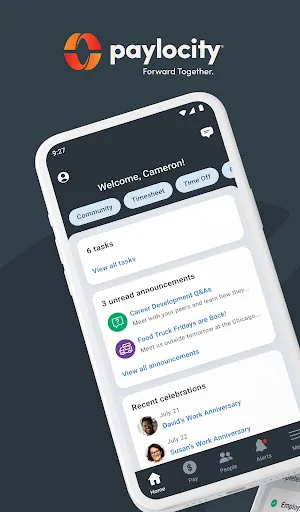
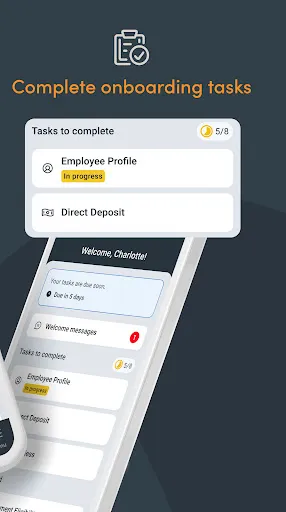
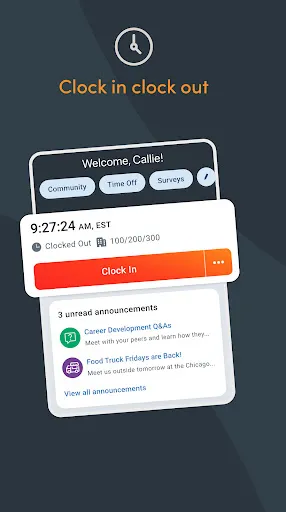
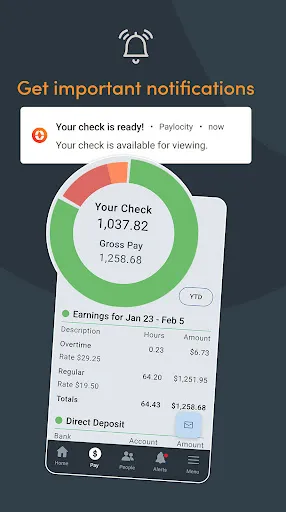
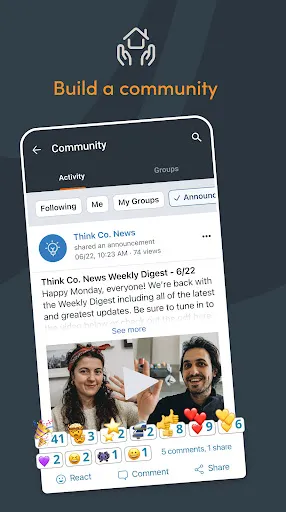
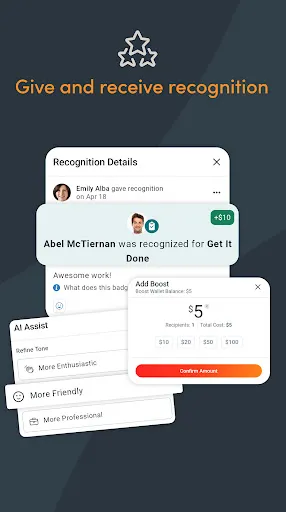
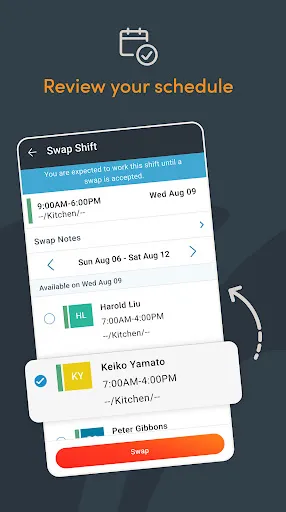
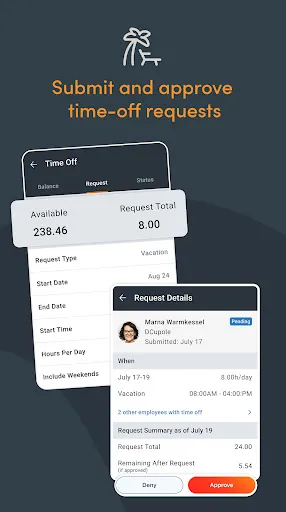
Paylocity is a comprehensive payroll and human capital management solution designed for organizations of various sizes. One of its standout features is its robust payroll processing capabilities, which allow users to manage payroll seamlessly and ensure compliance with tax regulations. The platform also offers a user-friendly interface, making it easy for HR professionals to navigate through its various functions. In addition to payroll, Paylocity provides a suite of HR tools, including employee onboarding, performance management, and time and attendance tracking. The platform also includes self-service options for employees, enabling them to access their pay stubs, tax documents, and personal information with ease. Furthermore, Paylocity offers customizable reporting and analytics features, allowing businesses to gain insights into their workforce and make data-driven decisions. Another notable feature is its mobile app, which gives employees and managers the ability to access essential HR functions on the go. Paylocity also integrates with various third-party applications, enhancing its functionality and allowing businesses to tailor the system to their specific needs. Overall, Paylocity combines essential payroll and HR features into one integrated platform, making it a popular choice for organizations seeking efficiency and ease of use. Using Paylocity effectively begins with setting up your organization’s account. This involves inputting essential company information, employee data, and configuring payroll settings. Once the initial setup is complete, you can navigate the intuitive dashboard to access different features. To process payroll, simply enter the hours worked, review the calculations, and submit for approval. Paylocity automates tax calculations and ensures that all necessary deductions are applied, simplifying the payroll process. For HR management, you can utilize the onboarding tools to streamline the hiring process. New employees can complete their paperwork online, and managers can track their progress. Performance management features allow you to set goals, conduct reviews, and provide feedback, fostering employee development. Additionally, the time and attendance tracking feature helps manage schedules and monitor hours worked, ensuring accuracy in payroll. Employees can take advantage of the self-service portal to manage their personal information, access pay stubs, and request time off. This not only reduces the administrative burden on HR but also empowers employees to take control of their information. To gain insights into your workforce, use the customizable reporting tools to analyze various metrics. Overall, Paylocity's user-friendly design and comprehensive tools make it easy to manage HR and payroll tasks efficiently. When evaluating Paylocity, it’s essential to consider its advantages and drawbacks. One of the primary benefits of Paylocity is its comprehensive suite of features, which covers payroll, HR management, and employee self-service tools. This all-in-one platform can significantly streamline administrative processes and enhance efficiency within HR departments. Moreover, its mobile app allows for real-time access to essential functions, empowering managers and employees to stay connected. Another advantage is its customizable reporting and analytics capabilities, which enable organizations to gain valuable insights into their workforce and make informed decisions. The intuitive user interface is also a plus, making it easier for users to navigate the system without extensive training. However, some users have reported that the initial setup can be time-consuming and may require assistance from Paylocity’s support team. On the downside, while Paylocity offers a wide range of features, smaller businesses may find the platform overwhelming if they do not need all the functionalities. Additionally, some users have noted that customer support can be slow at times, which could be frustrating during critical periods, such as payroll processing. Overall, while Paylocity provides a robust solution for many organizations, potential users should weigh these pros and cons against their specific needs before deciding.Features of Paylocity
How to Use Paylocity?
Pros & Cons of Paylocity

 Streamlined payroll processing saves time and reduces errors. User-friendly interface enhances employee engagement and satisfaction. Comprehensive reporting tools provide valuable insights for decision-making. Robust compliance features help manage regulations effortlessly. Flexible integration options connect with existing business systems seamlessly.
 Limited integration options can hinder seamless workflow across different platforms. Customer support may be slow to respond, affecting user experience. The user interface can feel cluttered and overwhelming for new users.
  Google Play
  App Store
 Yes, Paylocity encourages users to submit suggestions and feedback through their customer support channels or user forums to improve the application.
Yes, Paylocity collects personal data necessary for payroll processing and HR functions, but it adheres to strict privacy policies to protect your information.
Paylocity primarily requires an internet connection to access its features, and offline use is limited, as most functionalities are cloud-based.
To cancel your Paylocity subscription, you typically need to contact your Paylocity account representative or customer support for assistance with the cancellation process.
The cost of a Paylocity subscription can vary widely depending on the size of the organization and the specific features chosen, so it’s best to contact Paylocity for a tailored quote.
To activate your Paylocity account, follow the link in the activation email you received and set up your password.
You can reach Paylocity customer service by calling their support line at 1-800-520-2687 or through the support portal on their website.
Your customer number can typically be found on your Paylocity welcome email or by contacting your company's HR department.
Open the Paylocity app, enter your username and password, and tap "Log In." Make sure you have internet access.





















