



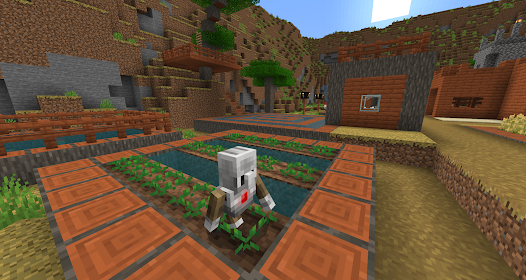
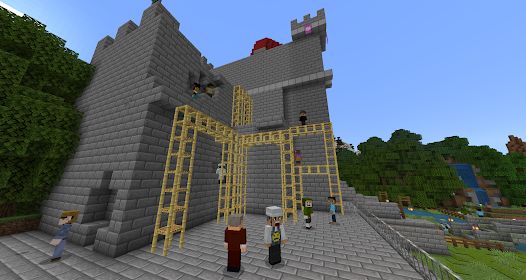
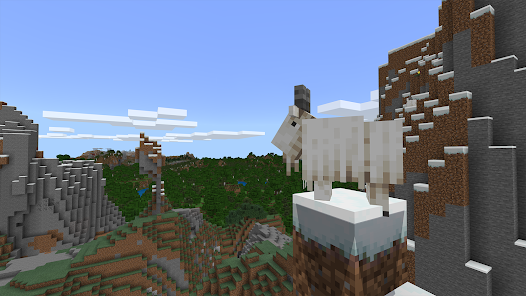
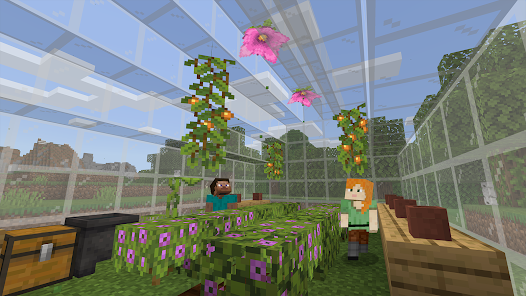
Minecraft: Education Edition is an educational version of the popular sandbox game Minecraft. The app is designed to help teachers and students in the classroom, and it's available for free on the App Store. Minecraft: Education Edition includes features such as a Classroom Mode, which lets teachers control the game for their students, and a Lesson Library, which offers a range of ready-made lesson plans for teachers to use. The app also includes a mapmaking tool, which can be used to create 3D models of real-world locations, and a virtual reality mode, which allows students to explore the world of Minecraft in VR headsets.
THIS APP IS FOR SCHOOL AND ORGANIZATIONAL USE:
Designed to engage all learners, Minecraft: Education Edition provides lessons and fun challenges across subjects, from math and literacy to digital citizenship and sustainability. Get started today!
DISCOVER WORLD-CLASS CONTENT
- 700 standards-aligned lessons in in-game Library
- 200 hours of K-12 Computer Science curriculum
- 50 creative build challenges
- 10 how-to-play tutorials
SPARK A PASSION FOR LEARNING
Develop critical skills like problem solving, critical thinking, collaboration, and communication in the interactive game environment. Explore ancient civilizations, cell biology, outer space, and bring the periodic table to life with in-game Chemistry. Spark a passion for STEM and Computer Science.
SUPPORT INCLUSIVE EDUCATION
Engage students in meaningful learning and social-emotional development. Accessibility features like chat-to-text and Immersive Reader support different player needs. Learning content is available on culturally relevant topics like climate change and active citizenship.
KEY FEATURES
- Multiplayer mode enables collaboration in-game across platforms, devices, and hybrid environments
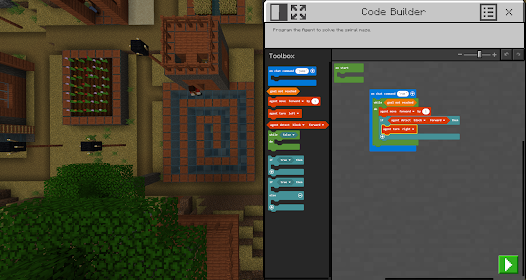
- Code Builder supports block-based coding, JavaScript, and Python with intuitive interface and in-game execution
- Camera and Book & Quill items allow documentation and export
- Immersive Reader helps players read and translate text
- Integration with Microsoft Teams and Flipgrid supports assessment and teacher controls
Minecraft: Education Edition licenses can be purchased separately by individuals with Office 365 Education, Office 365 Commercial, or Microsoft 365 Admin Center accounts. Talk to your teacher or IT administrator for information on academic licensing.
Terms of use: The terms that apply to this download are the terms that were presented when you purchased your Minecraft: Education Edition subscription.
Privacy policy: https://aka.ms/privacy

 Promotes creativity through open-world exploration and building. Enhances collaboration with multiplayer projects and teamwork. Teaches coding and problem-solving in an engaging way. Supports diverse learning styles with interactive experiences. Encourages critical thinking through challenges and quests.
 Limited access for non-educational users High subscription costs for schools Requires stable internet for optimal experience Basic features compared to standard Minecraft
 Minecraft Education adheres to privacy guidelines and collects minimal personal data necessary for account creation and usage, with a focus on protecting student privacy and ensuring a safe learning environment.
Yes, Minecraft Education offers a free trial for educators and students, allowing them to explore the app's features before committing to a subscription.
While some features of Minecraft Education can be accessed offline, an internet connection is required for multiplayer functionality, accessing online resources, and downloading additional content.
You can contact support or send feedback for Minecraft Education through the official website, where you can find resources, FAQs, and contact forms to reach the support team for assistance.
You can manage or cancel your Minecraft Education subscription through the account management section of the official Minecraft Education website, where you can access subscription settings and billing information.
You can reach customer service through the official Minecraft Education website or by emailing support
To activate, follow the link in the confirmation email sent to you after registration and complete the setup process.
Your customer number is typically included in your purchase confirmation email. Check your inbox for details.
Open the app and enter your school email and password provided by your institution.










 Google Play
  App Store








