





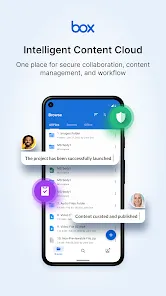
Winner of PC Magazine's Editors' Choice Award: "There are plenty of excellent file-syncing storage services, but, on Android, the Box app takes the cake."
Securely store, manage and share all your files, photos and documents with 10GB of free cloud storage from Box.
With Box, you can easily:
* Access and work on all your files at your fingertips
* Access your content online, from your desktop, and on your Android phone or tablet
* Share important documents, contracts, visuals and more
* Preview 200+ file types with full screen quality
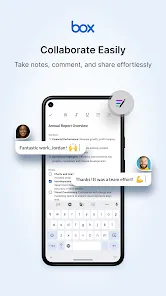
* Give feedback from anywhere by commenting and mentioning colleagues and partners
Box for Android features:
* 10GB of free cloud storage to back up all your docs
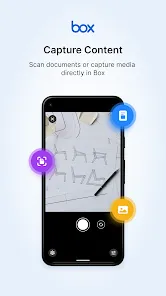
* Upload PDFs, Microsoft Office files, photos, videos and other files to Box
* View and print 200+ file types, including PDF, Word, Excel, AI, and PSD
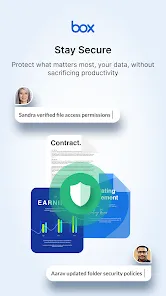
* File-level security controls
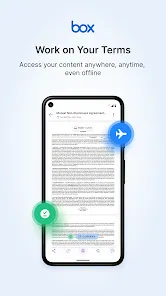
* Offline access to files and folders
* Share huge files with just a link - no need for attachments
* Add comments to documents to send feedback
* Real-time search
* Search within PDF, PowerPoint, Excel, Word files
* Updates feed to find recently viewed or edited files
* Open files in hundreds of partner apps that let you annotate, e-sign, edit and more
* Box for Android mobile app is "Box Shield" enabled
Box helps you get work done on the go. It's fast, secure and simple to use, so you can be productive from anywhere, which is the reason 57,000 businesses, including Eli Lilly and Company, General Electric, KKR & Co., P&G and The GAP securely access and manage their critical information with Box.

 Seamless collaboration tools enhance team productivity and communication. Robust security features protect sensitive data with advanced encryption. User-friendly interface simplifies file management for all skill levels. Flexible storage options cater to various business needs and sizes. Integrations with popular apps streamline workflows and enhance efficiency.
 Limited offline access can hinder productivity in remote areas. Higher costs compared to similar cloud storage options may deter budget-conscious users. Complex user interface may overwhelm new users, impacting adoption rates.
  Google Play
  App Store
 Yes, Box encourages users to submit suggestions or feedback through their support channels or user forums to help improve the platform.
Yes, Box collects certain personal data, such as email addresses and usage information, to provide its services and improve user experience, while adhering to privacy regulations.
Yes, Box offers offline access for users, allowing them to view and edit files without an internet connection, which will sync changes once reconnected.
To cancel your Box subscription, you can log into your account, go to the billing section, and follow the prompts to cancel your plan.
Subscription costs for Box vary depending on the plan chosen, with pricing starting from a few dollars per user per month for basic features to higher rates for advanced options and additional storage.
Customer numbers are unique and cannot be changed. For any concerns, please reach out to customer service.
You can check your account activation status by logging in to your Box account or contacting customer service for updates.
You can reach customer service by visiting the Box support page and using the chat feature or submitting a request.
To log in, go to the Box website, enter your email and password, then click "Log In."
Yes, use the "Forgot Password?" link on the login page to reset your password and regain access.





















