






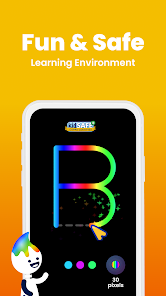
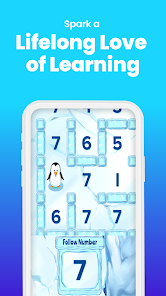
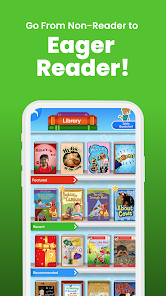


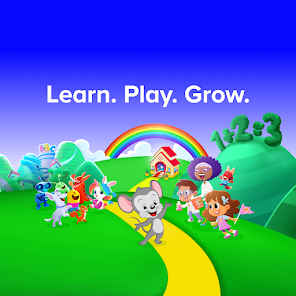
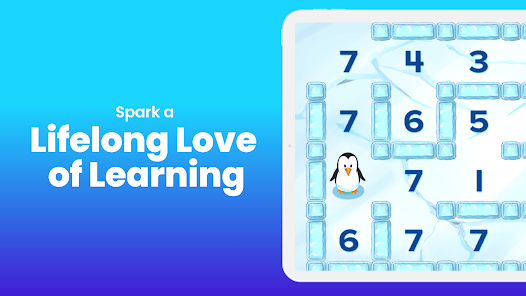

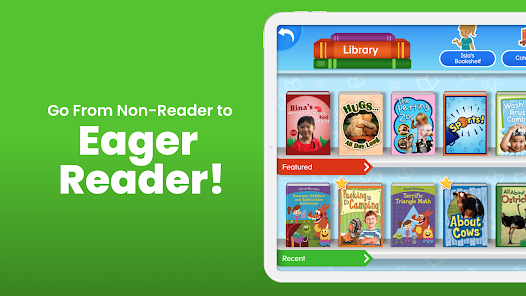
ABCmouse.com Mobile App is an educational app designed for children ages 2-8. It offers a comprehensive curriculum of more than 9,000 learning activities in reading, math, science, social studies, art, and music. The app also includes interactive books, educational games, puzzles, and other activities to help children learn and have fun.
1. Over 9,000 interactive learning activities in reading, math, science, art, music, and more. 2. Comprehensive curriculum for children ages 2-8. 3. Step-by-step progress tracking and rewards system. 4. Personalized learning paths tailored to each child’s individual needs. 5. Fun and engaging games, puzzles, and stories. 6. Access to a library of over 850 books. 7. Ability to print out worksheets and certificates. 8. Parental dashboard to monitor progress. 9. Access to ABCmouse.com on any device. 10. Ability to create multiple profiles for multiple children. 1. Download the ABCmouse.com Mobile App from the App Store or Google Play. 2. Create an account or log in with an existing account. 3. Select a grade level and age range for your child. 4. Explore the app and its features. 5. Select a learning activity or game for your child to play. 6. Monitor your child’s progress and adjust the settings as needed. 7. Encourage your child to complete activities and earn rewards. 8. Celebrate your child’s successes and progress.Features
How to use ABCmouse.com Mobile App?

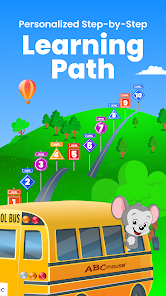
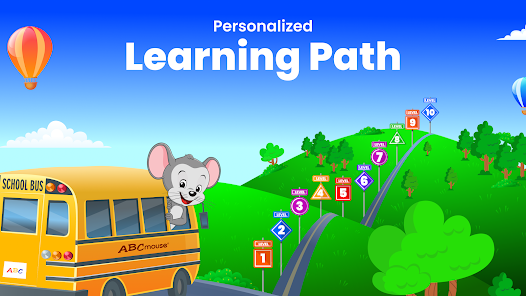
 ABCmouse.com offers engaging, interactive lessons for early learners. The platform covers a wide range of subjects. It provides personalized learning paths tailored to each child’s needs. Parents can track progress through detailed reports and assessments. Fun games and activities make learning enjoyable and effective.
 Limited content variety may not engage all learning styles Subscription costs can add up for families Progress tracking lacks depth for comprehensive assessment
  Google Play
  App Store
 Yes, ABCmouse encourages users to submit suggestions or feedback through their customer support channels or feedback forms available on their website.
Yes, ABCmouse collects personal data as part of its registration process, but it adheres to privacy regulations to protect user information.
ABCmouse primarily requires an internet connection to access its content, but some features may be available for offline use through its mobile apps.
You can cancel your ABCmouse subscription by logging into your account, going to the account settings, and following the prompts to cancel or manage your subscription.
Subscription costs for ABCmouse vary depending on the plan chosen, with options for monthly or annual subscriptions available.
Customer numbers are unique and cannot be changed. If you need assistance, please contact customer service for support.
You can reach ABCmouse Classic customer service by visiting our website and using the contact form or calling the support number provided.
If you're unable to log in, click on "Forgot Password" on the login page and follow the prompts to reset your password via email.
To activate your account, follow the instructions in your confirmation email, or log in using your customer number and password.
Please check your email for the registration confirmation or contact customer service for assistance in retrieving your customer number.



















