


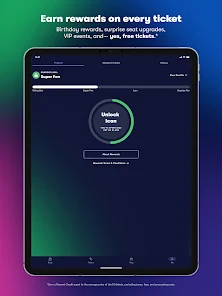
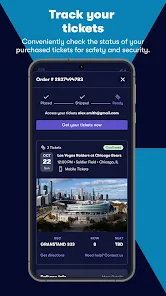
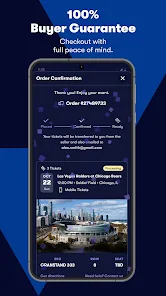
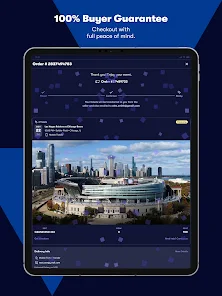
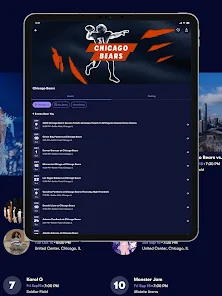
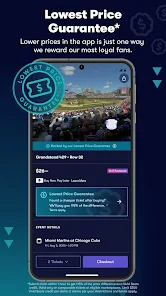
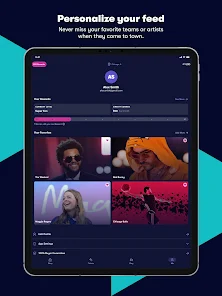
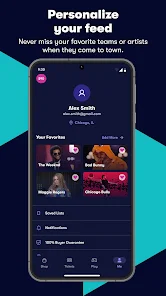
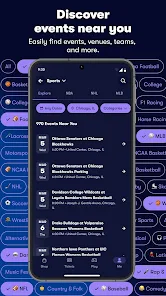
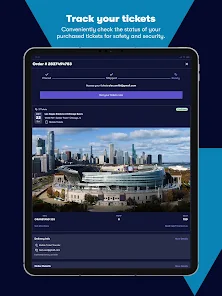
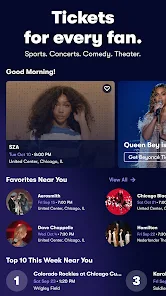
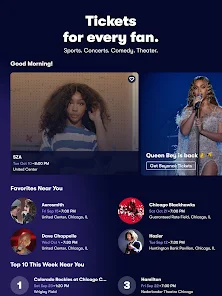
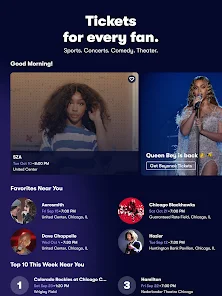
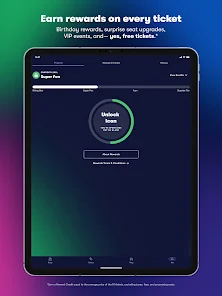
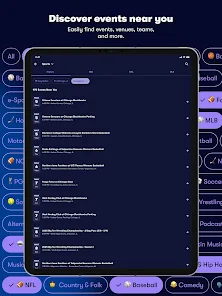
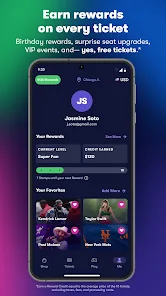
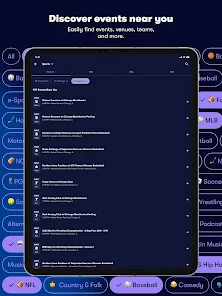
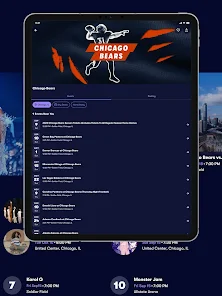
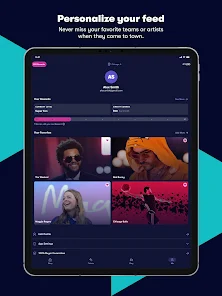
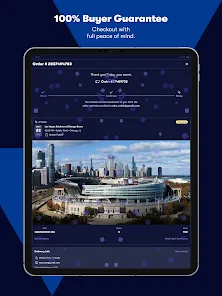
Vivid Seats is an event tickets app that allows users to purchase tickets to concerts, sports games, theater shows, and other live events. The app provides users with a secure and convenient way to purchase tickets from a wide selection of verified sellers. It also offers a variety of features to help users find the best deals on tickets, including price alerts, interactive seating charts, and exclusive discounts. Additionally, the app provides users with a 100% Buyer Guarantee, ensuring that all tickets purchased through the app are valid and authentic. With Vivid Seats, users can easily find and purchase tickets to their favorite events with confidence.
The Vivid Seats app provides a convenient way to buy and sell tickets for live events. The app is available for both iOS and Android devices, and features a user-friendly interface that makes it easy to find and purchase tickets. If you're looking for a great way to get tickets to your favorite events, then you should definitely check out the Vivid Seats app. With this app, you can easily search for and find tickets to just about any event that you could want to see. Plus, the app makes it easy to buy tickets right from your phone or tablet. There are many things to like about the Vivid Seats app. First, it's free to download and use. Second, it's easy to navigate and find tickets for the events you want to see. Third, the prices for tickets are generally very reasonable.Features and Functions
In addition to allowing users to buy and sell tickets, the Vivid Seats app also provides a number of other features, including:
- A calendar of upcoming events
- A search function that allows users to find tickets for specific events or venues
- A "My Events" section that keeps track of upcoming events that the user has tickets for
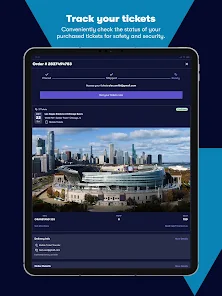
- A "My Tickets" section that stores electronic copies of the user's tickets
- An "Alerts" feature that sends notifications when new tickets become available for certain eventsHow to Use Vivid Seats | Event Tickets
One of the best things about the Vivid Seats app is that it offers a huge selection of tickets for all sorts of events. Whether you're looking for concert tickets, sports tickets, or theater tickets, you'll be able to find them on the Vivid Seats app. And since the app searches through multiple ticket vendors, you're sure to find the best deal on the perfect seats for you.
Plus, buying tickets on the Vivid Seats app is super easy and convenient. Simply find the event you want to see and select the number of tickets that you need. Then enter your payment information and hit "submit." It's that simple! You'll receive an email confirmation once your purchase is complete.
So if you're looking for an easy and convenient way to get event tickets, be sure to download the Vivid Seats app today!Pros & Cons
However, there are also a few things that could be improved. For example, it would be helpful if the app had a way to filter results by price range. Additionally, it would be nice if there was a way to see seat maps directly in the app so you could get a better idea of where your seats would be located.

 Wide selection of events for all interests Competitive pricing with no hidden fees User-friendly platform for easy navigation Secure transactions for peace of mind Customer support available for any inquiries
 High service fees can inflate ticket prices Limited customer support options available Difficulties with ticket refunds or exchanges Inventory may sell out quickly, reducing choices
 Yes, Vivid Seats collects personal data for account creation, transaction processing, and customer support purposes, in accordance with their privacy policy.
Vivid Seats does not offer a free trial or free version; however, users can browse events and listings without making a purchase.
Yes, Vivid Seats requires an internet connection to browse events, purchase tickets, and access your account information.
You can contact Vivid Seats support through their website or app, where you can find options for live chat, email, or phone support for any inquiries or feedback.
Since Vivid Seats does not have a subscription model, there is no need for cancellation; users can simply choose to stop purchasing tickets at any time.
Yes, you can email their customer support at support
No activation is necessary; simply create an account and log in to start using the app.
Log in to your account, go to 'My Orders,' and select the order to view its status.
You can reach Vivid Seats customer service by calling their toll-free number at 1-866-848-8499 or using the live chat option on their website.
Tap on 'Forgot Password?' on the login screen, enter your email, and follow the instructions sent to your inbox.








 Google Play
  App Store