

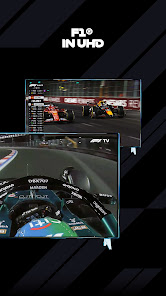
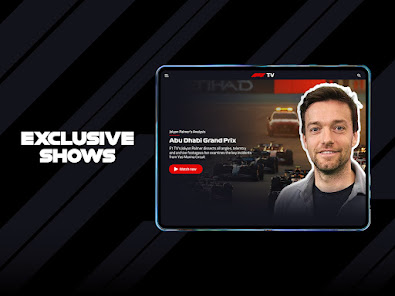
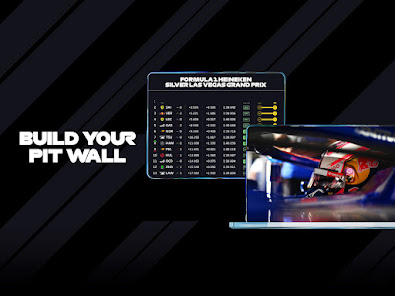
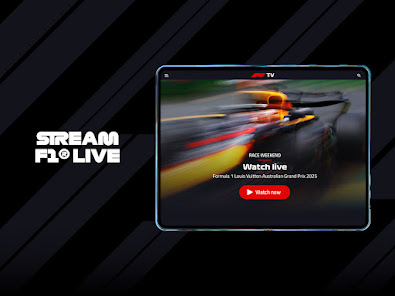
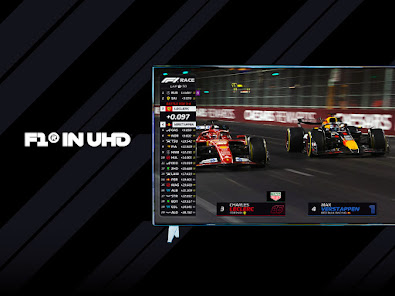
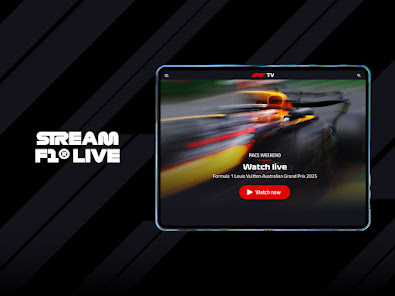
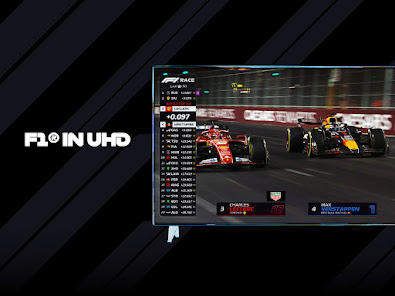
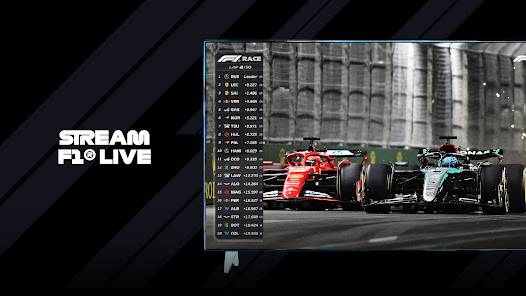

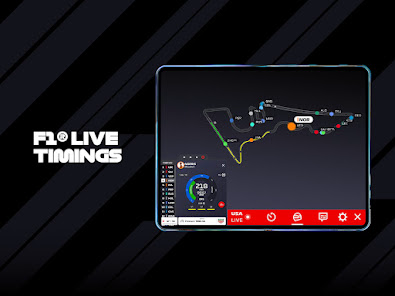
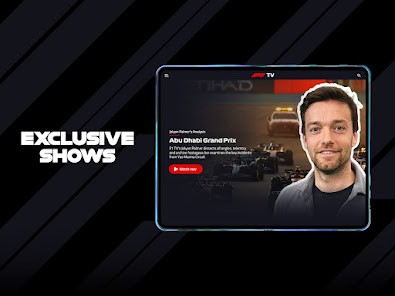
F1 TV is a subscription-based video streaming service that offers live coverage of Formula 1 races, as well as other exclusive content such as highlights, interviews, and historic races. It was launched in 2018 and is available in several countries around the world. The service can be accessed on a variety of devices, including computers, smartphones, and smart TVs. The F1 TV Mobile App is the perfect way to follow all the action from the 2019 Formula One season. With live and on-demand race coverage, exclusive interviews, highlights and more, the app is available for iPhone, iPad and Android devices.
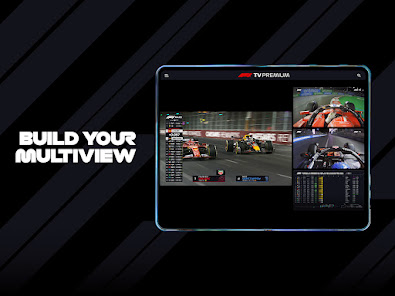
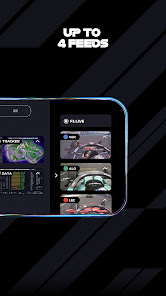
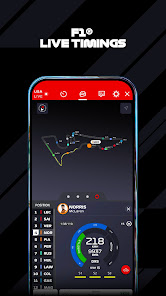
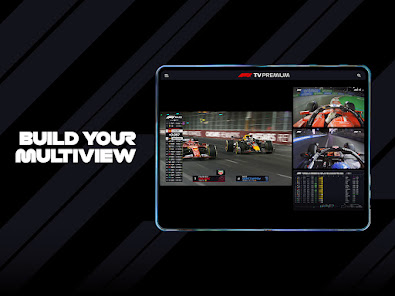
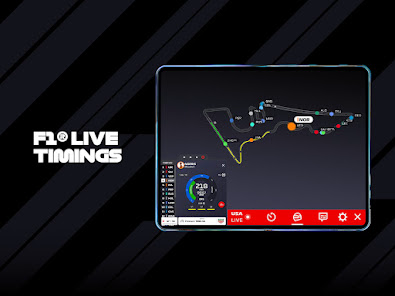
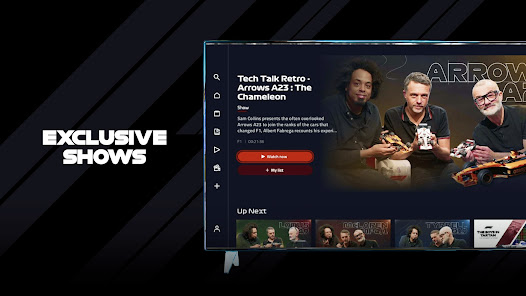
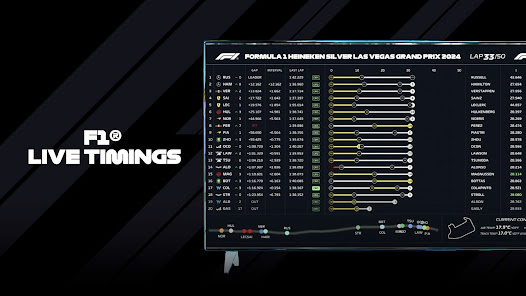
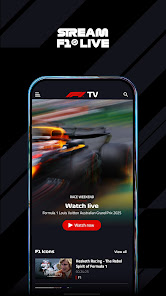
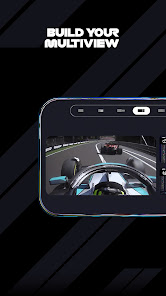
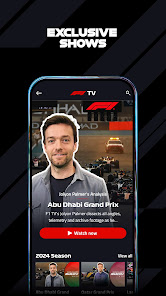
As a video streaming service, F1 TV offers a range of features that allow users to access and enjoy live and on-demand Formula 1 content. Some of the main features of the service include: -Live coverage of all Formula 1 races and qualifying sessions -On-demand replay of all races and qualifying sessions -Exclusive access to F1's extensive video archive, including highlights, interviews, and historic races -Multiple camera angles and onboard cameras for selected races -Live timing and tracking data for all sessions -Live team radio for selected races -English, French, and German language commentary options These features are subject to change and may vary depending on your location and the device you are using to access the service. If you're a Formula 1 fan, then you'll be excited to know that there's a mobile app for it! The F1 TV Mobile App gives you access to live broadcasts of all Formula 1 races, as well as on-demand video content and highlights. You can also get exclusive behind-the-scenes footage, interviews, and more. To use the F1 TV Mobile App, simply download it from your device's app store. Once it's installed, launch the app and sign in with your F1 TV account. If you don't have an account yet, you can create one directly within the app. Once you're signed in, you'll be able to browse through the available content and start watching whatever interests you. If you want to watch a live broadcast, simply select the race from the list and tap on the "Watch Now" button. The broadcast will then start playing on your device. You can also access other features of the app such as the "My Feed" section which shows you personalized content based on your watching history and preferences. There's also a "Discover" section where you can find new and popular videos to watch. So if you're a Formula 1 fan, be sure to check out the F1 TV Mobile App! It's the best way to stay up-to-date with all the latest racing action. What is the features of F1 TV?
How to use F1 TV Mobile APP:

 Access to live races worldwide Exclusive behind-the-scenes content available Comprehensive race replays and highlights offered Multi-camera views enhance your viewing experience Ad-free streaming ensures uninterrupted enjoyment
 Limited availability in certain countries Streaming quality can vary significantly No live coverage of practice sessions Lacks comprehensive additional content
 Yes, F1 TV collects certain personal data to enhance user experience and provide personalized content. This may include information such as your name, email address, and viewing preferences.
F1 TV may offer a free trial period for new users, allowing them to explore the service before committing to a subscription. However, there is no permanent free version of the app.
Yes, F1 TV requires a stable internet connection to stream content. A high-speed connection is recommended for the best viewing experience.
You can contact F1 TV support through the help section of the app or website, where you will find options for submitting inquiries or feedback. Additionally, you may find FAQs and troubleshooting guides to assist you.
You can manage or cancel your F1 TV subscription through the account settings within the app or website. Simply log in to your account, navigate to the subscription section, and follow the prompts to make changes.
You can reach F1 TV customer service through the help section on their website or by using the contact form provided there.
Activate your subscription by entering the activation code provided in your confirmation email on the F1 TV website or app.
Your customer number is typically found in your account settings or confirmation emails after subscription.
To log in, visit the F1 TV website or app, enter your email and password, then click the login button.






 Google Play
  App Store