

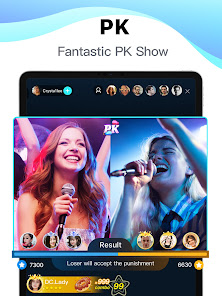
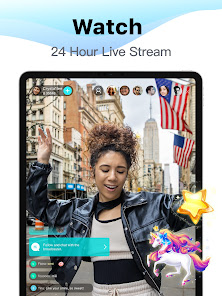
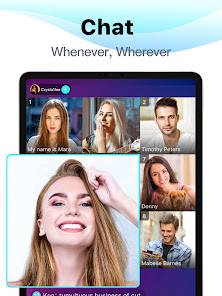
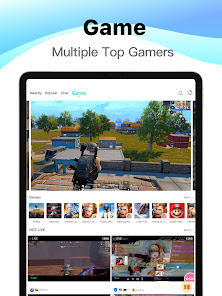
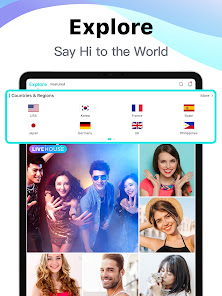
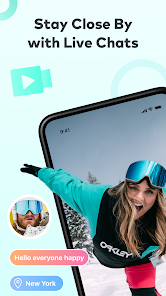
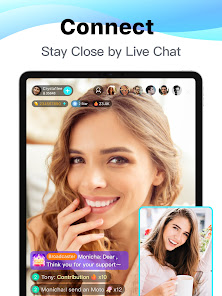
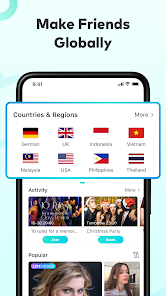
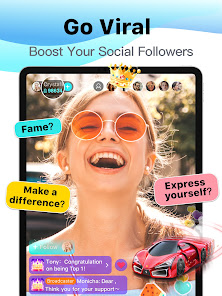

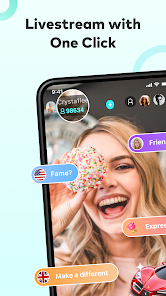
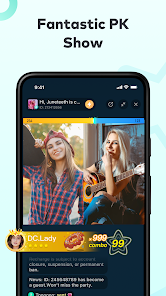
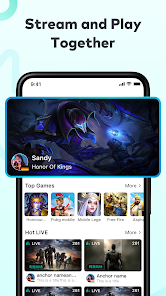
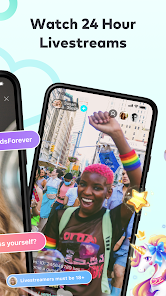
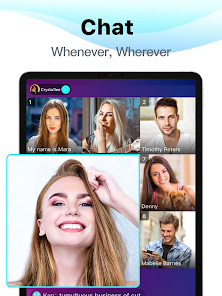
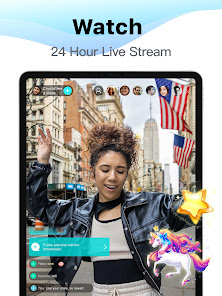
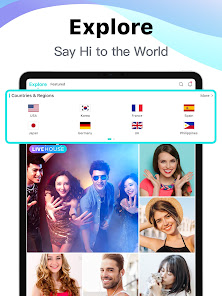
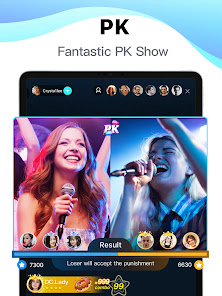
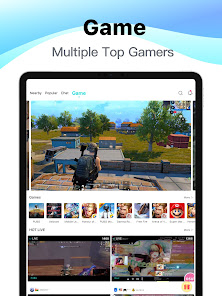
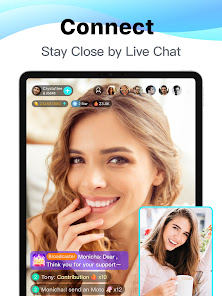
Bigo Live is a live streaming app that allows users to broadcast and watch live streaming videos. It is a social platform that allows users to interact with each other through live streaming, video calls, and voice chats. It also allows users to share photos, videos, and other content with their friends and followers. The app is available for both iOS and Android devices.
Bigo Live is a live streaming app that allows users to broadcast themselves in real-time. Viewers can watch and interact with the broadcaster through the chat function. If you're new to Bigo Live, here's a quick guide on how to use the app. After downloading and opening the app, you'll be prompted to create an account. You can sign up with your email address or phone number, or you can connect your Facebook account.Features and Functions
The app also has a number of features that make it unique and different from other live streaming apps. These include:
1. Bigo Live allows users to earn virtual currency (called "beans") by completing certain tasks or achievements within the app. This can be used to buy virtual gifts for other users or to access premium content.
2. The app has a "live stream" feature which allows users to stream their live video feed to other users in real-time.
3. Bigo Live also has a "replay" feature which allows users to watch previous broadcasts at any time.
4. The app offers a wide range of pre-recorded videos and live shows that can be watched by users at any time.
5. Bigo Live also has a built-in social media platform where users can share their photos, videos, and thoughts with other members of the community.How to Use Bigo Live - Live Streaming App
Once you've created your account, you'll be taken to the main screen of the app where you can see a feed of live broadcasts from other users. To start browsing, just scroll through the feed and tap on any broadcast that catches your eye.
To start your own live broadcast, tap on the "Broadcast" button at the bottom of the screen. Before going live, you'll need to choose a title for your broadcast and enable your camera and microphone. Once you're ready, just hit the "Go Live" button and start streaming!

 Engage with a global audience instantly Showcase your talents and creativity live Interact with viewers through real-time chat Monetize your streams with virtual gifts Join a vibrant community of diverse content creators
 Limited moderation leads to inappropriate content exposure Frequent technical issues disrupt streaming experience High competition makes visibility challenging for new users Privacy concerns regarding user data and safety
 Yes, Bigo Live collects certain personal data, including account information, usage data, and interaction data, as outlined in its privacy policy. Users are encouraged to review the policy for details on data collection and usage.
Bigo Live offers a free version that allows users to access many features without a subscription. However, there may be premium features available through in-app purchases or subscriptions.
Yes, Bigo Live requires a stable internet connection to stream and watch live videos. A Wi-Fi or mobile data connection is necessary for optimal performance.
Users can contact Bigo Live support through the app by accessing the help or support section, where they can submit inquiries or feedback directly. Additionally, support options may be available on the official Bigo Live website.
Users can manage or cancel their subscriptions through the app store settings on their respective devices. Instructions for managing subscriptions are typically found in the app’s settings or help section.
You can reach Bigo Live customer service through the app's settings or by visiting their official website for support options.
After registering, check your email or SMS for a verification link or code to activate your account.
Open the app, tap on "Log In," and enter your registered phone number or social media account credentials.
Bigo Live does not provide a direct customer service number; support is primarily through the app and website.







 Google Play
  App Store