

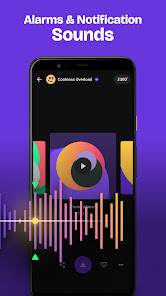
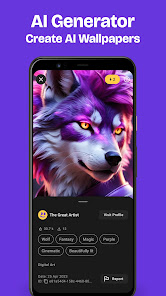
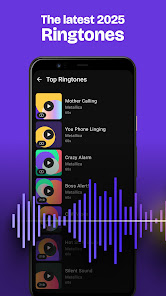
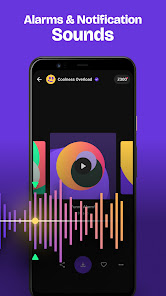
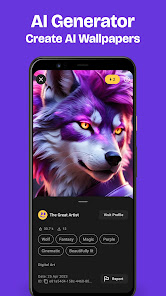
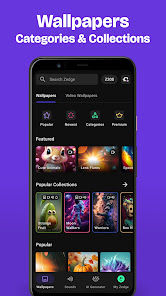
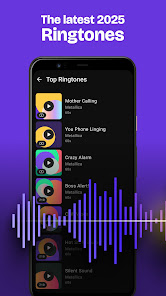
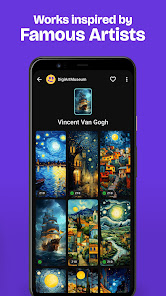
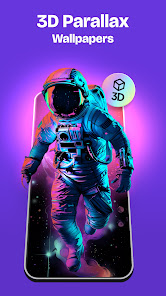
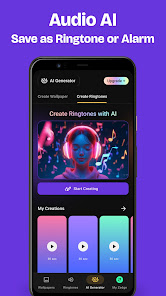
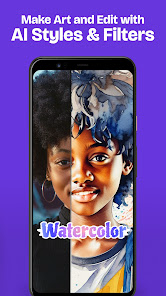
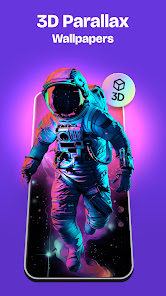
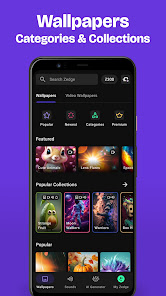
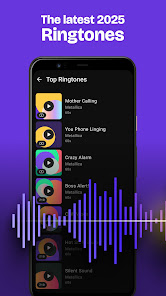
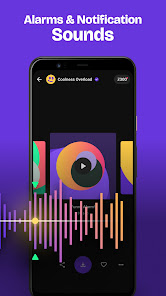
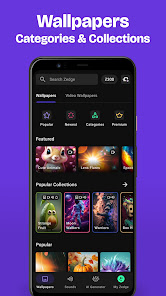
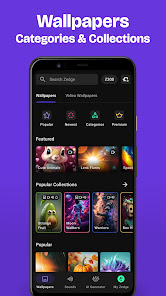
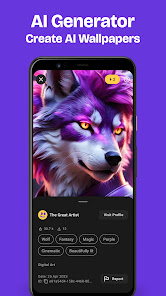
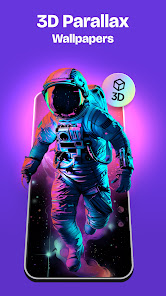
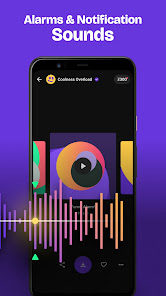
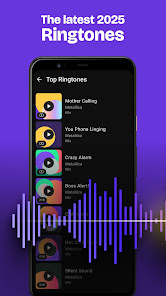
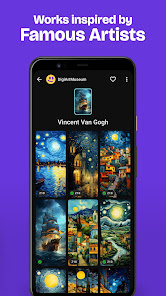
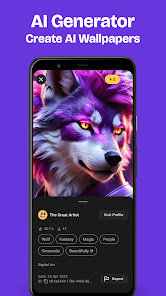
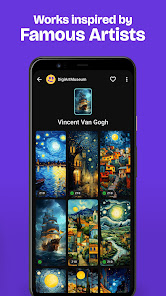
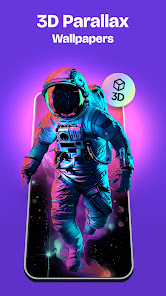
Zedge wallpapers are digital images that can be used as the background or wallpaper on a computer or mobile device. Zedge is a popular platform that offers a wide range of wallpapers, including abstract, nature, animal, and art wallpapers, among others. Users can browse and download these wallpapers for free using the Zedge app, which is available on the App Store and Google Play Store. Once a wallpaper is downloaded, it can be set as the background or wallpaper on the user's device, using the device's built-in settings or customization options. Zedge also offers other types of content, such as ringtones, app icons, and live wallpapers, which can be downloaded and used in the same way.
Features ZEDGE Wallpaper is a mobile app that allows users to download and use a wide range of wallpapers on their smartphones or tablets. The app offers a number of features that can enhance the user's experience, including: Access to a large library of wallpapers: ZEDGE Wallpaper offers access to a large library of wallpapers, including abstract, nature, animal, and art wallpapers, among others. This allows users to find a wallpaper that matches their personal style and interests. Support for multiple categories and resolutions: ZEDGE Wallpaper allows users to browse and search for wallpapers by category, such as abstract or nature, and by resolution, such as HD or 4K. This makes it easy for users to find the perfect wallpaper for their device. Personalized recommendations: ZEDGE Wallpaper uses machine learning algorithms to provide personalized recommendations based on the user's browsing and download history. This can help users discover new wallpapers that they might like. Support for multiple languages: ZEDGE Wallpaper allows users to choose the language of the app and its content, which makes it more accessible and user-friendly for users who speak different languages. Integrated favorites and download history: ZEDGE Wallpaper offers an integrated favorites and download history feature that allows users to save their favorite wallpapers and view their download history. This makes it easy for users to access their favorite wallpapers and download them again in the future. Regular updates and new content: ZEDGE Wallpaper receives regular updates that add new wallpapers and other content to the app, which keeps the app fresh and interesting for users. How to use ZEDGE Wallpaper Mobile App? ZEDGE Wallpaper is a mobile app that allows users to download and use wallpapers on their Android or iOS devices. The app is available for free on the App Store and Google Play Store. To use the app, you will need to download it and then create a ZEDGE account. Once you are signed in, you can browse the app's collection of wallpapers and choose the ones you like. You can search for wallpapers by category, color, or keyword, or you can use the app's curated collections to find popular or recommended wallpapers. When you find a wallpaper you like, you can download it to your device and set it as your home screen or lock screen. I recommend checking the ZEDGE website and the app's user guide for more detailed instructions on how to use the app. Pros & Cons Pros: The app has a large collection of wallpapers, with new images added regularly. Users can search for wallpapers by category, color, or keyword, making it easy to find the right image for their device. The app allows users to customize their wallpapers with text, stickers, and other overlays. The app has a user-friendly interface that makes it easy to use. Cons: Some users may not like the advertisements that are displayed in the app. The app may not have the exact image or color that a user is looking for. Some users may prefer to use other wallpaper apps that offer different features or a larger selection of images.

 Vast library of unique wallpapers and ringtones available User-friendly interface for easy navigation and selection High-quality visuals and audio for an enhanced experience Regular updates keep content fresh and exciting Personalization options to match your style and mood
 Limited customization options for wallpapers Frequent ads disrupt user experience Quality of some content can be low In-app purchases may be required for premium features
 Zedge™ may collect certain personal data as part of its functionality, such as usage statistics and account information, but it adheres to privacy policies to protect user data.
Yes, Zedge™ offers a free version with access to a wide range of wallpapers and ringtones, though certain premium features may require a subscription.
Yes, an internet connection is required to browse and download content from Zedge™, although previously downloaded items can be accessed offline.
You can contact Zedge™ support or send feedback through the app's settings menu, where you'll find options for help and customer support.
You can manage or cancel your subscription through your device's app store settings, under subscriptions. Instructions may vary depending on whether you're using iOS or Android.
You can reach ZEDGE™ customer service through the app's settings or their official website for assistance.
Go to the login screen, tap 'Forgot Password?', and follow the instructions to reset it.
ZEDGE™ does not typically use customer numbers; you may need your account email for support.
Open the app, tap on the profile icon, and select 'Log In' to enter your credentials.
No activation is required; you can use ZEDGE™ immediately after downloading.






 Google Play
  App Store