

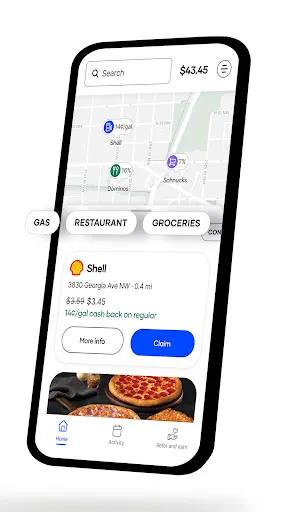
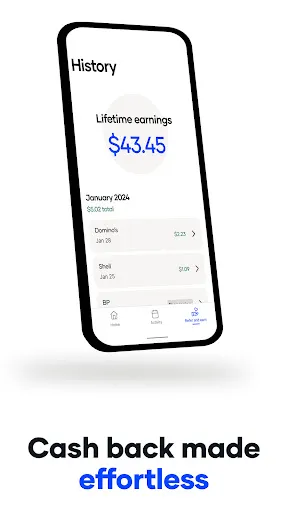
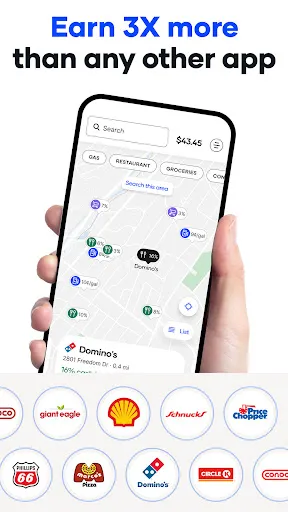

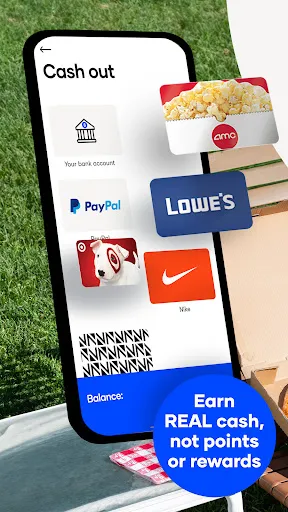

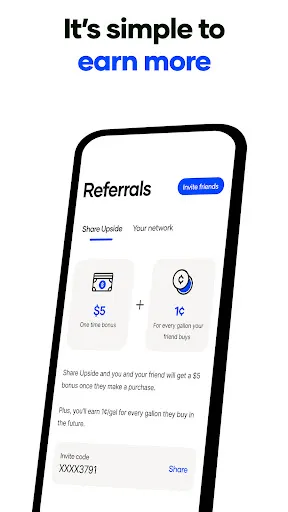
Upside: Cash Back - Gas & Food is an innovative app designed to help users save money on everyday purchases, particularly on gas and food. One of its key features is the cash-back rewards system, which allows users to earn money back on purchases at participating gas stations and restaurants. Users can browse offers in their vicinity and select ones that appeal to them, ensuring they get the best deals available. Another notable feature is the user-friendly interface that makes navigating through offers intuitive. The app also provides a location-based service, allowing users to find nearby participating gas stations and eateries that offer cash back. Additionally, the app offers daily updates on new offers, ensuring users can continuously save on their purchases. The simplicity of the sign-up process and the minimal requirements for earning rewards make Upside accessible to a wide audience. Using the Upside: Cash Back - Gas & Food app is a straightforward process. First, download the app from the App Store or Google Play Store and create a free account by signing up with your email or social media profile. Once registered, you can begin browsing available offers based on your location. The app will show you nearby gas stations or restaurants that are offering cash back deals. After selecting an offer, you simply need to claim it within the app. Make your purchase at the specified location, and then upload a photo of your receipt to confirm the transaction. The cash back will then be credited to your account, which you can redeem through various methods such as bank transfers or gift cards. Regularly checking the app for new offers and promotions will help maximize your savings over time. Like any app, Upside: Cash Back - Gas & Food has its advantages and disadvantages. Among the pros, users appreciate the potential for significant savings on everyday purchases, especially on gas and food. The app’s ease of use and the variety of offers available also stand out as major benefits. Additionally, the cash-back rewards are relatively quick to accumulate, making it an appealing option for frequent shoppers and travelers. On the downside, some users may find the need to upload receipts and claim offers somewhat cumbersome, which can reduce the overall convenience factor. Furthermore, cash-back amounts can vary greatly depending on the location and participating vendors, which might not always yield substantial savings. There may also be instances where certain offers are unavailable, leading to potential frustration. Overall, while Upside provides valuable savings opportunities, users should weigh these pros and cons before fully committing to the app. Features of Upside: Cash Back - Gas & Food
How to Use Upside: Cash Back - Gas & Food?
Pros & Cons of Upside: Cash Back - Gas & Food

 Earn cash back on everyday gas purchases Save more on dining with cash rewards Easy to use with no complicated sign-ups Enjoy exclusive offers at popular restaurants Track your earnings effortlessly through the app
 Limited participating merchants restrict earning potential Cash back rates may vary by location Requires app usage for tracking rewards Potential fees diminish overall savings
  Google Play
  App Store
 Yes, the app collects certain personal data to provide services, such as location information and purchase history, but it is committed to protecting your privacy and securing your data.
Yes, Upside: Cash Back - Gas & Food offers a free version that allows users to earn cash back without any subscription fees, although premium features may be available for a fee.
Yes, Upside: Cash Back - Gas & Food requires an internet connection to access deals, track transactions, and process cash back rewards effectively.
You can contact support or send feedback through the app's support feature, usually found in the settings or help section, or by visiting the official website for additional contact options.
You can manage or cancel your subscription directly through your account settings within the app or by following the instructions provided in the app’s help section.
You can reach customer service through the app by tapping on the "Help" section or contacting them via their official website.
To activate your account, download the app, create an account using your email, and follow the prompts to confirm your email address.
The customer support number is available in the app under the "Contact Us" section or on the Upside website.
Open the app, enter your registered email and password, then tap "Log In." If you forgot your password, use the "Forgot Password" option.