

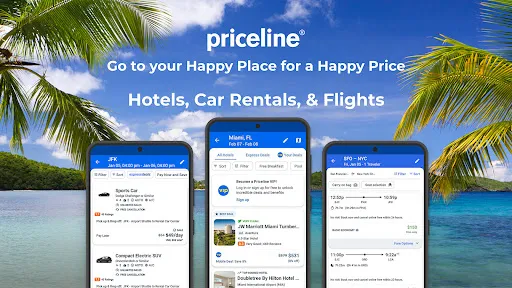
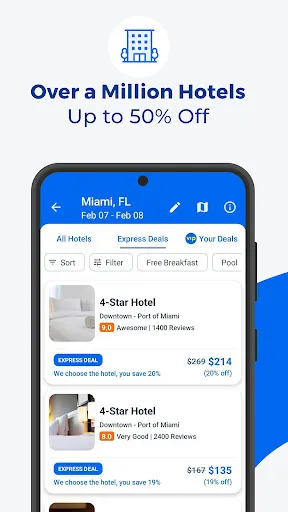
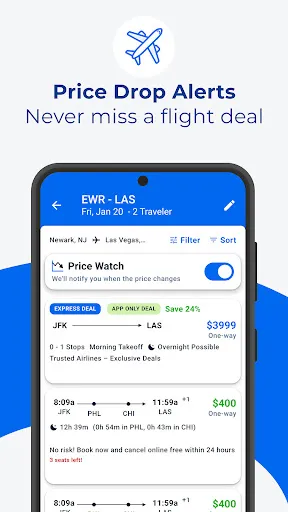
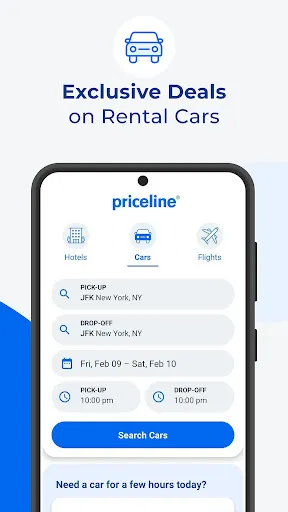
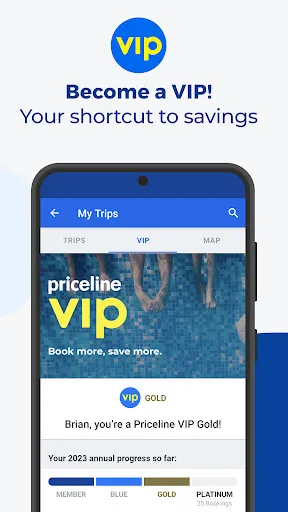
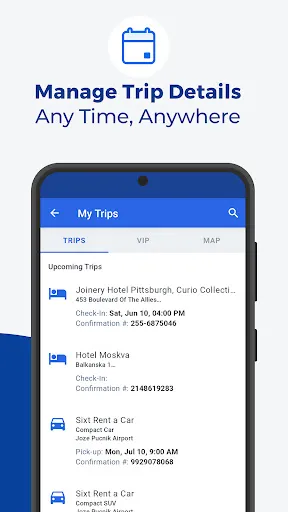
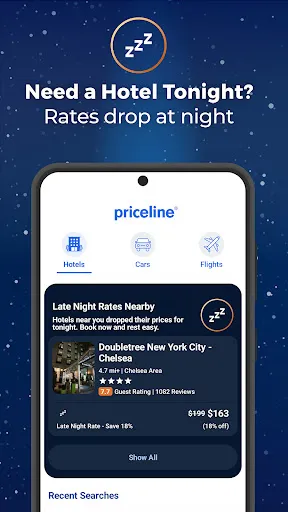
Priceline offers a comprehensive travel booking platform that allows users to book hotels, flights, and rental cars through a single interface. One of the standout features is the "Name Your Own Price" tool, allowing customers to bid on hotel rooms and flights, which can lead to significant discounts. Users can also take advantage of "Express Deals," which offer steep discounts on hotels and flights without revealing the name of the provider until after the booking is made. For hotel bookings, Priceline provides a wide selection of accommodations ranging from budget motels to luxury resorts, complete with user reviews and ratings to assist in decision-making. Flight bookings include options for both domestic and international travel, with filters for airlines, layover times, and prices to help users find the best itinerary. Additionally, the car rental section features various vehicle options from major rental companies, allowing users to compare prices and choose the best fit for their needs. Using Priceline is straightforward and user-friendly. To start, visit the Priceline website or download the mobile app. Users can choose to book hotels, flights, or rental cars from the homepage. For hotel bookings, input your destination, check-in and check-out dates, and the number of guests. After clicking search, you’ll see a list of available accommodations along with their prices, ratings, and amenities. For flights, select your departure and arrival cities, along with travel dates. You can filter results by price, duration, or airline to find the best option. Lastly, for car rentals, enter your pick-up and drop-off locations, dates, and times to view available vehicles. Once you find the desired option, follow the prompts to complete the booking by providing personal information and payment details. It's also wise to review the cancellation and refund policies before finalizing your reservation. Priceline comes with numerous advantages. One of the most significant benefits is the potential for substantial savings through the "Name Your Own Price" and "Express Deals" features, which can offer lower rates than many competitors. The platform also boasts a vast selection of hotels, flights, and rental cars, catering to various preferences and budgets. User-friendly search filters enhance the booking process, enabling travelers to customize their searches based on specific needs. However, there are some drawbacks to consider. The "Name Your Own Price" feature can be risky, as it may not allow for changes or cancellations after booking. Additionally, the anonymity of "Express Deals" can be a downside for users who prefer to know the hotel name upfront. Customer service experiences can vary, with some users reporting difficulty in resolving issues. Overall, while Priceline offers valuable options for savvy travelers, it's essential to weigh these pros and cons before making a booking.Features of Priceline: Hotel, Flight & Car
How to Use Priceline: Hotel, Flight & Car?
Pros & Cons of Priceline: Hotel, Flight & Car

 Enjoy exclusive discounts on hotels for significant savings on your stay. Book flights easily with flexible options tailored to your needs. Rent cars effortlessly from trusted providers for convenient travel. Access user-friendly tools for quick comparisons and best deals. Benefit from customer support available 24/7 for peace of mind.
 Limited customer service options can lead to frustration during bookings. Some deals may have hidden fees, affecting overall savings. Flexible cancellation policies are often not available for discounted rates.
  Google Play
  App Store
 Yes, users can submit suggestions or feedback through the app's customer service options or by visiting the Priceline website.
Yes, Priceline: Hotel, Flight & Car collects personal data such as name, contact information, and payment details to facilitate bookings and improve user experience.
While some features may be accessible offline, such as previously viewed bookings, an internet connection is needed for most functionalities like searching and booking.
Since there is no subscription, users do not need to cancel anything; however, cancellations for bookings can be done through the app or website based on the individual booking policies.
Priceline: Hotel, Flight & Car does not require a subscription; users pay only for the services they book.
Yes, you can change your flight details by contacting Customer Service directly, and they will assist you with the process.
Yes, you can recover your account by using the activation link sent to your email; if you need help, contact Customer Service.
To activate your account, check your email for the activation link sent after registration and follow the instructions provided.
You can reach Customer Service by calling the number on your confirmation email or visiting the Priceline website for live chat options.
You cannot update your Customer Number yourself; please contact Customer Service for help with any changes.