

0

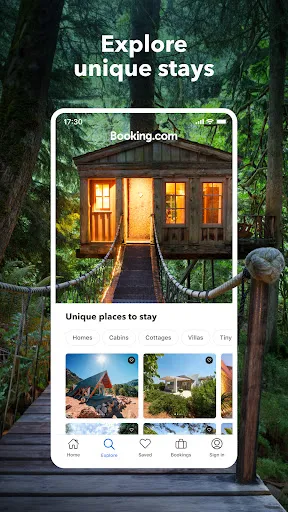
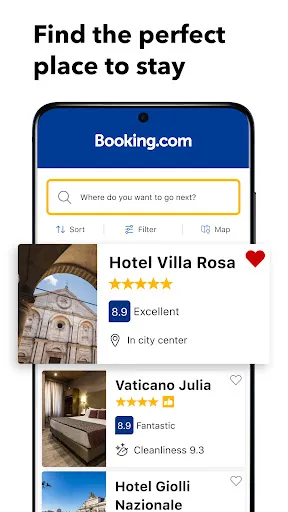
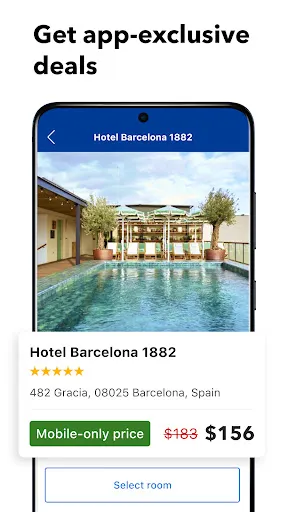
 Wide selection of accommodations, from luxury hotels to budget options. User-friendly interface for easy booking and navigation. Competitive prices with frequent discounts and offers for savvy travelers. Comprehensive reviews and ratings to help inform your choices. 24/7 customer support ensures assistance whenever you need it.
 Limited customer service options can lead to frustration during booking issues. Some listings may have inaccurate information, affecting travel plans. Hidden fees can increase total costs unexpectedly at checkout.
  Google Play
  App Store
 Yes, Booking.com: Hotels & Travel collects personal data such as your name, email address, and payment information to process bookings and improve user experience, in accordance with their privacy policy.
No, Booking.com: Hotels & Travel does not offer a free trial; however, it is free to download and use for booking accommodations without any subscription fees.
Yes, Booking.com: Hotels & Travel requires an internet connection to search for accommodations, view pricing and availability, and complete bookings.
You can contact support or send feedback through the app or website by accessing the Help Center, where you’ll find options to reach customer service via email or live chat.
Since Booking.com: Hotels & Travel does not have a subscription model, users do not need to manage or cancel a subscription. Instead, users can manage their bookings directly through the app or website.
Yes, you can recover your account by contacting customer service. They will guide you through the reactivation process.
You can reach customer service by visiting the "Contact Us" section on our website or app, where you'll find options to chat, call, or email us.
To activate your account, click the link in the activation email sent to you after registration. If you didn’t receive it, check your spam folder or request a new link.
Once logged in, go to "Account Settings" to update your personal information, including email and payment details.
After logging in, navigate to "My Bookings" from your account dashboard to view your booking history.